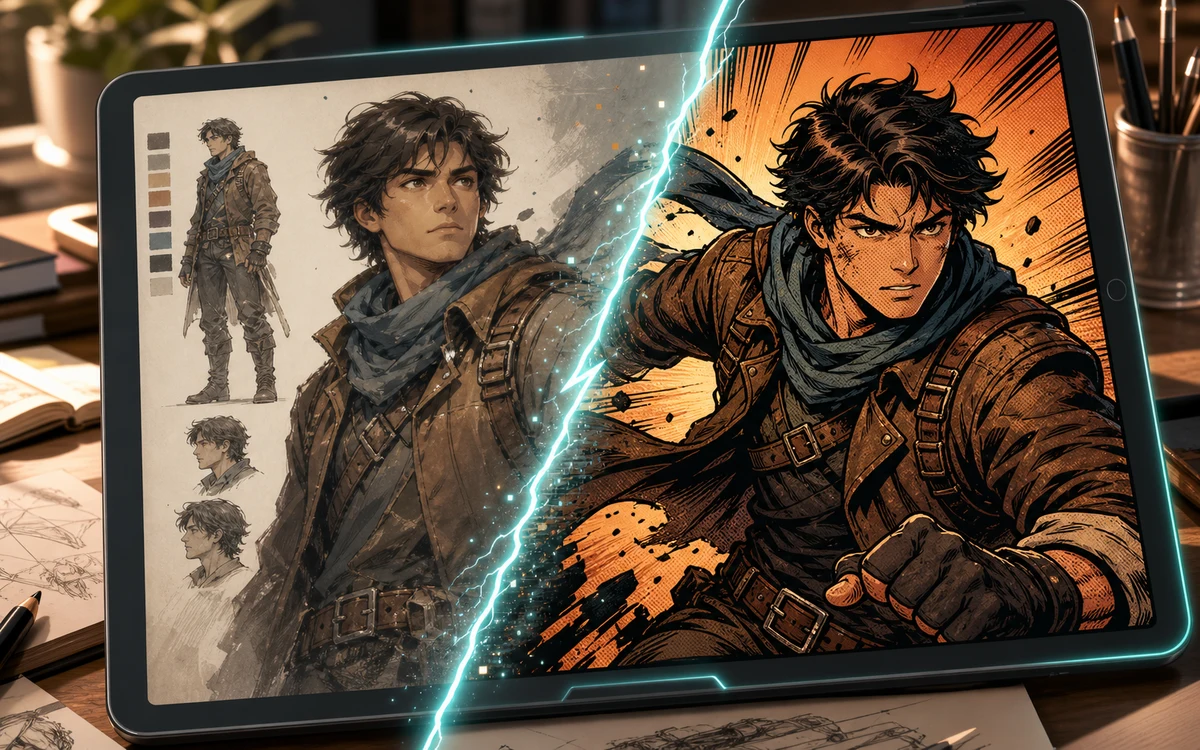
Selfie to Comic AI Image Generator

Upload a reference image and keep the prompt below to generate a comic-style version of your picture.

Turn Your Photos into Comic Book Art — No Drawing Required

Upload any photo and let AI redraw it in comic book style. Works with selfies, character photos, pencil sketches, hand-drawn doodles, and screenshots — no drawing skills needed.

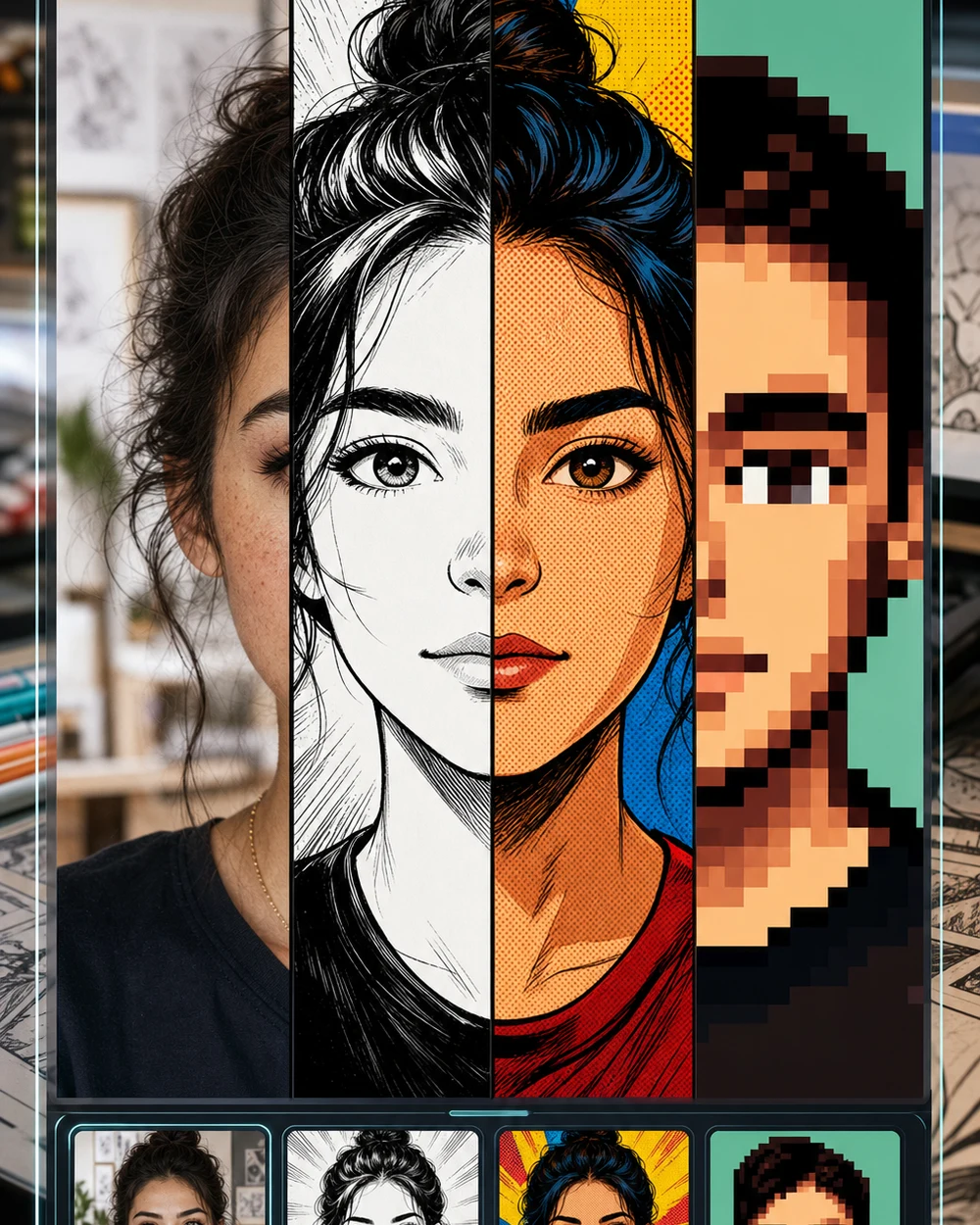
Character photo turned into comic style with the selfie to comic AI generator

What Is a Selfie to Comic AI Generator?

A selfie to comic AI generator takes an uploaded photo and redraws it in comic book style using AI. Unlike basic filters that just overlay halftone dots, the AI understands facial features, clothing, and composition, then re-renders everything with bold ink outlines, flat color fills, halftone shading, and dramatic panel lighting. It works with selfies, character photos, hand-drawn art, pencil sketches, and screenshots.

Supports Any Image or Sketch

Works with selfies, character photos, hand-drawn art, pencil sketches, and screenshots — the AI uses your upload as the reference for the redraw.

Real Comic Book Style

Bold ink outlines, halftone dot shading, flat vibrant color fills, and dramatic panel lighting — not a simple filter overlay.

Multiple Comic Styles

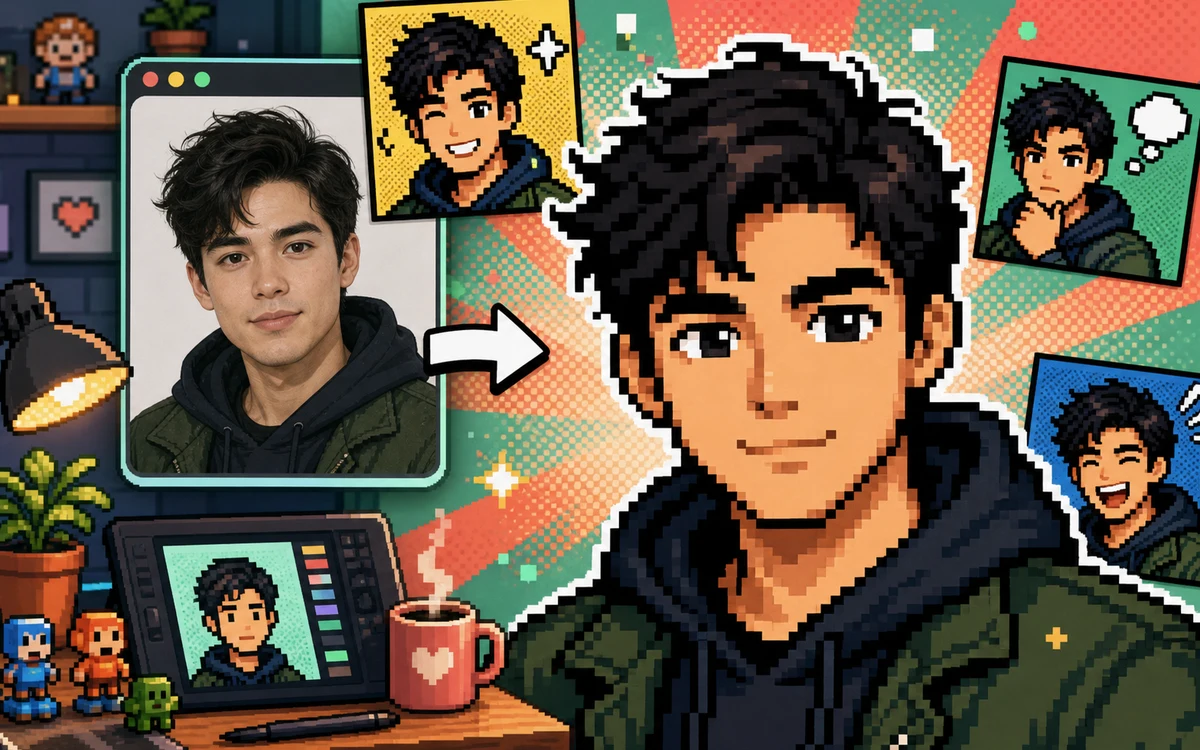
Tweak the prompt to switch between classic American superhero comic, noir monochrome, sepia vintage story, and pixel retro game art styles.

Selfie to Comic AI Examples

See how the selfie to comic AI generator transforms selfies, drawings, sketches, and screenshots into different comic styles.

Character to Comic

Turn Character Photos into Classic American Comic Style

The default selfie to comic prompt uses bold ink outlines, halftone dot shading, flat vibrant color fills, and dramatic panel lighting to make any portrait look like a hand-drawn American superhero comic panel.

selfie to comiccharacter to comicAI comic generatorphoto to comic style
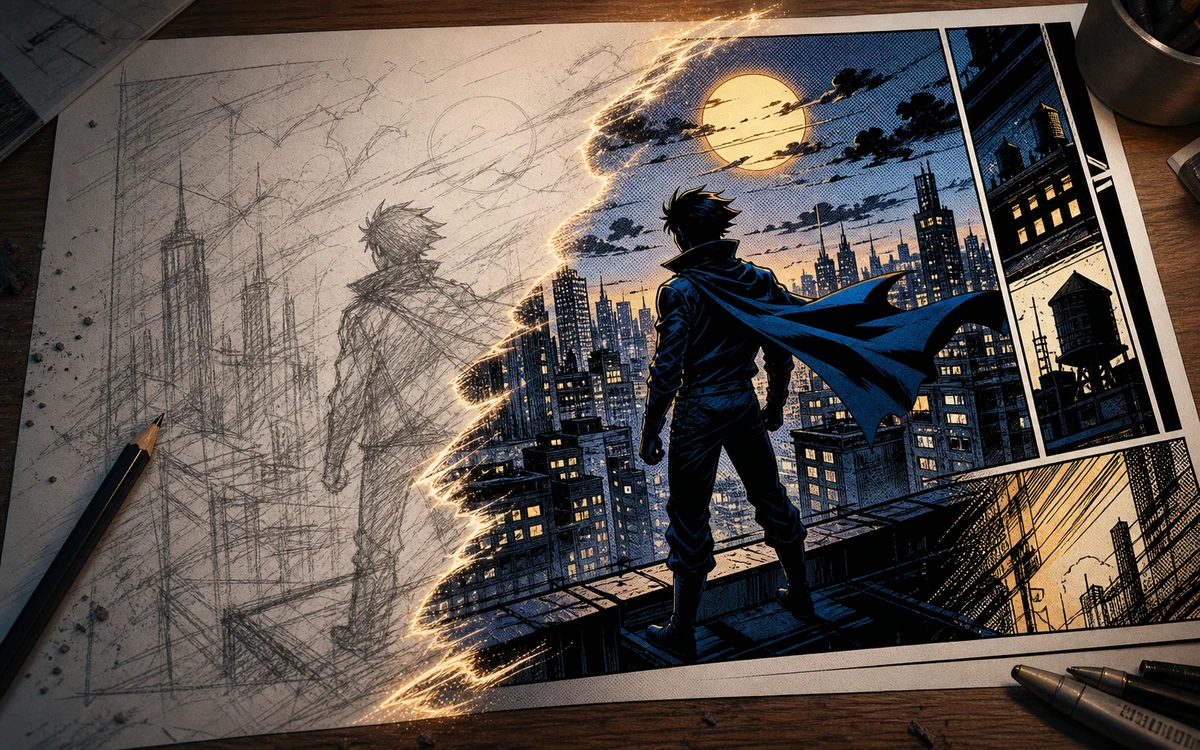
Turn Character Photos into Classic American Comic Style

Sketch to Comic

Convert Pencil Sketches into Full Comic Illustrations

Upload a pencil sketch or hand-drawn doodle and the AI inks, colors, and shades it into a finished comic book illustration — great for character design and storyboard mockups.

drawing to comicsketch to comicpencil to ink
Convert Pencil Sketches into Full Comic Illustrations

Screenshot to Comic

Turn Screenshots into Comic Panel Scenes

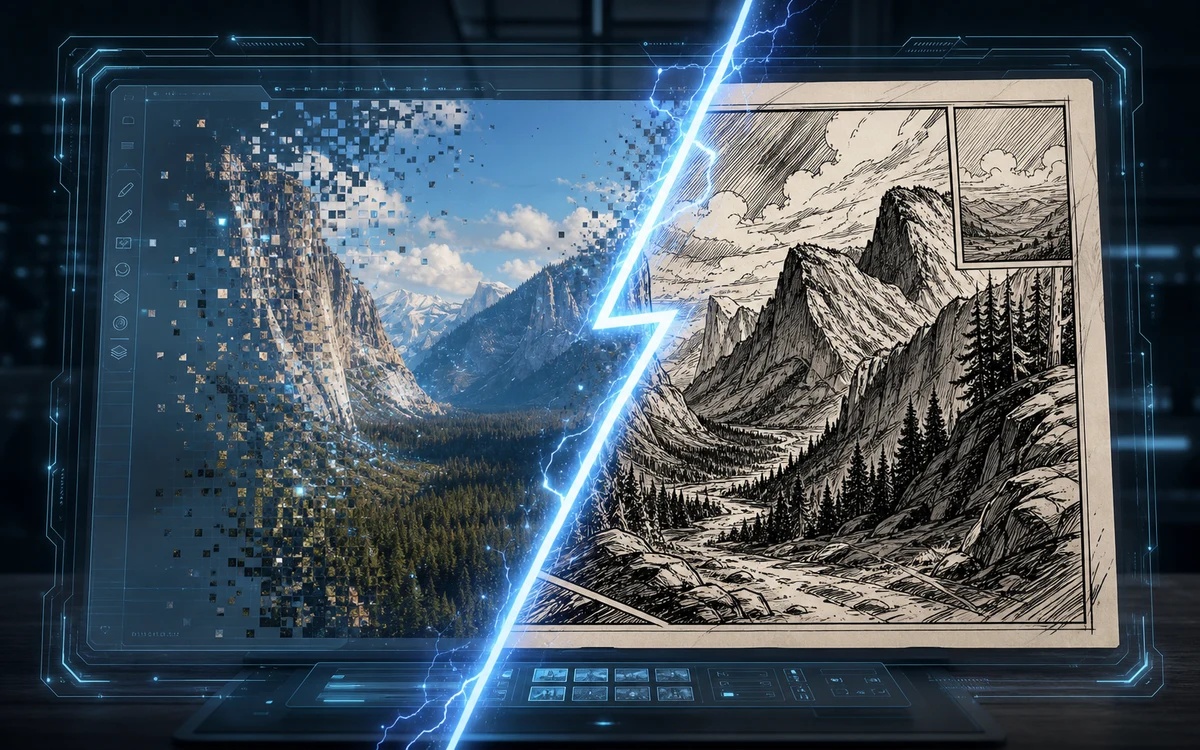
Grab a frame from a video, game cutscene, movie scene, or digital painting and the AI preserves the composition and subjects while converting it into a comic panel with halftone shading.

screenshot to comicvideo to comic panelmovie frame comic
Turn Screenshots into Comic Panel Scenes

Noir Comic

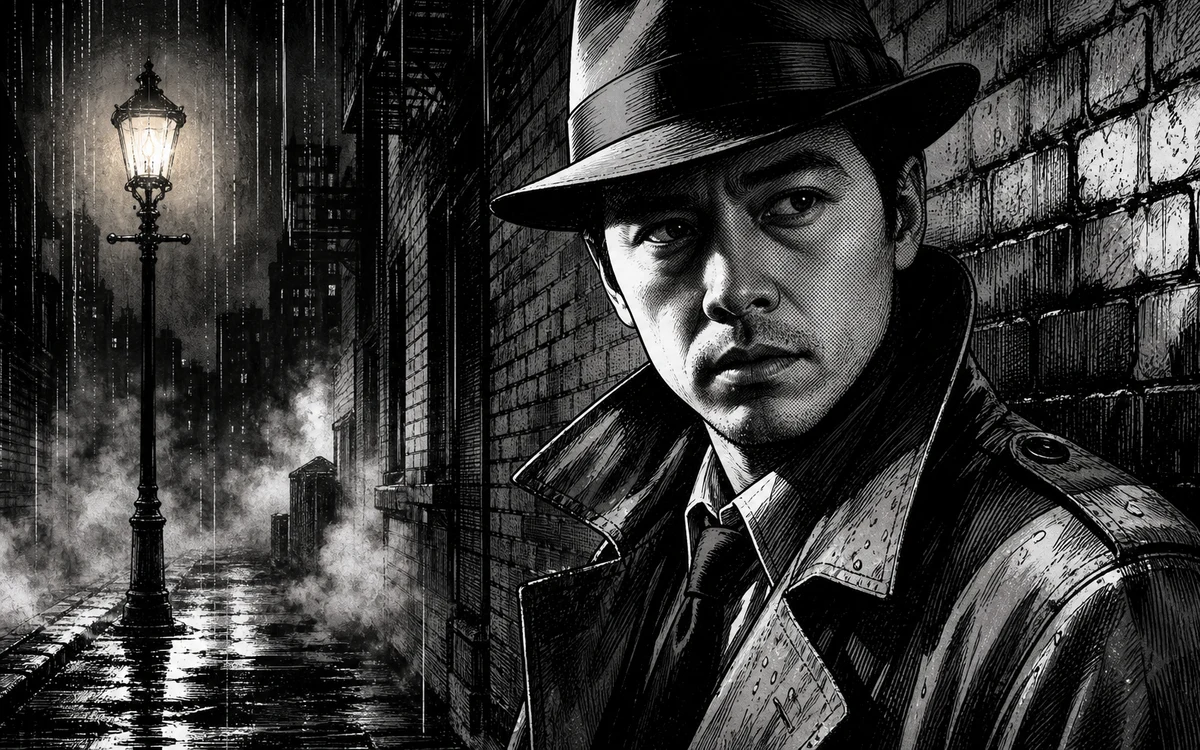
Noir Monochrome Comic Style Portraits

Switch the prompt to noir comic mode for high-contrast black-and-white results with heavy black ink areas, deep shadows, and classic film noir lighting — perfect for dramatic portraits and detective-story visuals.

noir comicmonochrome comicfilm noir portrait
Noir Monochrome Comic Style Portraits

Why Use nana img for Selfie to Comic Conversion?

A free online selfie to comic generator that does real AI redrawing, not a basic filter overlay.

Real AI Comic Redraw, Not a Filter

The AI re-renders the entire image with bold ink lines, halftone dots, and flat comic colors instead of overlaying a generic halftone screen on top of the original photo.

Works on Any Input Type

Selfies, character photos, pencil sketches, hand-drawn doodles, and screenshots are all supported — the AI adapts its comic rendering to whatever you upload.

Multiple Comic Genres in One Tool

Change the prompt to get classic American superhero comic, noir black-and-white, sepia vintage storybook, or pixel retro game art from the same generator.

Identity-Preserving Output

The AI keeps facial features, clothing cues, and composition from your original upload while restyling — the comic portrait still looks like the same person or character.

Free to Try Online

Open the selfie to comic generator page and try the workflow. No Photoshop, no drawing tablet, no app install — just a browser and a photo.

Clean Output, No Watermarks

Generated comic portraits are clean — no watermark, no logo overlay, no trial badge. You get the same output quality on free credits and paid plans.

How to Turn a Selfie into Comic Style

Three steps to convert any photo into comic book art.

  1. 01

    Upload Your Selfie or Photo

    Use the image-to-image tab and upload the selfie, character photo, pencil sketch, hand-drawn doodle, or screenshot you want to turn into comic style.

  2. 02

    Run the Comic Prompt

    Keep the default prompt or customize it. Try: Transform into classic comic book style with bold ink outlines, halftone dots, flat vibrant colors, and dramatic lighting.

  3. 03

    Regenerate or Switch Styles

    Want a different look? Change the prompt to noir comic, sepia vintage story, or pixel retro game art and regenerate for a fresh comic style.

A pixel comic avatar generated from a portrait with the selfie to comic AI tool

What People Create with a Selfie to Comic Generator

Beyond a one-off filter pass — real ways people use the selfie to comic AI workflow.

Comic-Style Social Avatars

Turn your selfie into a comic-style profile picture for Instagram, TikTok, X, Discord, or gaming profiles — stands out more than a standard photo crop.

Character Design & Storyboards

Upload character sketches or photos and convert them into comic panels for character sheets, storyboard pitches, and visual development without inking by hand.

Fan Art & Cosplay Edits

Take a cosplay photo or character portrait and run it through the comic prompt for a panel-ready fan art piece with superhero-comic lighting and halftones.

Comic-Style Gifts & Prints

Turn a family photo, couple selfie, or pet portrait into a comic art piece for framed prints, greeting cards, mugs, and personalized gifts.

Selfie to Comic AI FAQ

Common questions about turning selfies and photos into comic art with AI.


Turn Your Selfie into Comic Art

Upload any selfie, photo, drawing, or screenshot and let AI turn it into comic book style — no drawing skills needed.