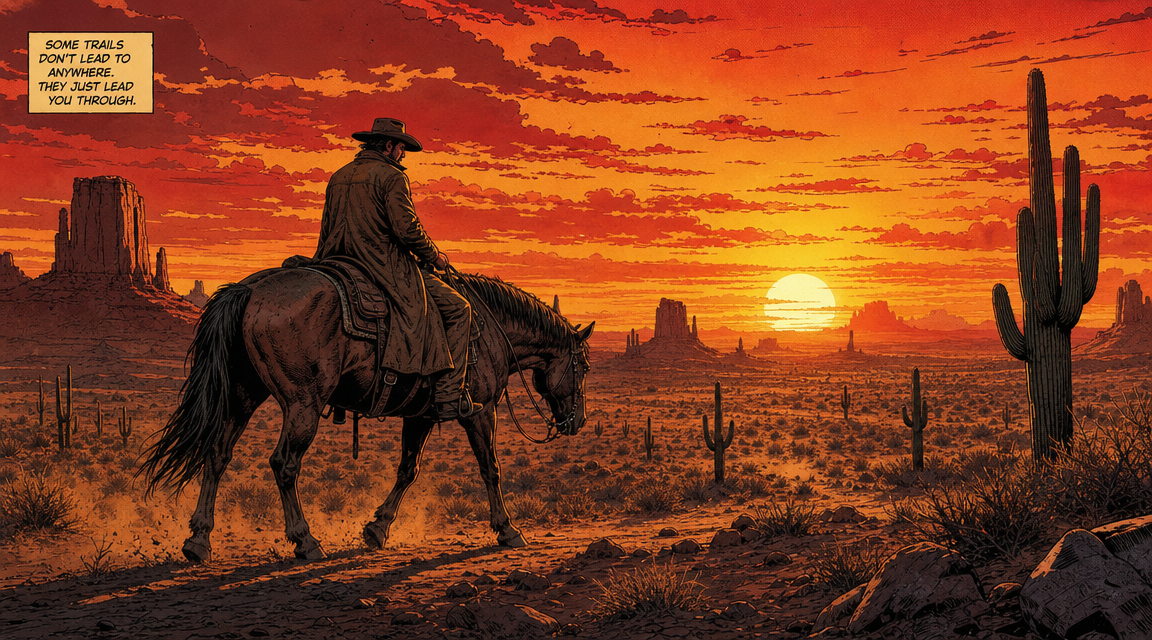
AI Comic Book Maker

Create a complete comic book page from a text description. This ai comic book maker turns your story ideas into illustrated comic panels with consistent characters, dynamic action, and professional-grade artwork. No drawing skills needed.

How to Make a Comic Book with AI: Step by Step

This ai comic book maker is built for beginners who want to create comic pages, manga panels, superhero scenes, and cartoon strips from text. No drawing tablets, art skills, or complex software needed.

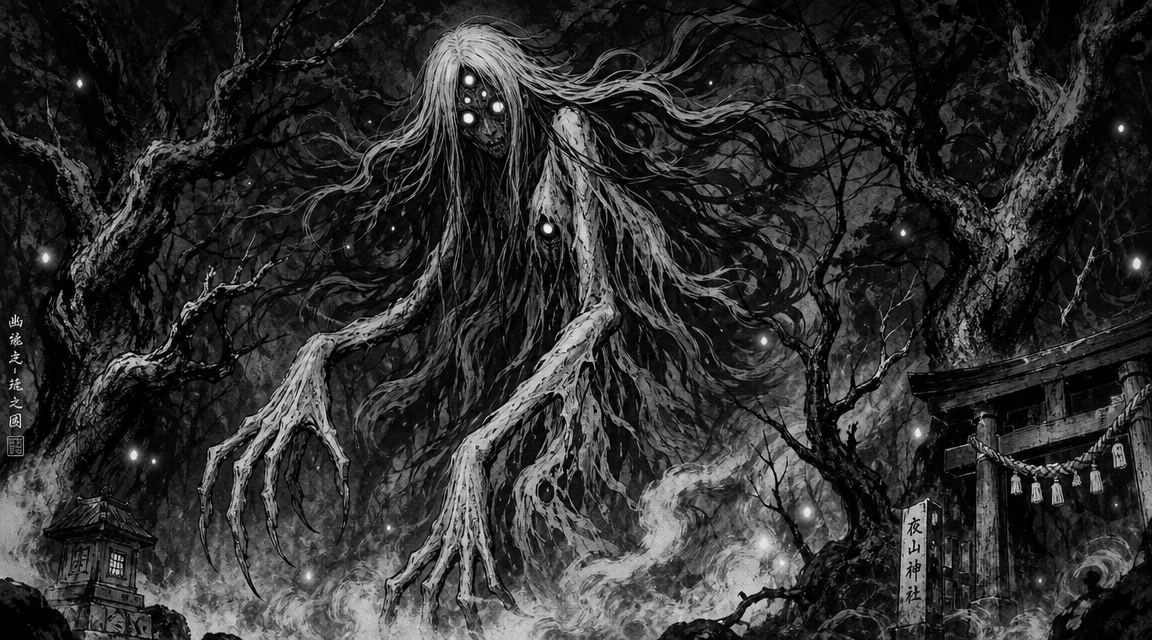
AI comic book maker step showing a yokai horror scene in dark manga art style

Step 1

Start with a clear text prompt

To make a comic book by AI, begin by writing a simple prompt. Tell the ai comic book maker what characters you want, what they are doing, where the scene takes place, and the mood. For example: a superhero flying over a neon city at midnight in bold comic style. The more detail you give, the closer the ai comic book maker gets to your vision.

Prompt writingScene descriptionBeginner guide

AI comic book maker cyberpunk style example with neon city street

Step 2

Pick your comic art style

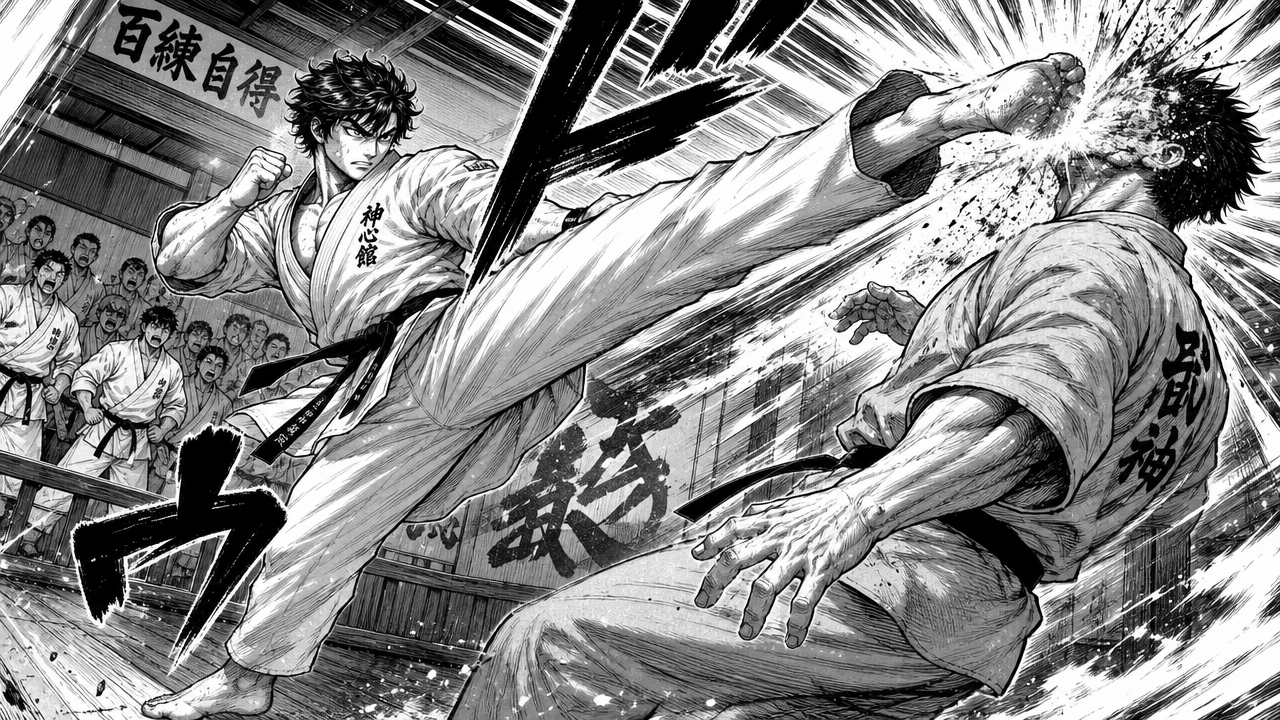
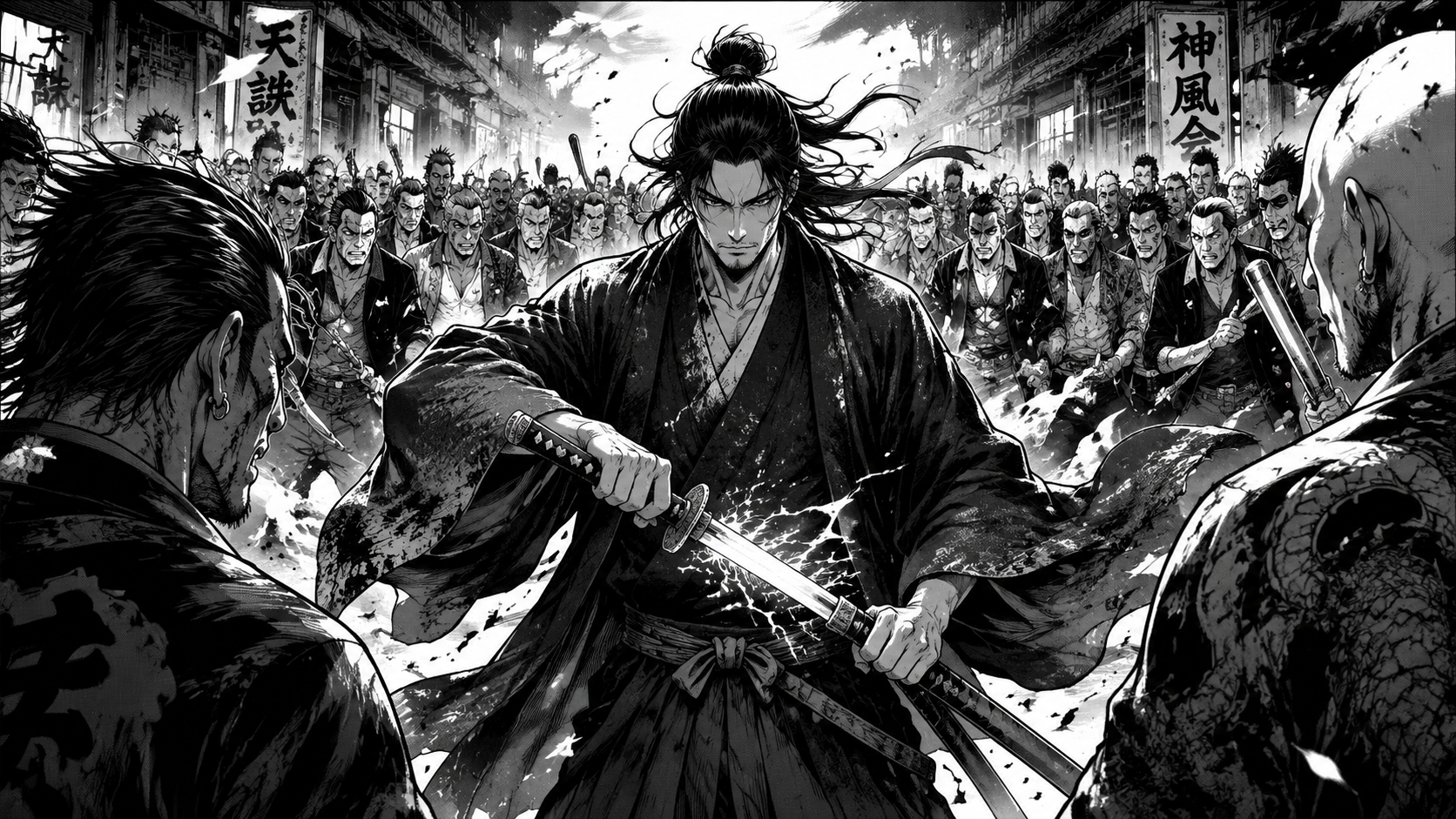
The ai comic book maker supports many styles: western superhero with bold ink outlines, manga with screentone shading, cyberpunk with neon highlights, horror with dark ink washes, and slice-of-life with clean lines. Mention your preferred style in the prompt to make a comic book using AI that matches your genre. Beginners can start with the default western comic style and experiment from there.

Art styleGenre selectionStyle guide
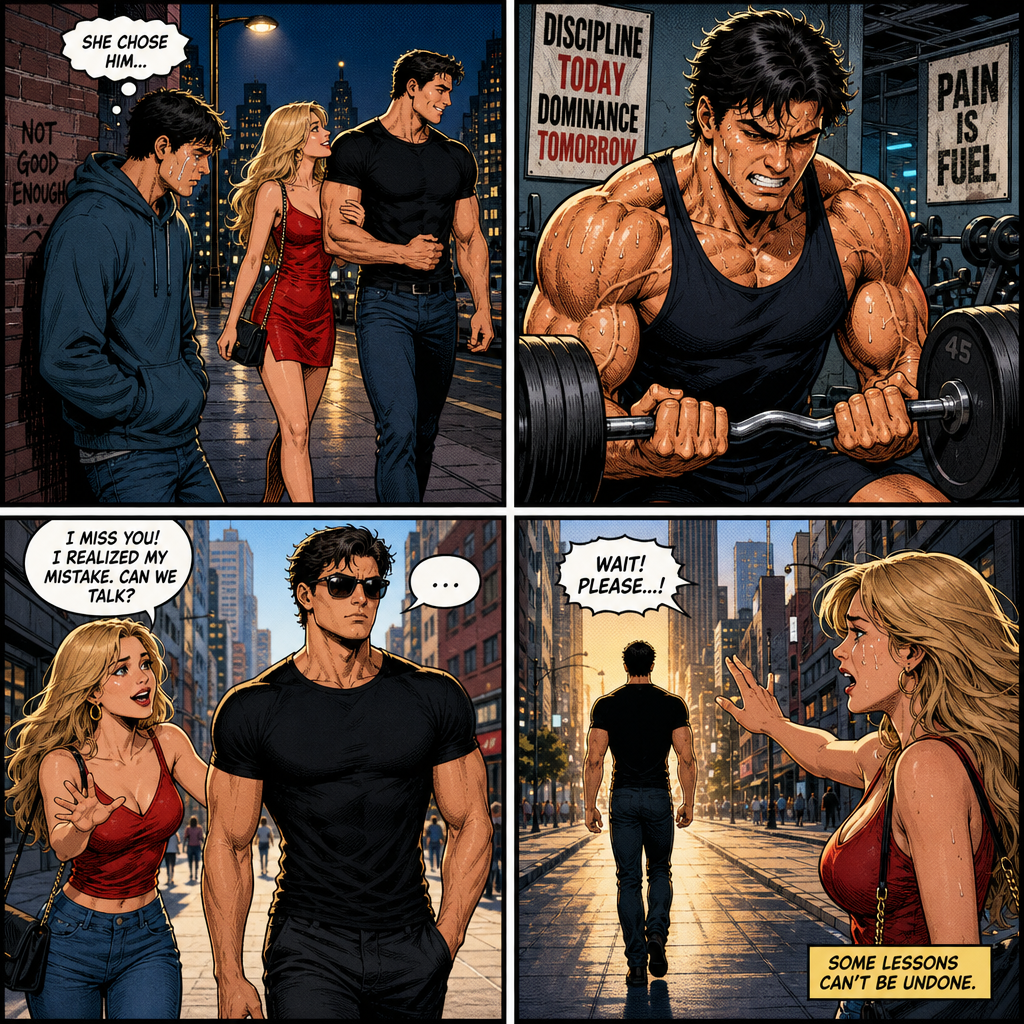
AI comic book maker multi-panel example showing a four panel breakup story

Step 3

Create multi-panel layouts

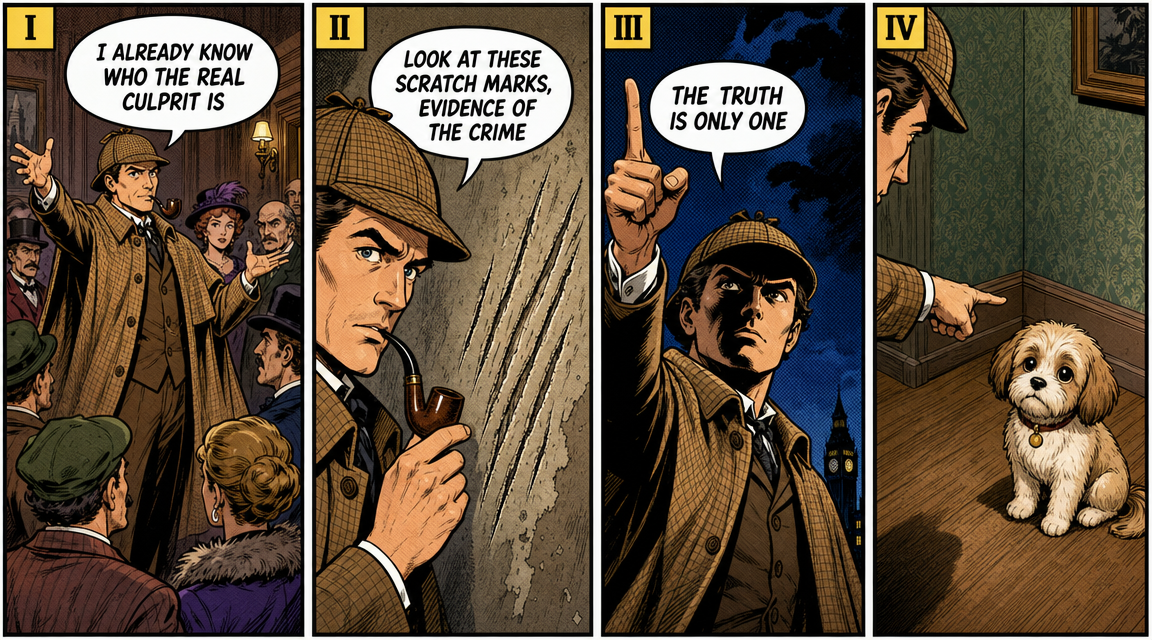
To make a comic strip AI scene with multiple panels, describe the layout in your prompt. Ask for a four panel comic strip, a two page spread, or sequential panels showing different moments in your story. The ai comic book maker can generate both single panels and multi-panel layouts, making it easy to create a comic book ai page without drawing each frame by hand.

Panel layoutMulti-panelSequential art
Workflow

How to Use the AI Comic Book Maker

Follow this step-by-step workflow to create a comic book online AI generated image. The same steps work for making a comic strip, manga panel, superhero comic, or cartoon page.

1

Write your comic idea

Think about your comic concept: characters, setting, action, and mood. Write a clear prompt for the ai comic book maker that includes who the characters are, where the scene takes place, and what is happening.

2

Choose the art direction

Pick a comic style: superhero, manga, noir, horror, cyberpunk, western, or slice-of-life. Add details about colors, lighting, and mood to guide the ai comic book maker output in the right direction.

3

Generate your comic panel

Click the generate button and wait a few seconds. The ai comic book maker will create a high resolution comic illustration. Review the result and adjust your prompt if needed to refine the output.

4

Download and share

Download your comic panel as a PNG image. Add speech bubbles, captions, or sound effects in any image editor. Share your ai comic book maker creation on social media or use it in your project.

AI Comic Book Maker Prompt Ideas

Try these ai comic book maker prompt directions when you want fast variations. Each prompt keeps the characters original, the style consistent, and the output ready for your comic project.

AI Comic Book Maker FAQ

Common questions about using an ai comic book maker, making comic strips with AI, creating manga panels, and generating comic book art online.


Create Your Comic Book with AI

Use the ai comic book maker on nana img to turn your story ideas into comic panels. Whether you want to make a comic book by AI for fun, create a manga action scene, or design a superhero comic strip, start with the default prompt and customize from there.