AI Image Generator Free Online

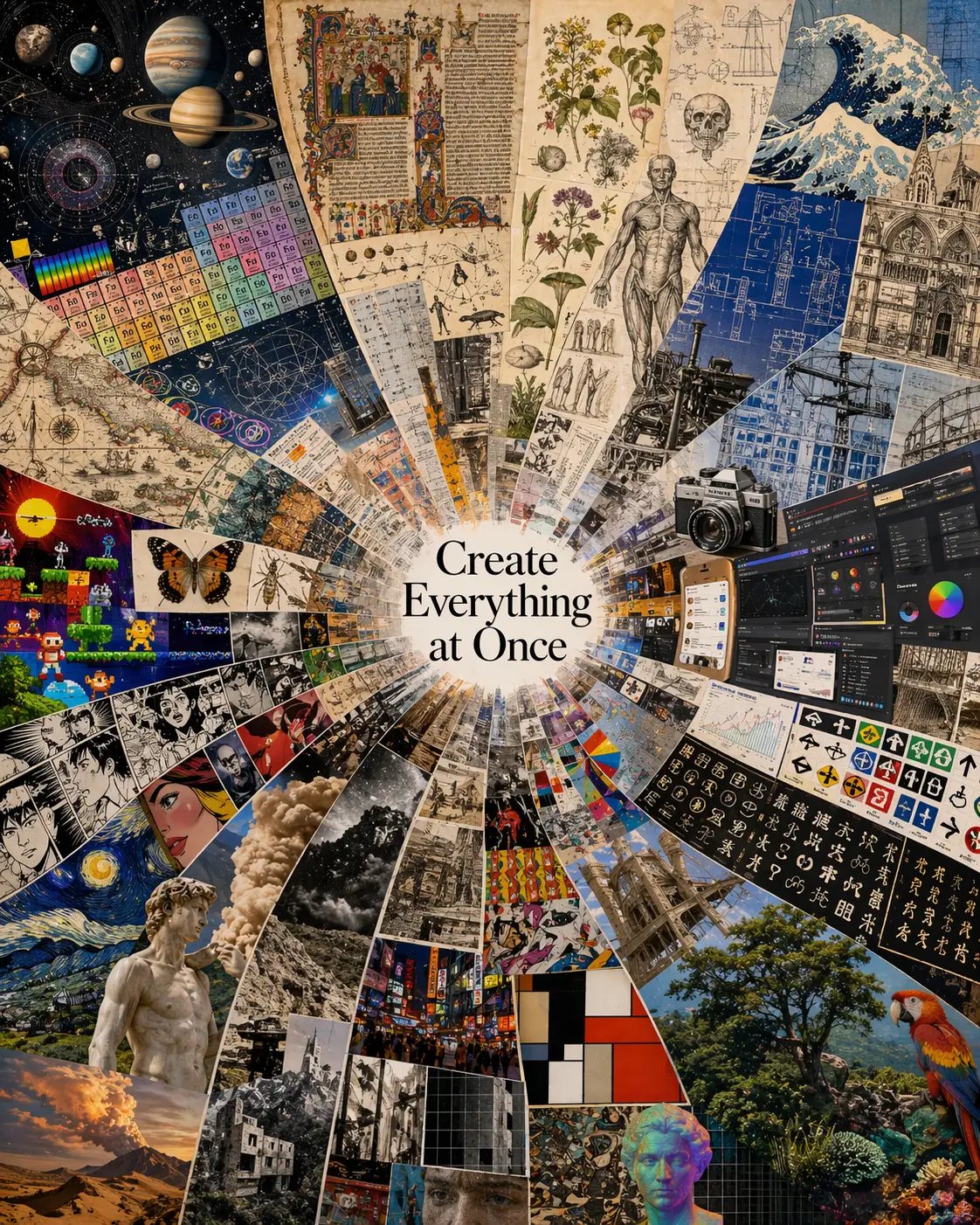
Open this ai image generator, choose a model, and describe the scene you want. The preview shows the kind of finished output an ai image generator from text can create: polished art, realistic scenes, product visuals, layouts, and social-ready images without showing a workflow diagram or editor UI.

Create finished visuals with an ai image generator from text

A good ai image generator should feel direct: write what you want, choose the visual direction, and generate a finished image. This ai image generator page is for broad text-to-image intent, so the examples focus on cool output scenes instead of interface screenshots. Use the ai image generator free workflow for quick drafts, then refine details such as subject scale, camera angle, color palette, texture, and output use.

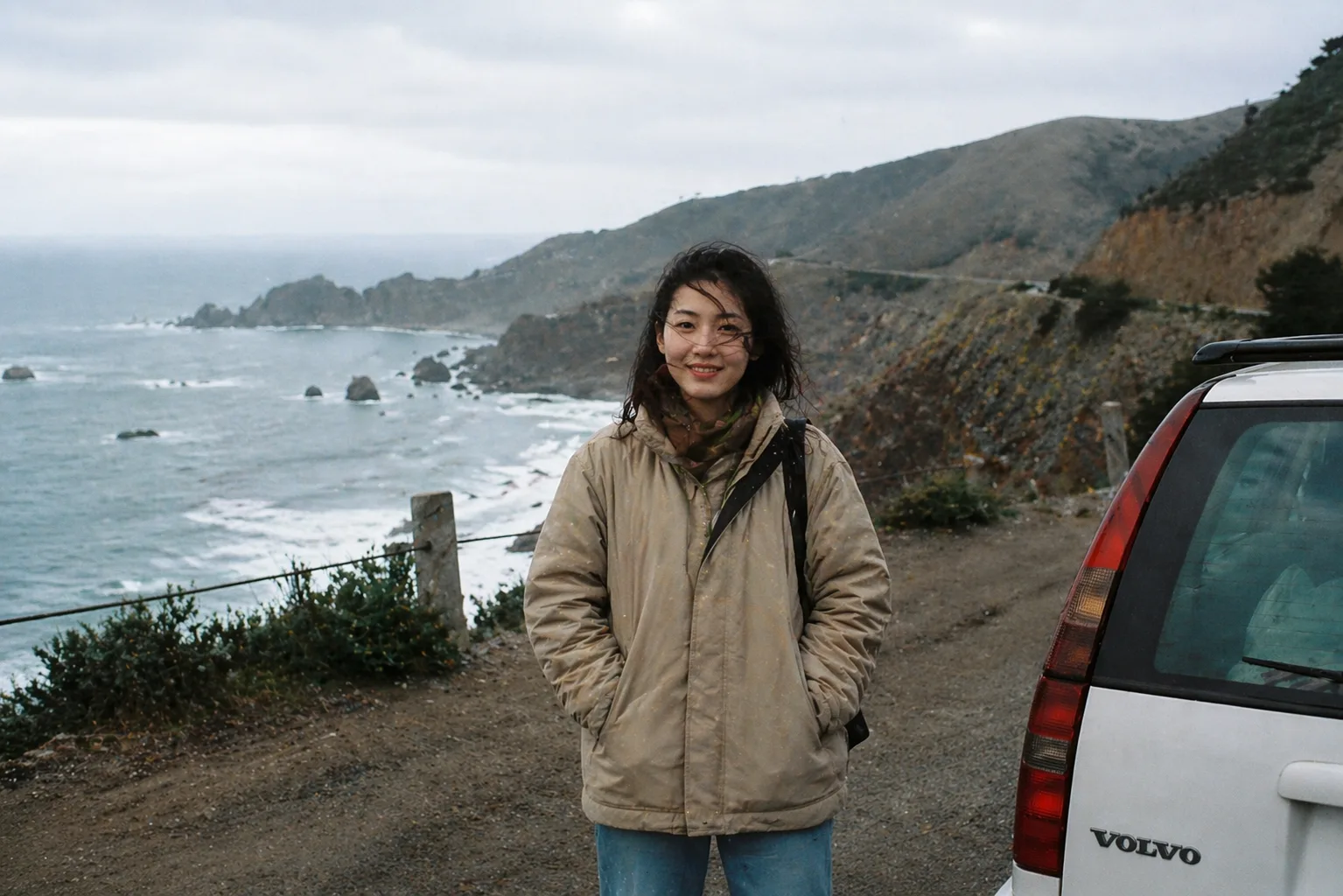
AI image generator photorealistic lifestyle scene with cinematic light

Photoreal Scenes

Use an ai image generator for lifelike scenes

An ai image generator online is useful when you need a believable image but do not have a camera crew, location, product sample, or stock photo that matches the idea. Describe the subject, setting, time of day, lens, lighting, and mood. The ai image generator can then create a polished scene that feels planned rather than random. For portraits, lifestyle visuals, travel concepts, and editorial images, keep the prompt grounded in one clear moment and avoid crowding the image with too many subjects.

PhotorealisticLifestyleEditorial
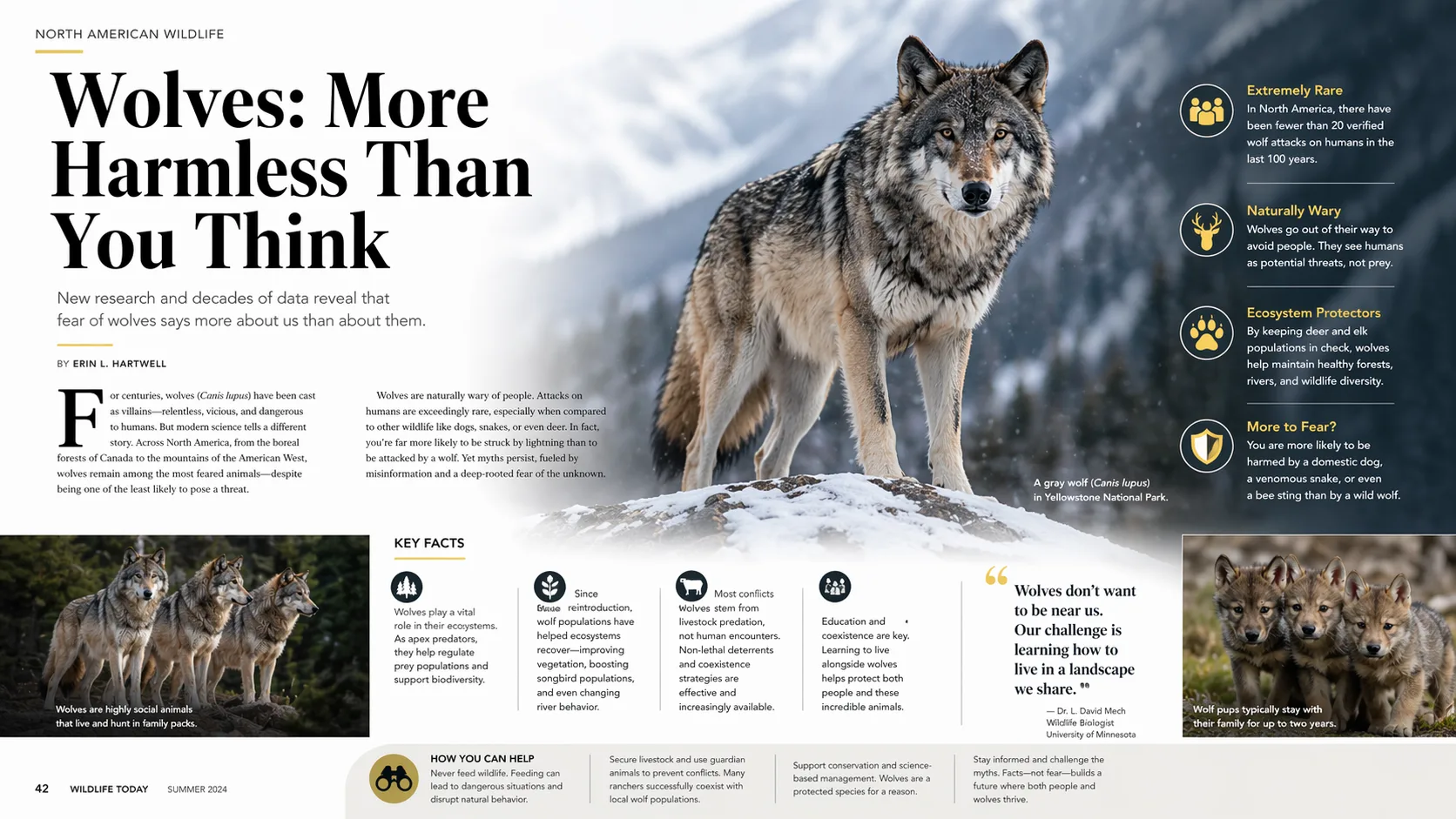
AI image generator editorial magazine layout example with bold typography

Text and Layout

Generate posters, magazine layouts, and visual concepts

The best free ai image generator prompts give the model a design job, not just a topic. Ask for a magazine cover, poster, product card, menu board, album concept, event visual, or social graphic. Then specify the title area, negative space, typography mood, image hierarchy, and background treatment. An ai image generator from text can produce a layout direction fast, but you should still review any rendered words before publishing. Short fictional text works better than long paragraphs.

PosterLayoutTypography
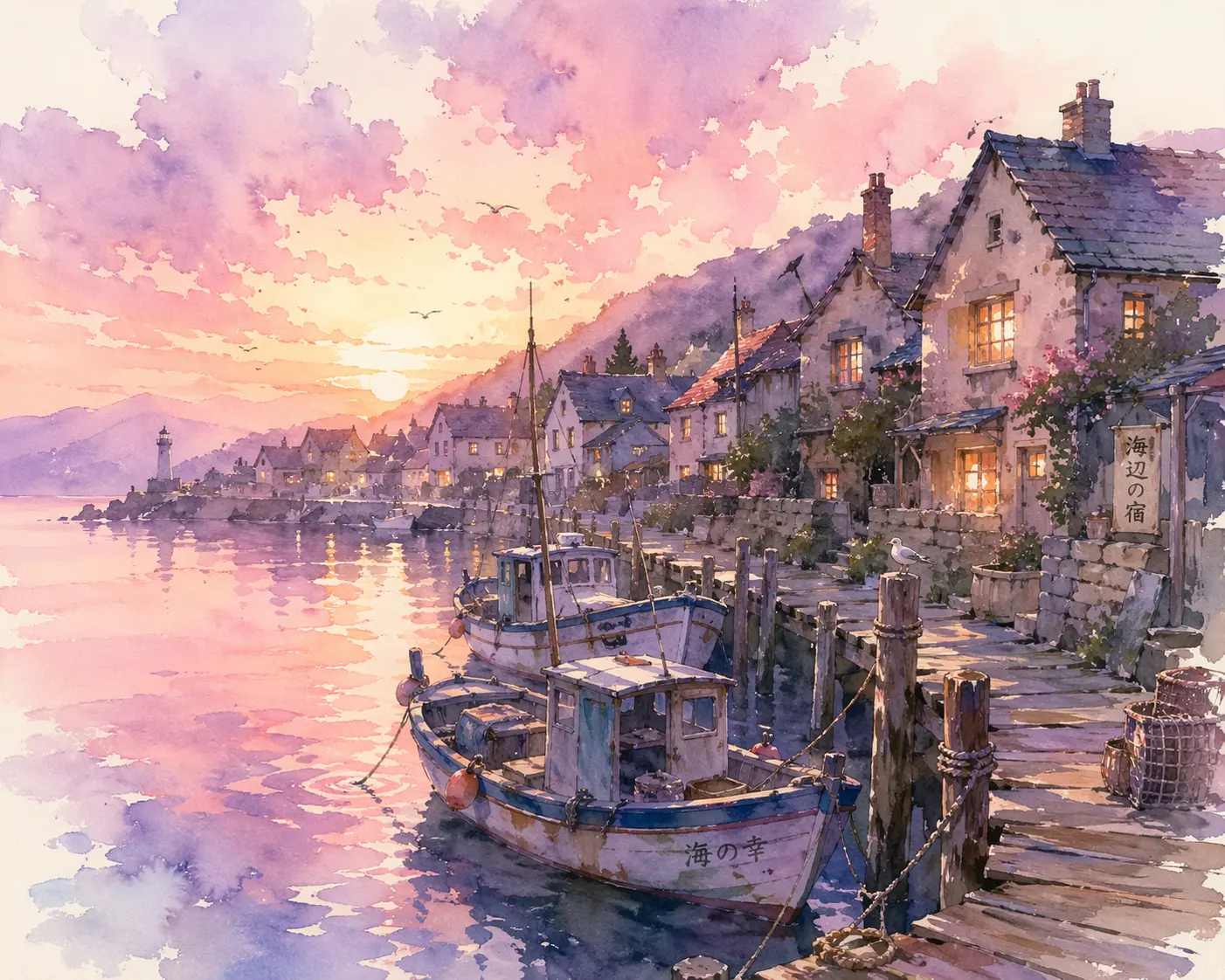
AI image generator watercolor fishing village at dawn

Art Styles

Explore watercolor, cinematic, manga, and surreal styles

A flexible ai image generator can move between visual styles without making every result look the same. Try watercolor dawn scenes, graphic poster art, noir manga panels, high-end product photography, architectural concepts, fantasy landscapes, 3D illustrations, paper craft, pixel art, or cinematic stills. Style prompts work best when they include materials, lighting, composition, and mood. The ai image generator free online workflow is strongest when each generation has one clear artistic direction.

WatercolorMangaSurreal
Workflow

How to use the ai image generator online

The ai image generator workflow is simple, but better prompts produce better images. Start with one specific idea, add visual direction, generate, then refine. This keeps the ai image generator from text focused enough to create a useful image instead of a vague collage.

1

Write one concrete image idea

Start the ai image generator with a subject and a scene: a product on a reflective table, a coastal portrait at sunset, a watercolor village, a futuristic library, or a cinematic food photo. The ai image generator no sign up search intent usually comes from people who want to test ideas quickly, so keep the first prompt short enough to edit.

2

Add style, light, and composition

Tell the ai image generator how the result should look. Add photorealistic, watercolor, magazine layout, studio product photo, noir manga, soft morning light, close-up, wide angle, centered subject, negative space, or 16:9 banner composition. Specific visual rules help the ai image generator online create a cleaner first draft.

3

Generate and compare variations

Use the free ai image generator to test multiple directions. Change one thing at a time: palette, subject scale, camera angle, background, era, texture, or output format. This makes it easier to learn which prompt choices matter and which details the ai image generator already understands.

4

Review rights and polish

Before publishing an ai image generator result, check for unwanted logos, distorted hands, unreadable text, accidental brand marks, or subjects you do not have rights to use. For commercial drafts, keep prompts original and avoid protected characters, real celebrity likenesses, private information, and exact brand reproduction.

AI image generator prompt ideas

Use these visual briefs as practical starting points for an ai image generator from text. Each one asks for a finished output scene rather than an input workflow, before-and-after comparison, or process diagram.

AI Image Generator FAQ

Common questions about using an ai image generator free online, writing an ai image generator from text prompt, and creating image results safely.


Start with the AI image generator

Use the ai image generator to turn a text idea into a polished image for social posts, product concepts, posters, blog art, mood boards, or campaign drafts.