Engraving Portrait Generator Online — Upload Your Photo

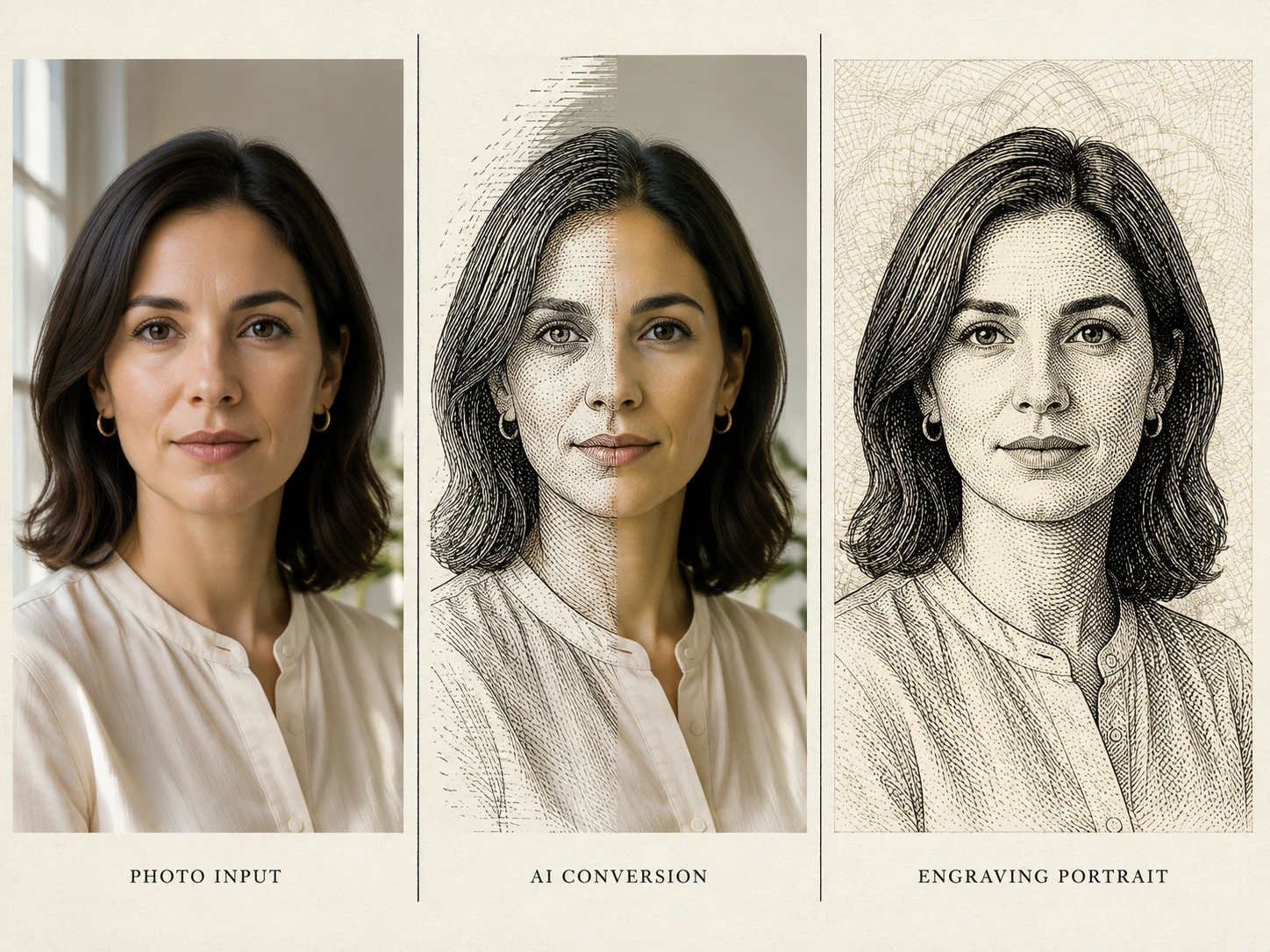
Upload a clear front-facing photo and the tool converts it into a fine-line etched portrait in seconds. Image-to-image by default — the same engraving portrait generator software studios pay for, free to try here.

Free Engraving Portrait Generator — Convert Any Photo to Etching Online

Turn any photo into a banknote-style etched portrait — fine cross-hatching, copper-plate line work, dignified contrast. Online and free to start, no install, no subscription required.

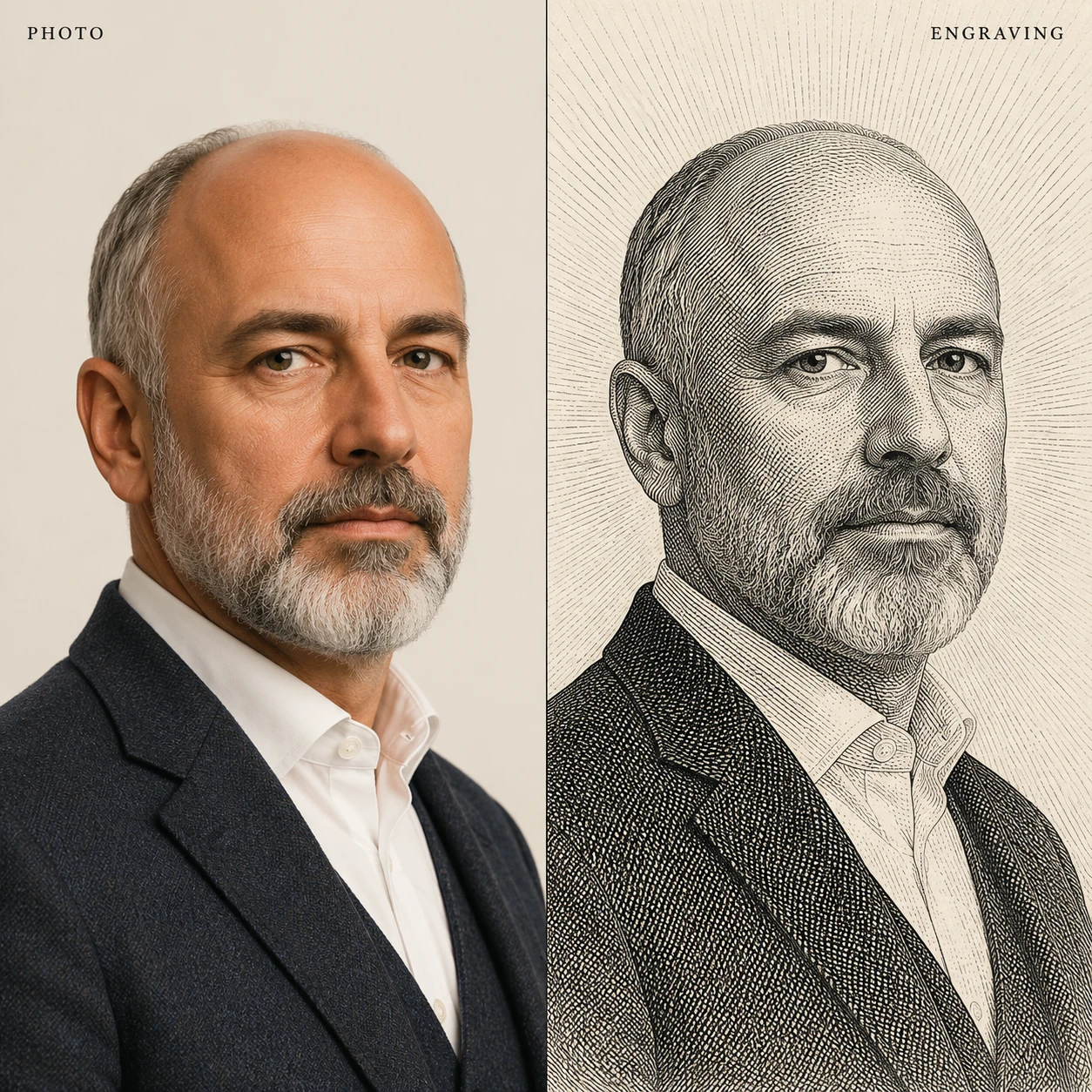
Side-by-side photo and etched portrait — illustrating what the tool produces

What Is an Engraving Portrait Generator?

An engraving portrait generator is an AI tool that converts a photograph into a hand-drawn line-art portrait — the technique used on banknotes, classical book frontispieces, postage stamps, and historical newspaper illustrations. It reproduces parallel hatching, cross-hatching, stipple shading, and contour lines that wrap facial features while strictly preserving the subject's identity. Runs fully online, no app to install and no Photoshop plugin to license.

Identity-Preserving Conversion

The tool does not redraw the face — it re-renders the same person in line art. Cheekbones, jawline, eye distance, nose bridge and hair stay identical, so the etched portrait remains instantly recognizable.

Banknote, Copper-Plate, Woodcut & Scratchboard

One generator, four engraving styles. Pick classical banknote for a presidential look, copper-plate for editorial portraits, woodcut for bold black-block contrast, or scratchboard for a high-detail scientific illustration feel.

True Cross-Hatching, Not Just a Filter

Most photo-to-engraving filters output a grayscale halftone with pretend lines. This one builds tone from real directional hatch strokes — lines that follow muscle, fabric, and hair flow, exactly like a hand-engraver works.

100% Online, Free to Start

Use the engraving portrait generator online free — no Windows-only desktop install, no Mac install, no mobile app to download. Runs in any browser and ships with free credits up front.

Engraving Portrait Examples — One Generator, Many Styles

Five real outputs from a single uploaded photo. Same identity, different engraving traditions.

Banknote Engraving

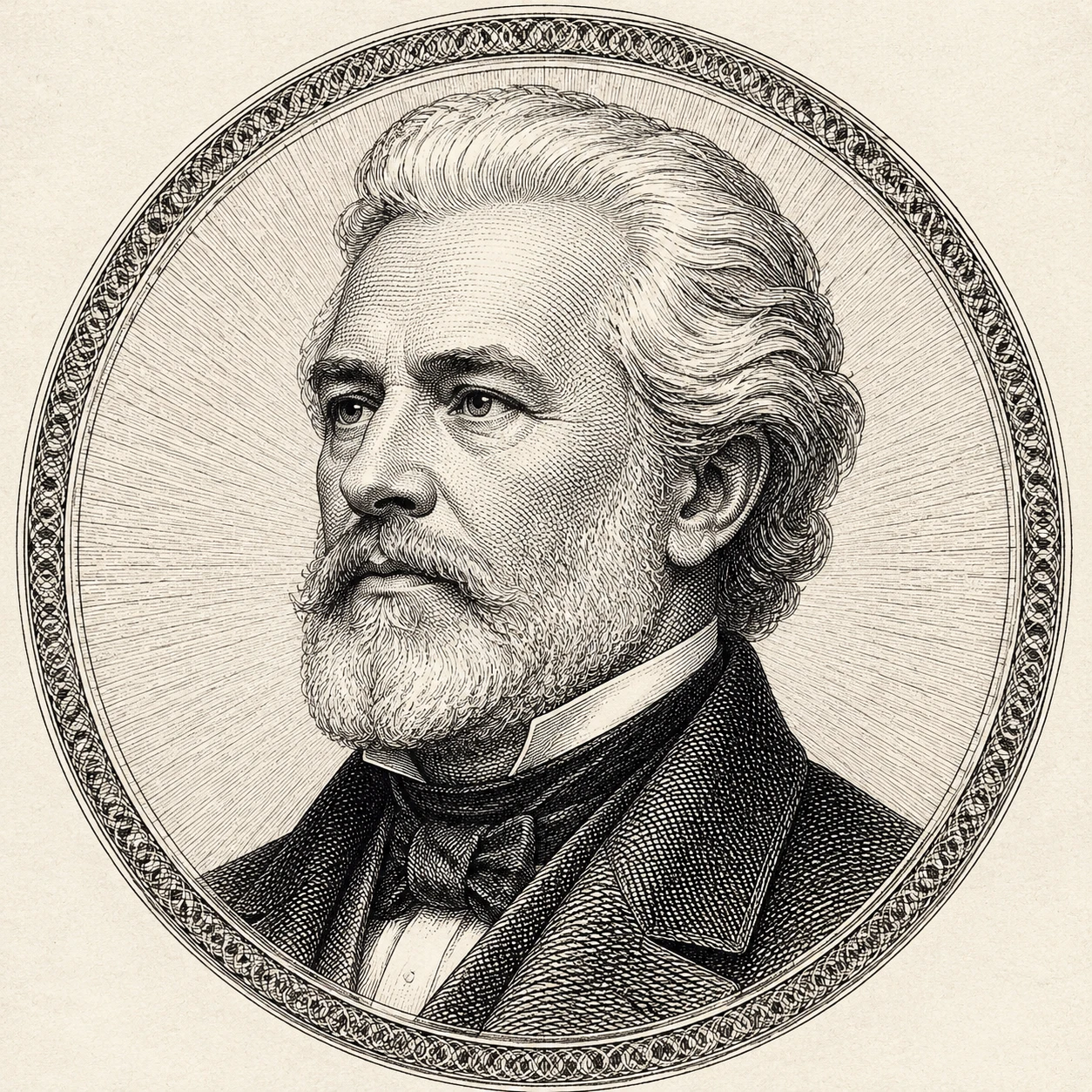
Classical Banknote Portrait — Presidential Engraving Style

The signature output: a dignified currency-grade portrait with radial line-burst background, formal expression, and ultra-fine cross-hatch shading. Looks like it could appear on legal tender.

Banknote StyleCurrency PortraitSteel Engraving
Classical Banknote Portrait — Presidential Engraving Style

Copper-Plate Etching

Editorial Copper-Plate Engraving Portrait

A magazine-grade etched portrait with looser, expressive cross-hatching — the look of 19th-century editorial illustration. Captures the slight irregularity of a real copper-plate burin.

Copper-PlateEtchingEditorial Portrait
Editorial Copper-Plate Engraving Portrait

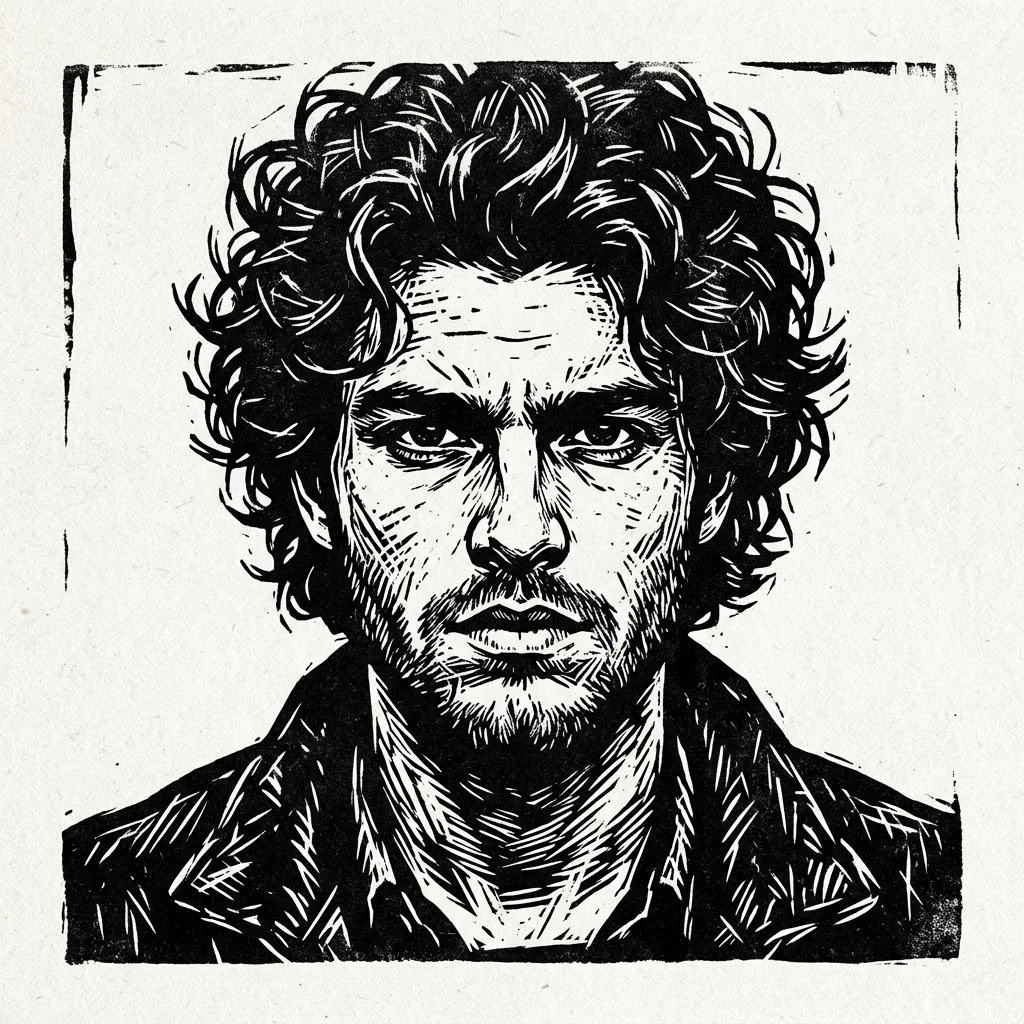
Woodcut Portrait

Bold Woodcut Engraving Portrait — High Contrast

Strong black blocks, chiseled contour lines, dramatic chiaroscuro. Drops a face into a Renaissance-style woodcut — perfect for book covers, posters, and tattoo references.

WoodcutHigh ContrastBlack & White
Bold Woodcut Engraving Portrait — High Contrast

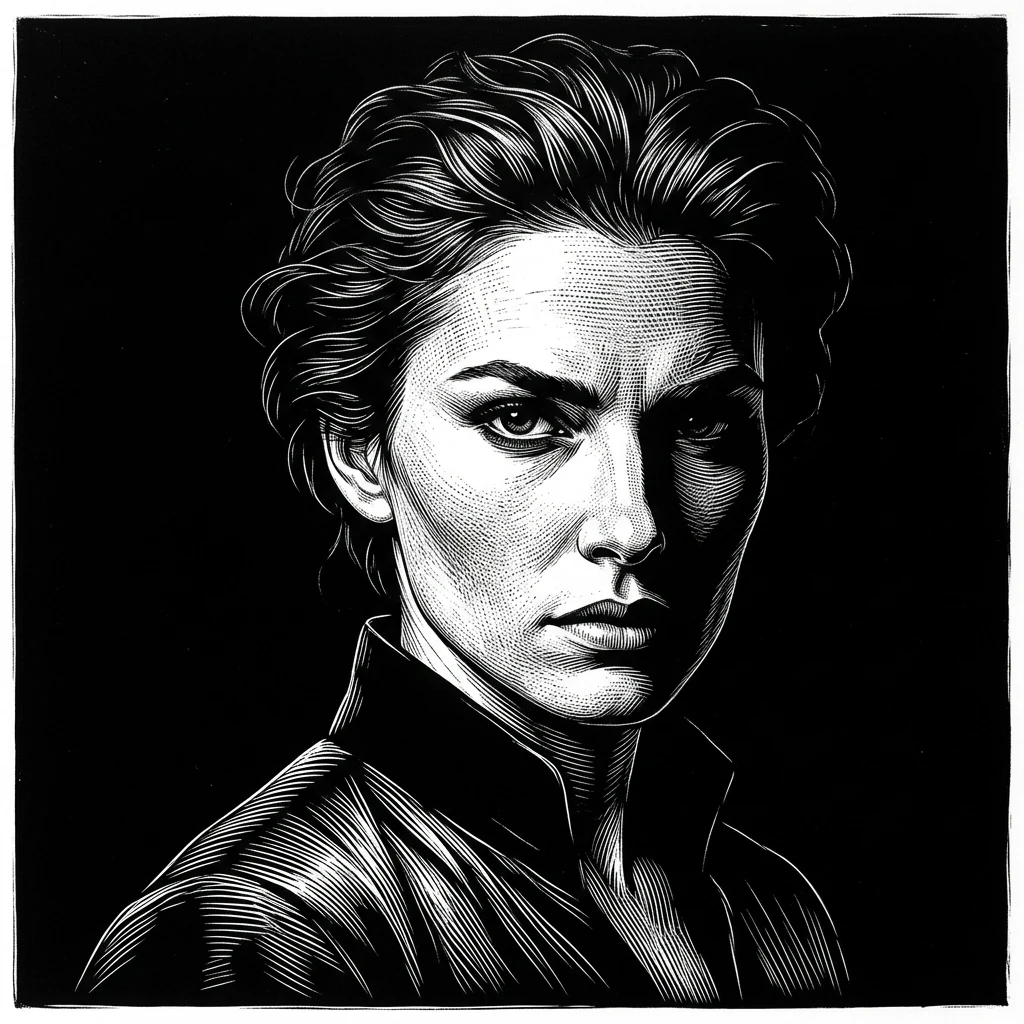
Scratchboard Portrait

Scientific Scratchboard Engraving Portrait

White-on-black scratchboard treatment — the technique used for natural-history field guides and Wall Street Journal hedcuts. Best for ultra-fine detail and dramatic lighting.

ScratchboardHedcutScientific Illustration
Scientific Scratchboard Engraving Portrait

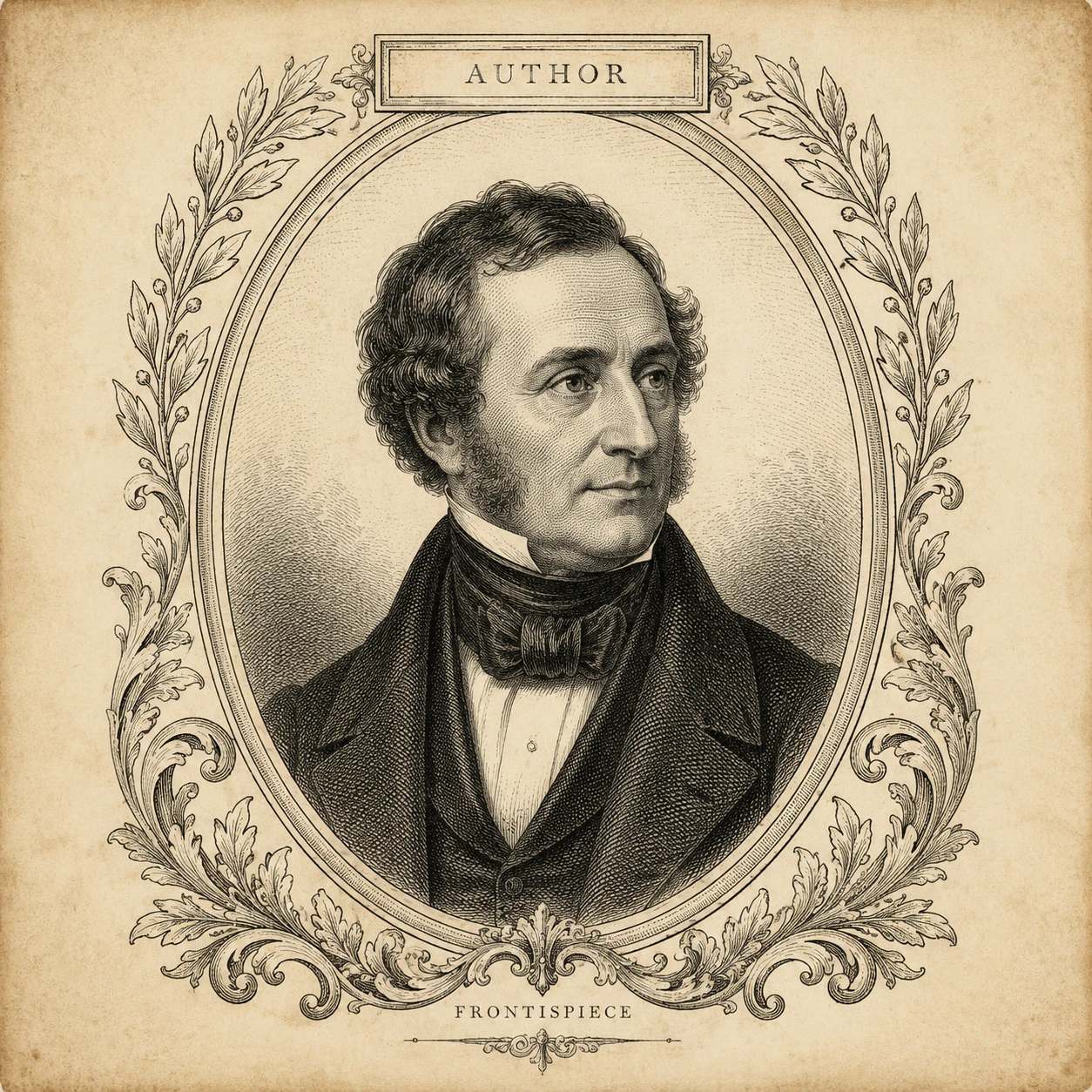
Vintage Book Frontispiece

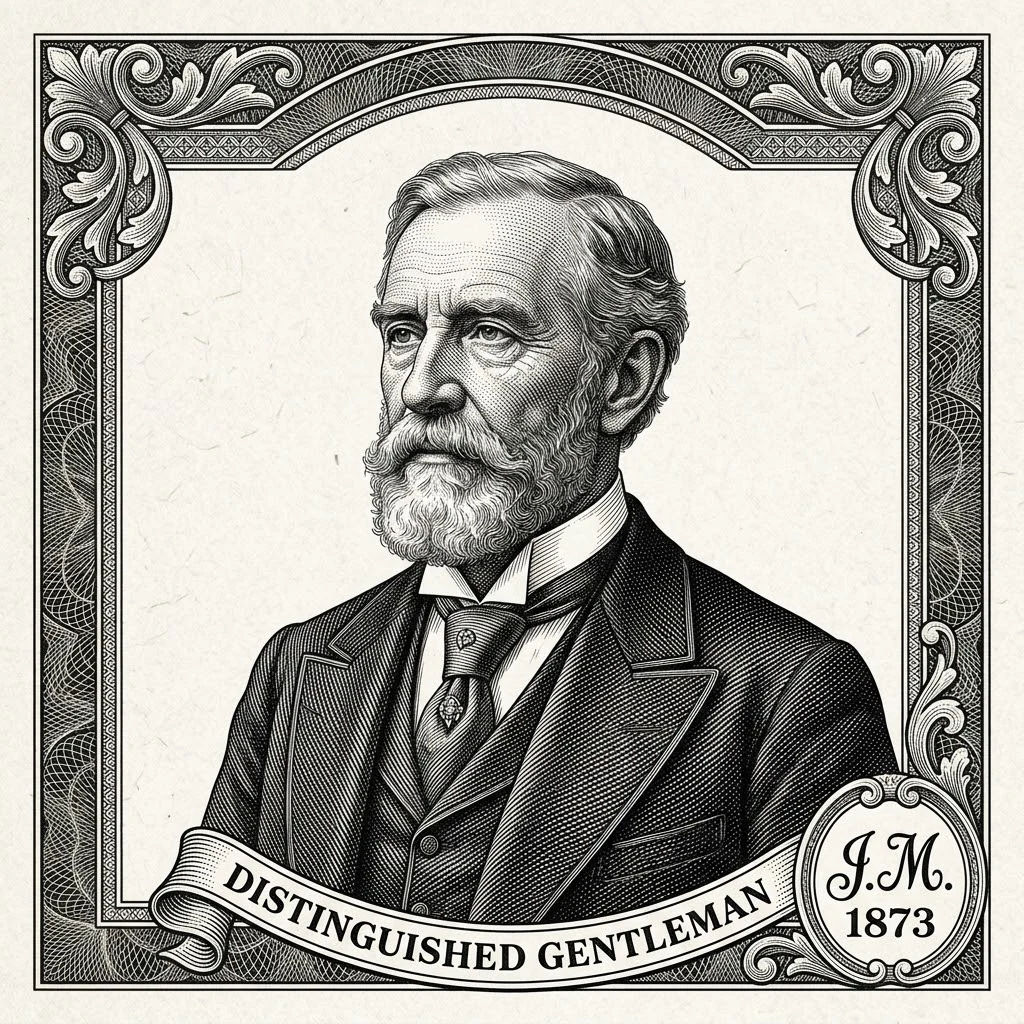
Antique Book Frontispiece Engraving Portrait

Aged off-white paper, decorative border, hand-engraved cartouche. The output looks lifted straight from a 19th-century leather-bound first edition.

FrontispieceVintageBook Illustration
Antique Book Frontispiece Engraving Portrait

Why nana img Is the Best Engraving Portrait Generator

How this tool compares to one-click photo-to-engraving filters and paid engraving portrait generator software.

Real Hatching, Not a Filter Pass

Most online tools that promise to convert image to engraving online free just throw a halftone or threshold filter on top of a grayscale photo. nana img builds form from actual directional line strokes that follow facial geometry.

Identity-Locked Output

AI face filters often beautify, slim, or swap faces. The engraving here preserves the subject's age, expression, jawline and outfit — the etched portrait looks like the person, not a generic stylized avatar.

Multiple Engraving Traditions

One free engraving portrait generator covers banknote, copper-plate, woodcut, scratchboard, and vintage frontispiece styles. No need to license five separate Photoshop actions or specialized desktop software.

Truly Online & Free to Start

Engraving portrait generator online free — no install, no Adobe subscription, no app download. Free credits cover several conversions before you ever need to pay.

High Resolution for Print

Output up to 4K, ready for framed prints, gift cards, certificates, business-card etchings, and book illustrations. Not just a 512px social-media filter.

Built on Top-Tier AI Models

Powered by the same image stack behind Nano Banana 2 and GPT Image 2-class output — the reason the line work looks engraved instead of merely stylized.

How to Use the Engraving Portrait Generator

Convert image to engraving online free in three steps — no app required.

  1. 01

    Upload a Clear Front-Facing Photo

    Daylight, full face visible, no sunglasses or hats. The tool works best on portraits where eyes, nose and jawline are clearly readable — that is what the hatch strokes will follow.

  2. 02

    Pick an Engraving Style (Optional)

    Leave the prompt empty for the default classical banknote look, or type a style hint — "copper-plate etching", "woodcut", "scratchboard hedcut", "vintage frontispiece" — to steer the output.

  3. 03

    Generate & Download

    Hit Generate. The result is ready in seconds. Download the etched portrait at high resolution for print, gifting, profile pictures, or book design.

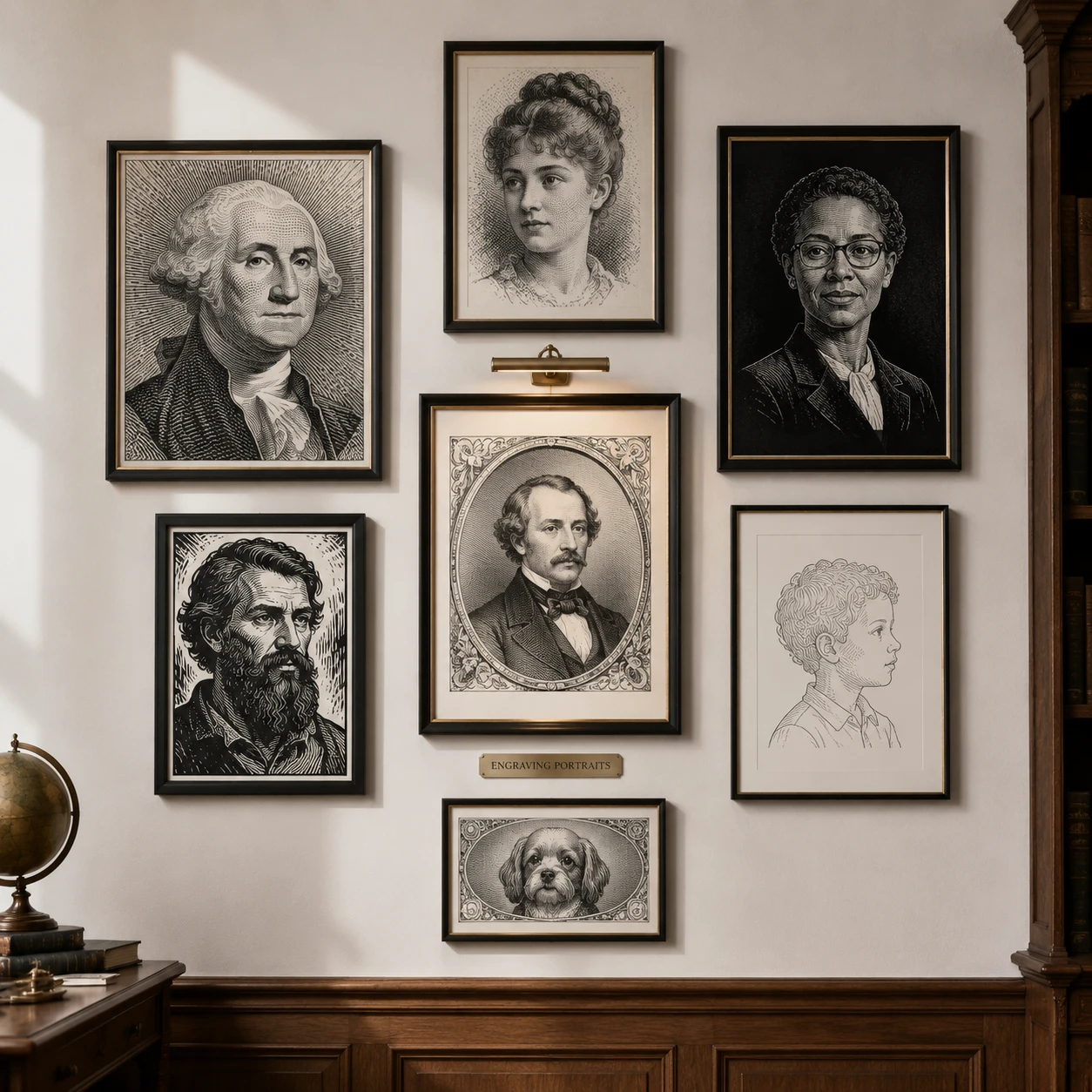
A wall of framed etched portraits generated from photos

What People Make with the Engraving Portrait Generator

Real-world uses — beyond a one-off filter pass.

Personalized Banknote-Style Gifts

Convert a wedding photo, a parent's portrait, or a graduation shot into a banknote-style etched portrait — print, frame, hand it over. The most-shared use of the free engraving portrait generator.

Profile Pictures & Avatars

A scratchboard hedcut from this engraving portrait generator app makes a striking LinkedIn, X, and Substack avatar — instantly more authoritative than a phone selfie.

Book Covers & Frontispieces

Self-publishing authors and poetry-zine designers use the best engraving portrait generator to mint vintage-look frontispieces and back-cover author portraits in minutes.

Certificates, Diplomas & Letterhead

Etched portraits give certificates and corporate letterheads a formal, archival feel. The tool replaces an in-house illustrator for one-off projects.

Wedding Invitations & Stationery

Couples turn engagement photos into matching engravings for save-the-dates, menu cards, and thank-you notes. A use case the engraving portrait generator online handles perfectly.

Editorial Illustration & Newsletters

Substack writers and indie publishers use it for op-ed hedcuts and contributor headshots — a Wall Street Journal look without a staff illustrator.

Engraving Portrait Generator FAQ

Common questions about the tool, output quality, and licensing.


Try the Engraving Portrait Generator — Free Online

Upload one photo and download a banknote-grade etched portrait in under a minute. No app, no subscription to start.