Prompt to Image AI Free

Turn a text idea into a polished image. Describe one clear subject, then add the style, composition, lighting, and output use that matter most.

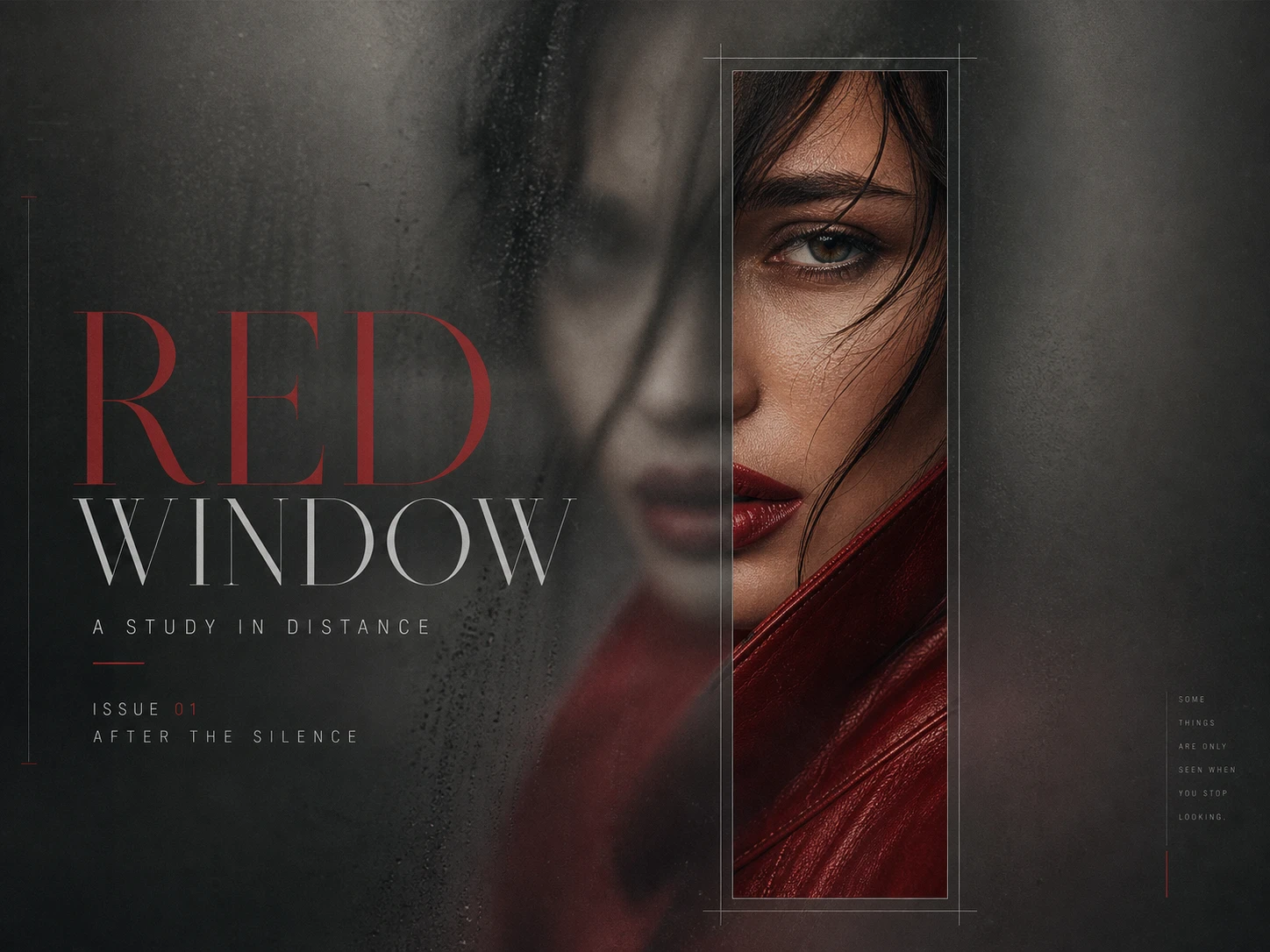
Original RED WINDOW blurred-reveal fashion editorial poster

Source Prompt · Case 240

Direct-Flash Basketball Court Editorial

An English-language GPT Image 2 prompt sourced from Awesome GPT Image 2. The sample image is an original, brand-free interpretation of the lighting and sports-editorial direction.

Original English promptView source

This original English prompt is stored in the client-side prompt library. Click the reference image to send it directly into the GPT Image 2 generator without exposing the full prompt in the page source.

Create prompt-to-image results with a clear visual brief

This page follows a real prompt-library workflow: choose one memorable image direction, use the source prompt as a starting point, and refine the visual decision that matters instead of stacking unrelated style words.

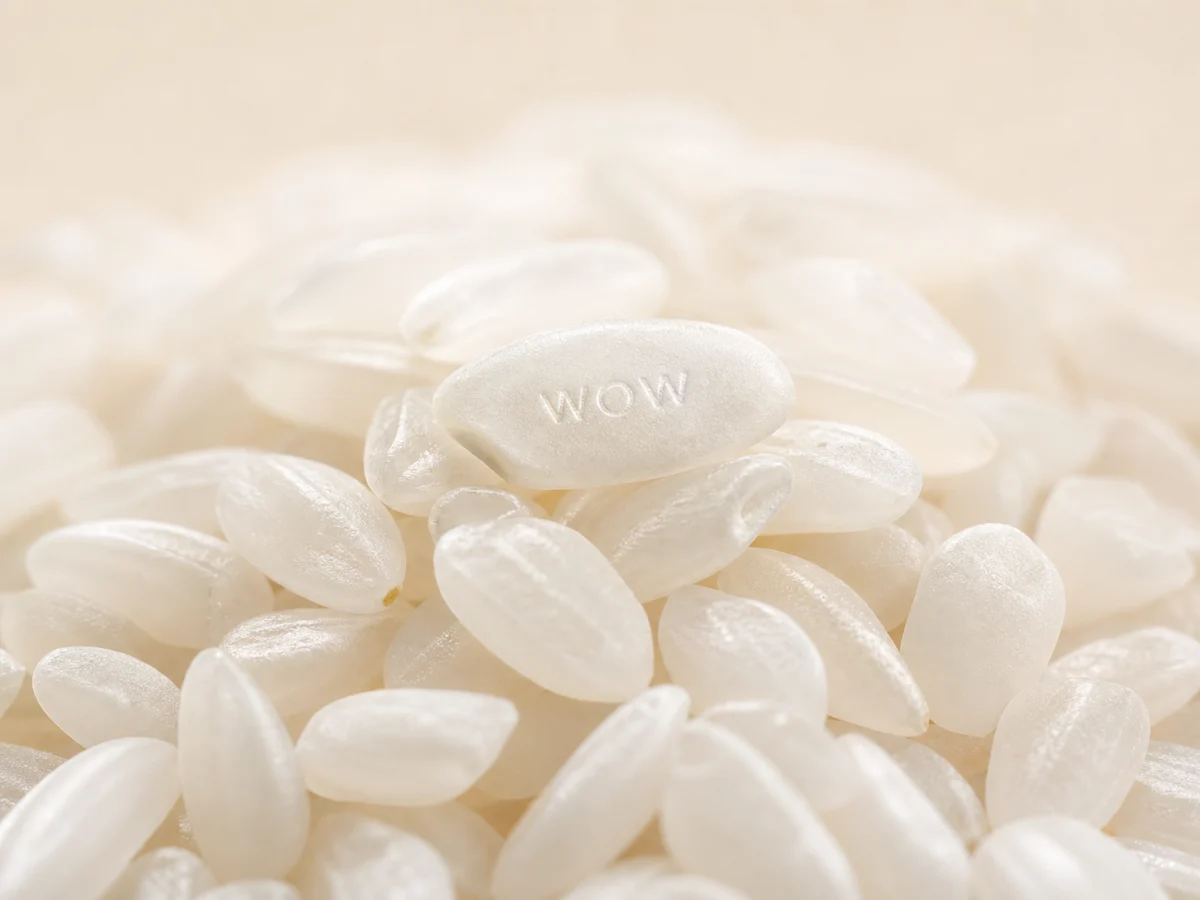
AI-generated macro image of rice grains with one tiny embossed wow detail

Typography test

Make small, deliberate text part of the image

The rice-grain micro typography prompt gives GPT Image 2 one precise visual challenge: a massive rice pile with tiny readable lettering on a single grain. It is a better starting point for text rendering than a vague request for a cool image with text.

Micro typographyPrompt fidelityGPT Image 2
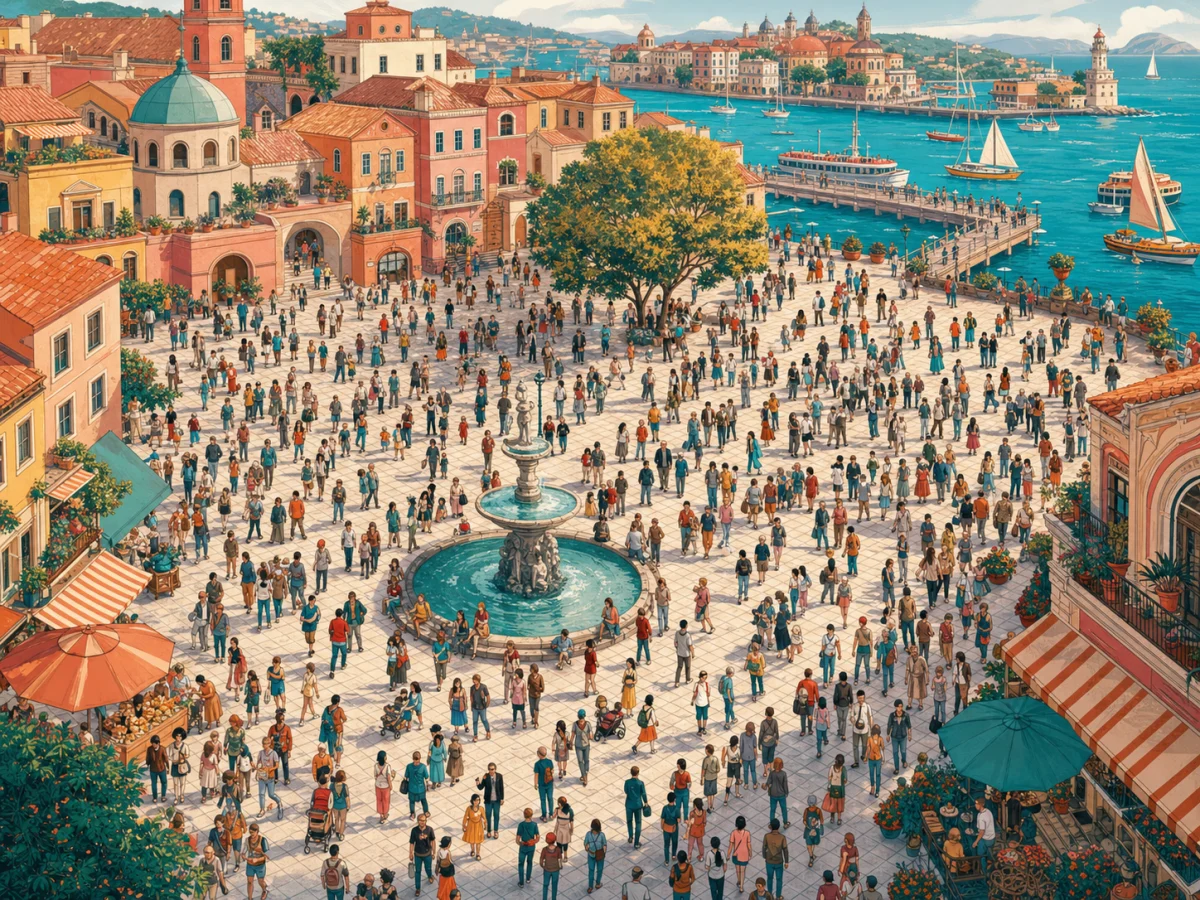
AI-generated crowd search scene in an original waterfront city plaza

Poster direction

Turn a simple premise into a composed poster

The crowd-search poster prompt starts with one clear device: a named person hidden in a city. It provides a direct composition and lets the result read as an intentional poster concept rather than an arbitrary scene.

Poster promptClear compositionCopy and adapt
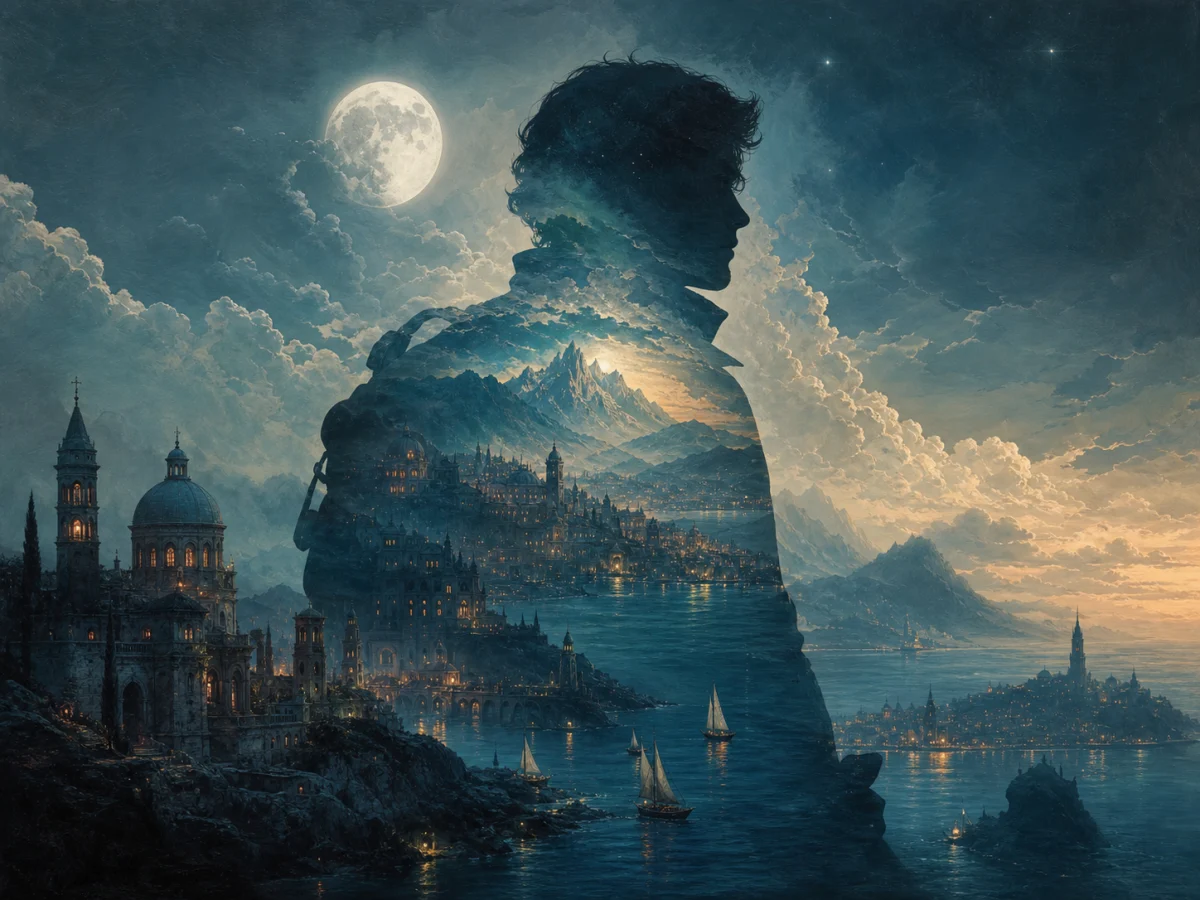
AI-generated collector's edition narrative poster with a silhouette explorer and imaginary coastal world

Narrative key art

Build one memorable visual world around a silhouette

The collector's-edition narrative poster direction uses one dominant silhouette and lets its world grow through it. This produces a stronger first-read composition than filling a canvas with unconnected decorative elements.

Narrative posterCollector's editionVisual hierarchy
Workflow

How to turn a text prompt into an AI image

Use this short prompt to image workflow for product scenes, portraits, posters, social graphics, editorial illustrations, and concept art. The visible steps are semantic content only; this page does not output HowTo structured data.

1

Write the core idea

Begin with one sentence that names the subject and action: for example, a handmade candle on a rain-soaked windowsill, or a cyclist crossing a desert road at sunrise.

2

Set the visual direction

Add the medium or finish, framing, lighting, palette, and intended use. Say whether the result should read as a product photo, poster, portrait, illustration, or social image.

3

Add constraints that matter

State what to preserve or avoid: accurate object proportions, simple background, no logos, no watermark, no unreadable text, or an exact square, portrait, or landscape layout.

4

Generate and improve the best version

Review composition, hands, faces, labels, and text. Keep the strongest result, then refine only the detail that needs attention instead of replacing the whole prompt.

GPT Image 2 typography and poster prompts

These are selected from the Awesome GPT Image prompt library. Choose a card to send its prompt into the generator; only replace bracketed details where shown.

Prompt to Image AI Free FAQ

Answers about free online prompt to image workflows, writing a realistic prompt, login requirements, and generation limits.


Turn your prompt into an image

Start with one clear idea, then build a better result with concrete visual details and a focused refinement pass.