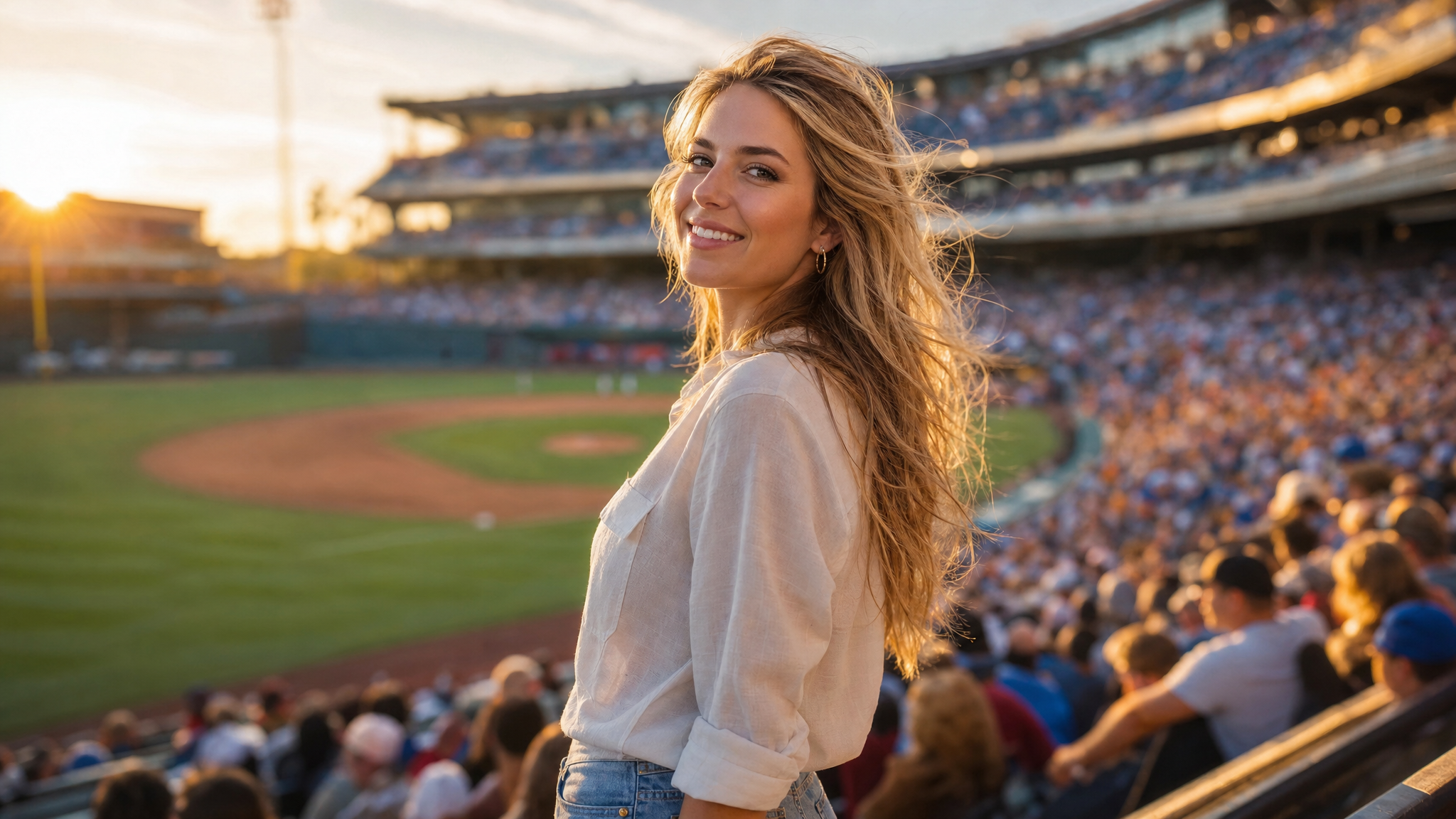
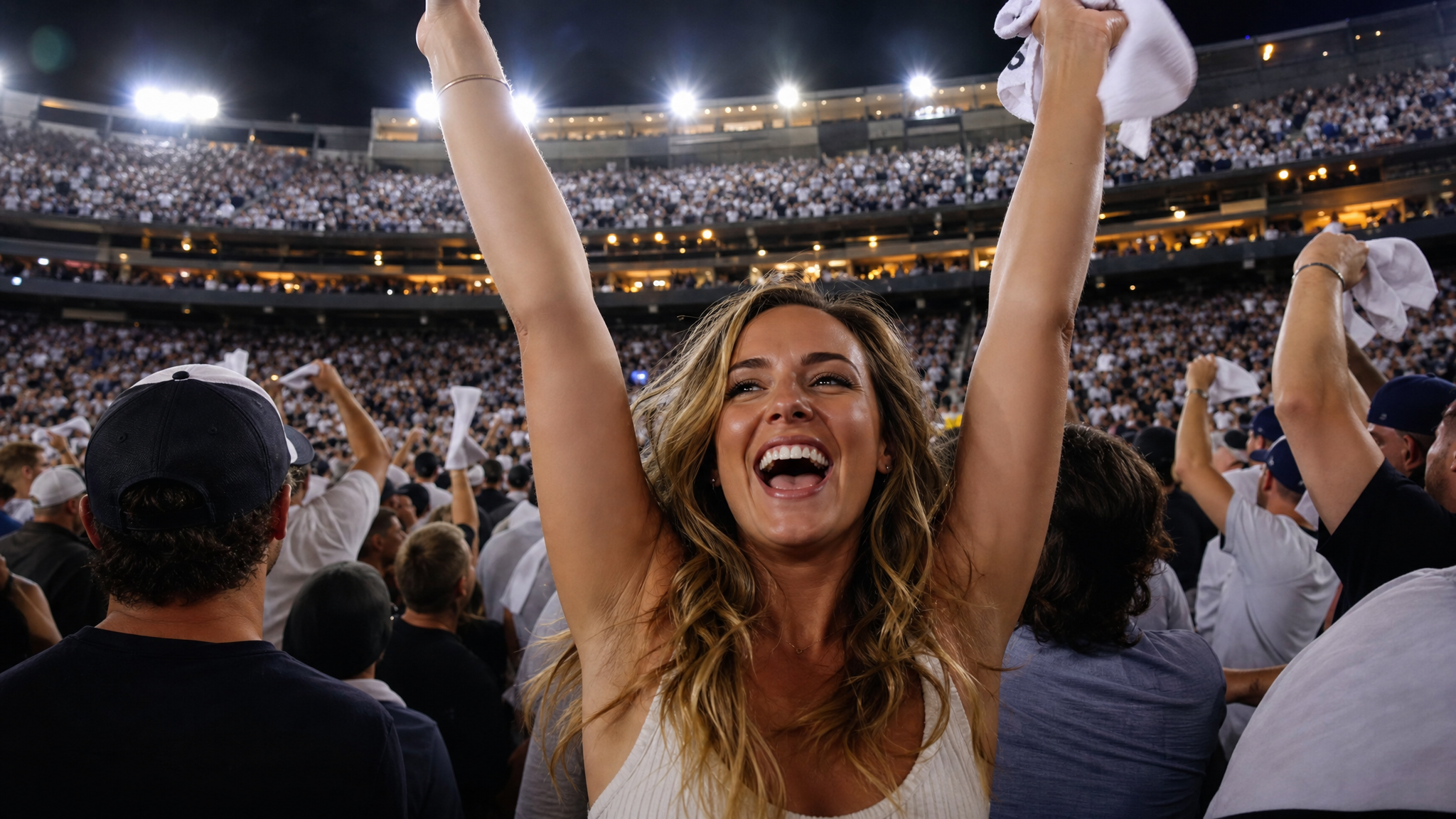
AI Baseball Stadium Broadcast Video Generator

Upload one image and create a cinematic ai stadium broadcast clip. This generator adds MLB-style stadium atmosphere, broadcast camera motion, crowd energy, warm golden-hour lighting, and polished sports-ad color grading without using real team logos, player names, or official league branding.

Make your own AI stadium broadcast video

Turn one uploaded photo into a cinematic broadcast clip with stadium atmosphere and sports color grading. The strongest ai stadium broadcast prompts stay specific about subject preservation, camera motion, and safety exclusions while avoiding real teams, real players, and official league branding.

AI baseball stadium video generator packed crowd broadcast scene from one uploaded image

Broadcast Studio

Upload one photo and create stadium broadcast video

Use this generator when you want a single image turned into a live-style broadcast moment. A good ai stadium broadcast prompt covers the subject, the stadium setting, camera movement, warm golden-hour or night lighting, crowd energy, and sports color grading. The tool works best with a clear uploaded image where the subject stays centered.

Broadcast studioImage-to-videoStadium atmosphere
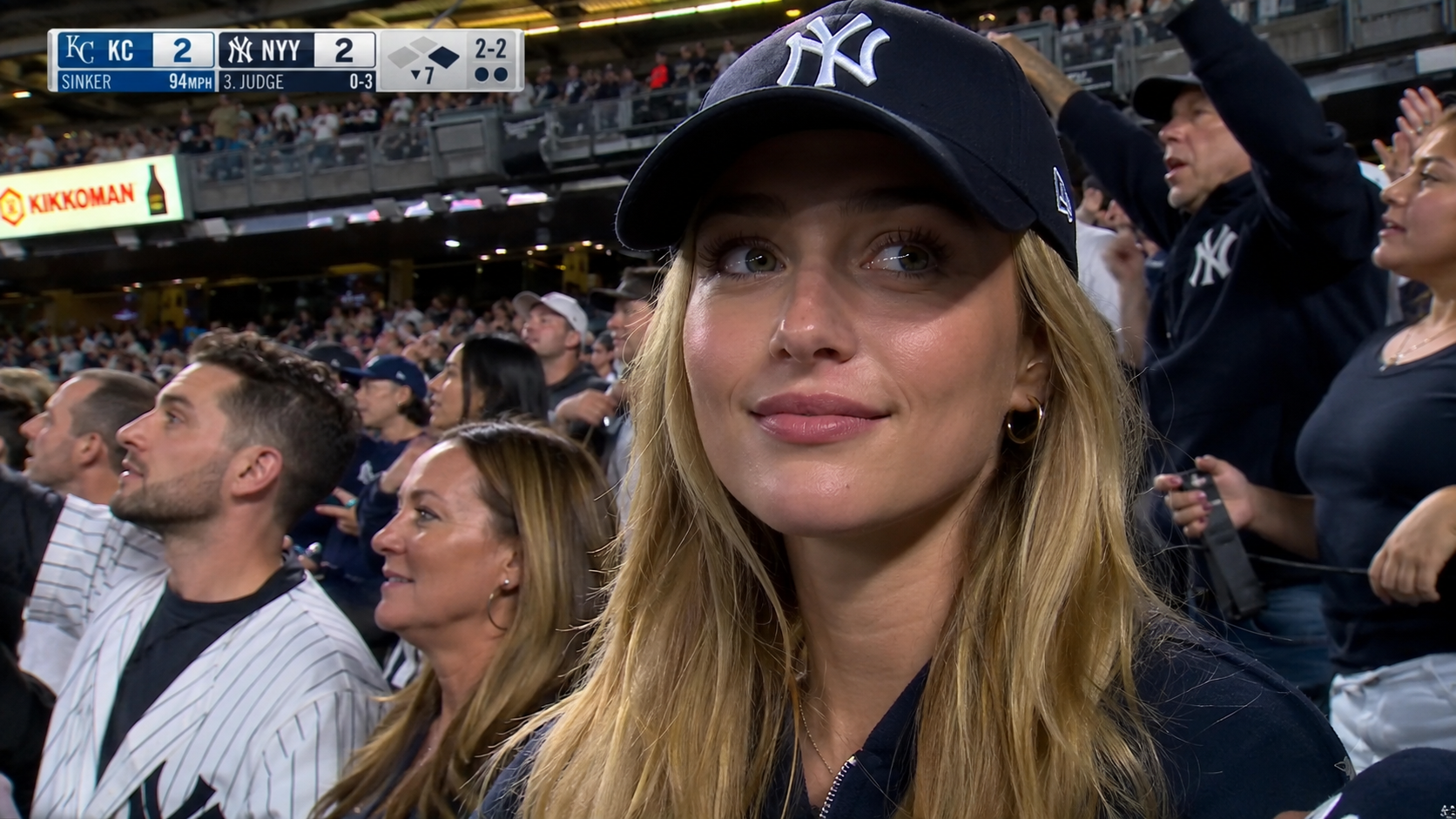
Baseball stadium AI video social media example featuring a subject in a black hat

Social Share

Create a baseball AI broadcast clip for social media

A stadium broadcast AI video should pop in any social feed. This tool keeps the scene wide, bright, and clear so the broadcast moment stands out even at thumbnail size. Use it for TikTok, Instagram Reels, YouTube Shorts, content marketing, or creator posts. Keep your prompt focused on broadcast camera motion, stadium atmosphere, and warm lighting for a clean cinematic result.

Social clip16:9 broadcastContent marketing
AI baseball stadium video generator prompt control example with a test woman in stadium broadcast scene

Smart Prompts

Guide the AI broadcast generator with a clear prompt

The ai baseball stadium video generator gives better results when the prompt sounds like a broadcast direction brief. Mention 16:9 widescreen, broadcast camera motion, warm stadium lights, cheering crowd, shallow depth of field, and golden-hour or night atmosphere. If you use the generator with uploaded references, ask for subject preservation and broadcast transformation rather than a literal copy. This keeps the ai baseball stadium video generator useful for content creation without copying protected IP.

Smart promptsBroadcast directionSubject preservation
Quick Start

How to use the ai baseball stadium video generator

The ai stadium broadcast video generator workflow is simple: upload a clear image, describe the broadcast scene, then refine the prompt for where you will share the clip. It is built for image-to-video, turning one uploaded photo into a professional broadcast moment.

1

Pick your source image

Start with one sharp portrait or centered photo. The generator uses your uploaded image as the main subject and keeps the face, pose, and composition stable throughout the broadcast clip. A clear source image makes a noticeable difference in the final video quality.

2

Write the broadcast prompt

Describe MLB-style stadium setting, cheering crowd, warm golden-hour or night stadium lights, broadcast camera motion, cinematic depth of field, and sports color grading. This instructs the ai stadium broadcast generator to create a broadcast clip, not a generic animation.

3

Generate the broadcast video

Run the generator to create an ai stadium broadcast clip with widescreen framing, slow push-in motion, handheld stadium-cam feel, and polished sports-ad color grading.

4

Keep it rights-safe

Stick to original subjects, your own photos, and campaign-safe stadium concepts. Avoid asking for real team logos, real player names, official league branding, or readable copyrighted marks. The tool works best as a custom broadcast maker for original content.

AI broadcast video prompt ideas

Try these prompt directions when you want a different broadcast angle. Each keeps the output rights-safe with subject preservation, broadcast-style results, no real team logos, no player names, and no copyrighted marks.

AI Stadium Broadcast Generator FAQ

Frequently asked questions about the nanaimg ai stadium broadcast video generator, broadcast maker, and baseball AI video tool for original social and content clips.


Create your AI broadcast video now

Use the nanaimg ai stadium broadcast video generator to turn one uploaded image into a cinematic broadcast clip. Start with the default prompt, then refine the subject, camera motion, lighting mood, and stadium atmosphere for your social content or campaign video.