AI Crochet Pattern Generator
Create a subject-focused ai crochet pattern preview from text or image ideas with nana img, then refine the amigurumi toy, yarn palette, and stitch-texture direction.
Make AI crochet pattern ideas with the subject in focus
This ai crochet pattern page is tuned for makers who want the crochet object to be the main signal. Instead of a busy desk scene, each ai crochet pattern preview puts one toy, plush, accessory, or stitch idea in front, with only light yarn and pattern-card context around it.
Amigurumi First
Turn a toy idea into an ai crochet pattern preview
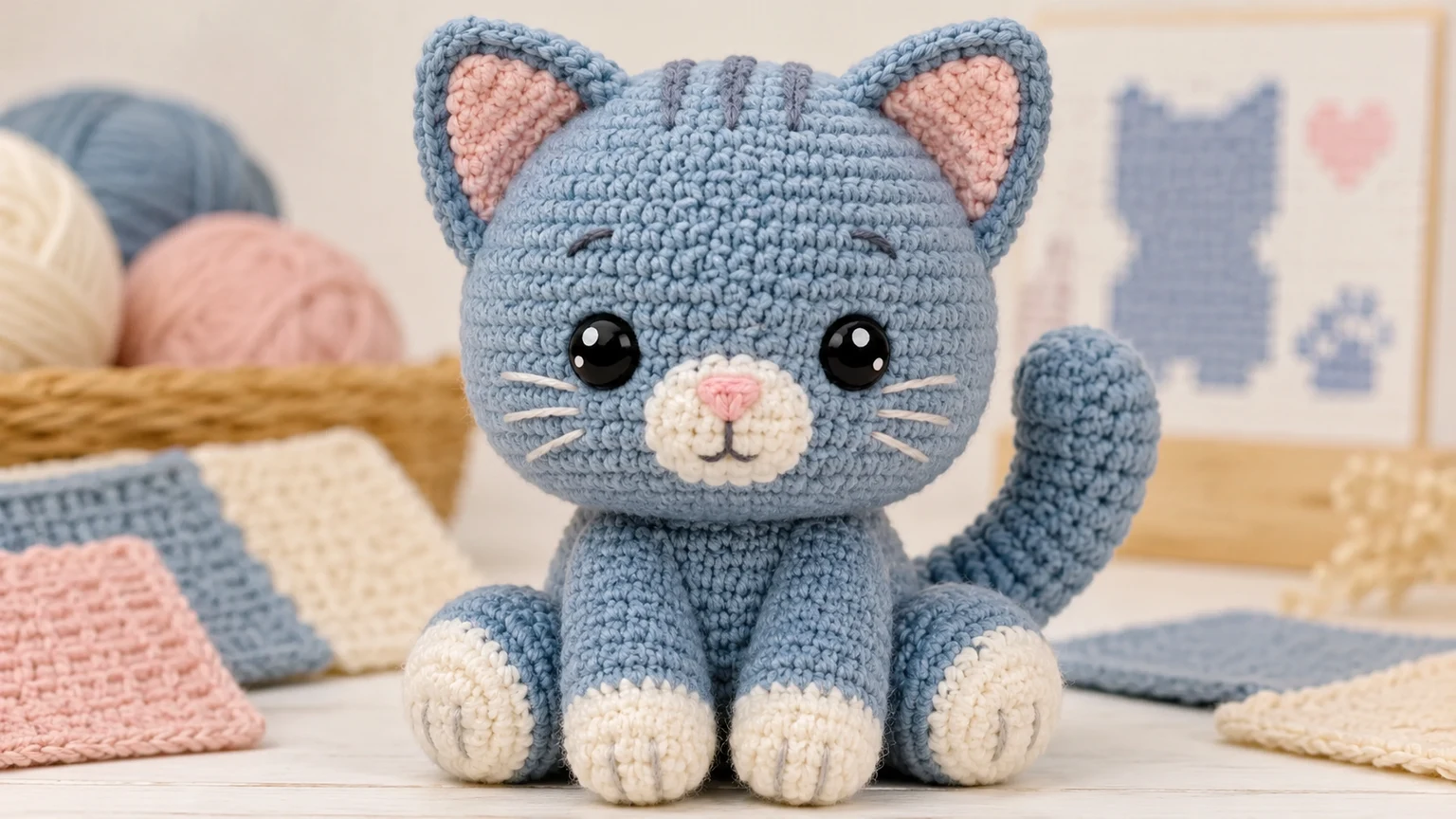
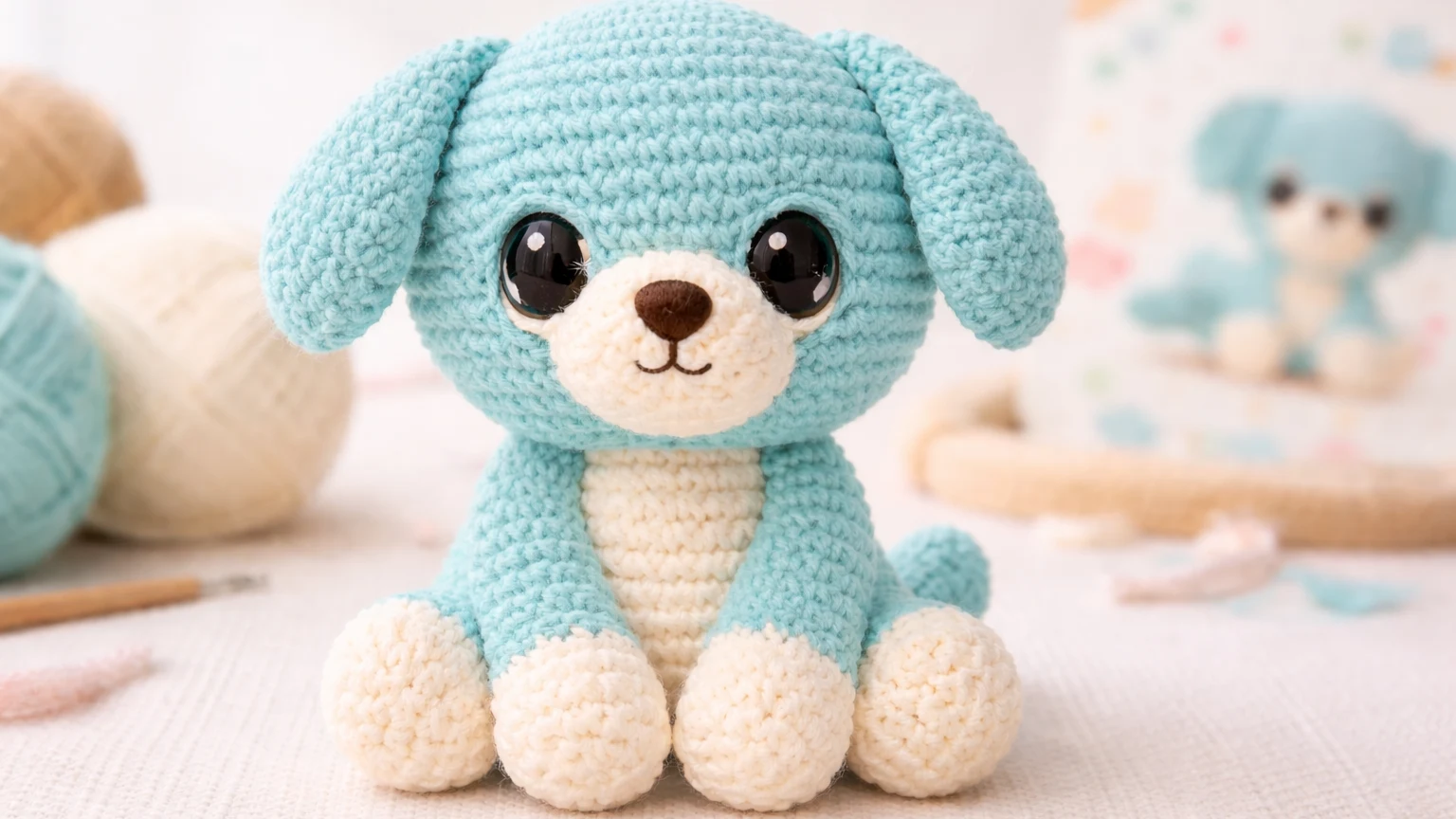
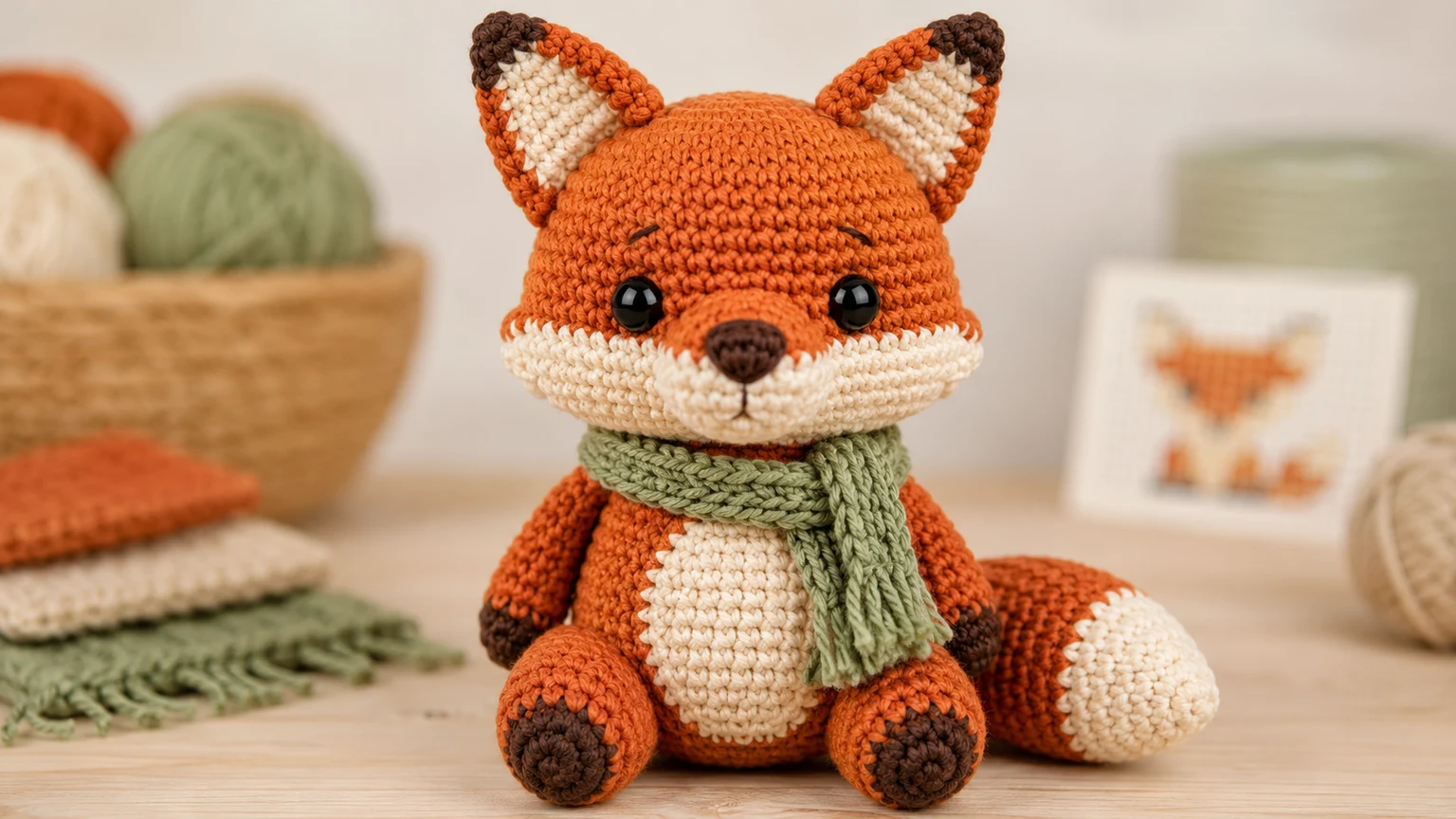
Use the ai crochet pattern creator when you have a character idea but need a clear visual target before writing rows and rounds. Describe the animal, proportions, yarn colors, safety eyes, accessories, and finished size. The ai crochet pattern generator can show whether the head shape, ears, belly panel, scarf, paws, and color blocking feel balanced before you spend time testing stitches. It works especially well for amigurumi pattern generator free searches because the image can make the subject obvious: a fox with a sage scarf, a kitten with cream paws, or a puppy with a rounded face.

From Text
Use text prompts as a crochet pattern maker free workflow
A useful ai crochet pattern prompt does not need to be complicated. Start with the finished object, then add yarn weight, color palette, skill level, stitch texture, and pattern hints. The ai crochet pattern maker can turn that short brief into a product-style preview that is easier to judge than plain notes. For example, ask for a round kitten, dusty blue yarn, cream paws, blush ears, simple safety eyes, and a blurred row chart in the background. The result is not a final tested pattern, but it gives your crochet pattern maker free workflow a strong visual brief.

From Image
Plan an ai crochet pattern generator from image direction
Many people search for ai crochet pattern generator from image because they want a photo, sketch, plush, pet, or simple object translated into a crochet-ready concept. Use image-to-image when you have a reference, then keep the prompt practical: simplify the silhouette, convert details into yarn color blocks, preserve the subject shape, and show a clean amigurumi result. The ai generated crochet pattern preview should avoid tiny unreadable labels and should not pretend to be a tested PDF. It should clarify the craft direction so you can draft the real rounds with fewer false starts.

How to use the ai crochet pattern generator online free
Use this ai crochet pattern workflow to get a clear crochet concept image first, then turn the idea into real stitch instructions with your normal craft process.
Describe the finished crochet item
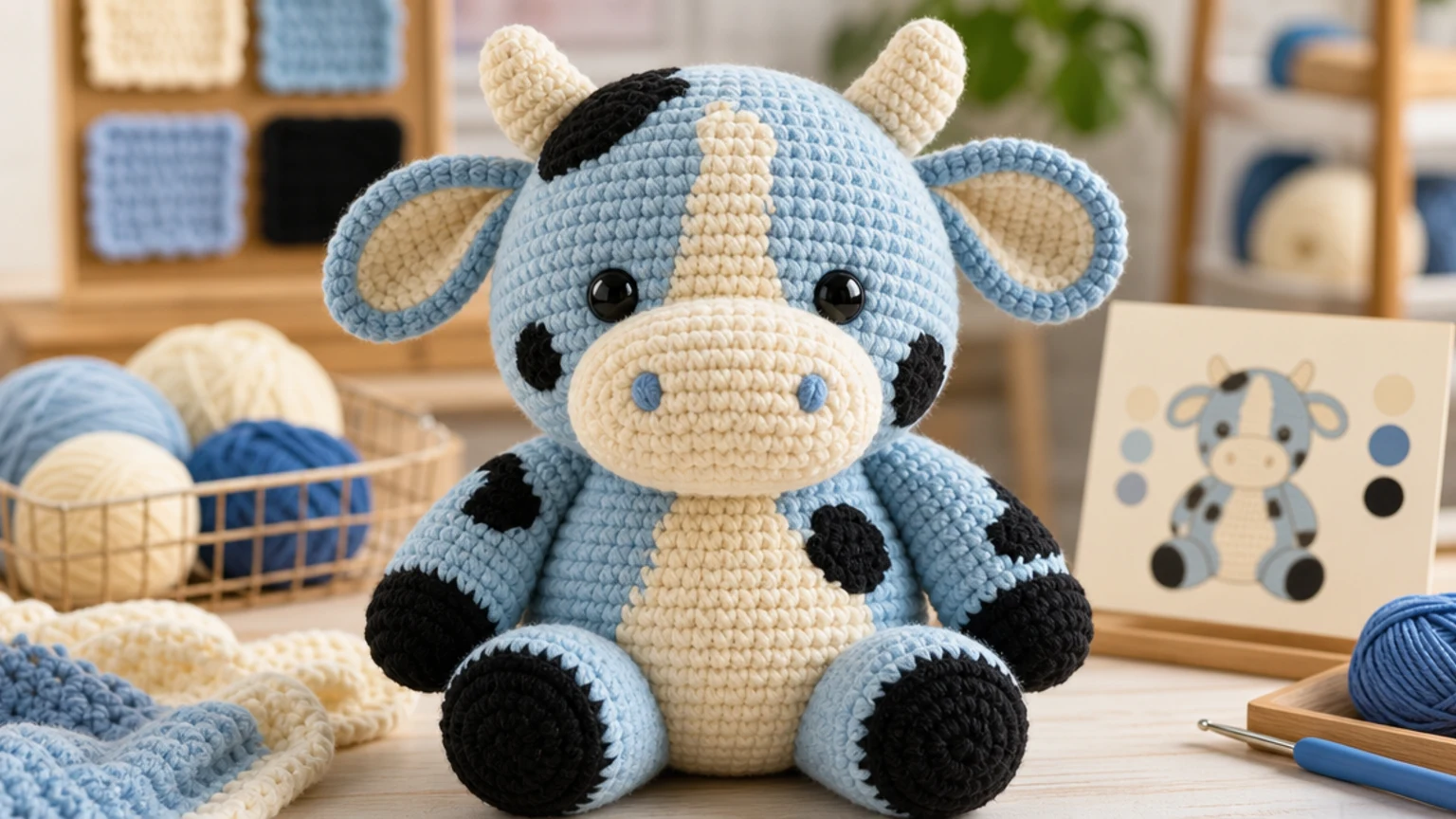
Start the ai crochet pattern with the subject: amigurumi puppy, fox, kitten, bunny, cow, bag charm, coaster, glove, or blanket square. Add finished scale, pose, yarn texture, and the main color blocks.
Add pattern constraints
Tell the ai crochet pattern generator what should stay simple: beginner-friendly shape, no tiny parts, visible single-crochet texture, limited colors, easy assembly, and a clear front view.
Generate a subject-first preview
Review whether the ai crochet pattern preview has a strong silhouette, believable yarn, useful color placement, and enough detail to guide a real pattern draft without making the background busy.
Draft and test the real pattern
Use the ai generated crochet pattern image as a visual brief, then write, swatch, test, and revise the actual rounds, stitch counts, gauge, safety notes, and assembly steps before publishing.
AI crochet patterns and prompt ideas
These ai crochet patterns are visual directions for planning. Use them to explore amigurumi proportions, yarn colors, accessory placement, and 3d crochet pattern generator concepts before writing tested instructions.

Beginner amigurumi bunny
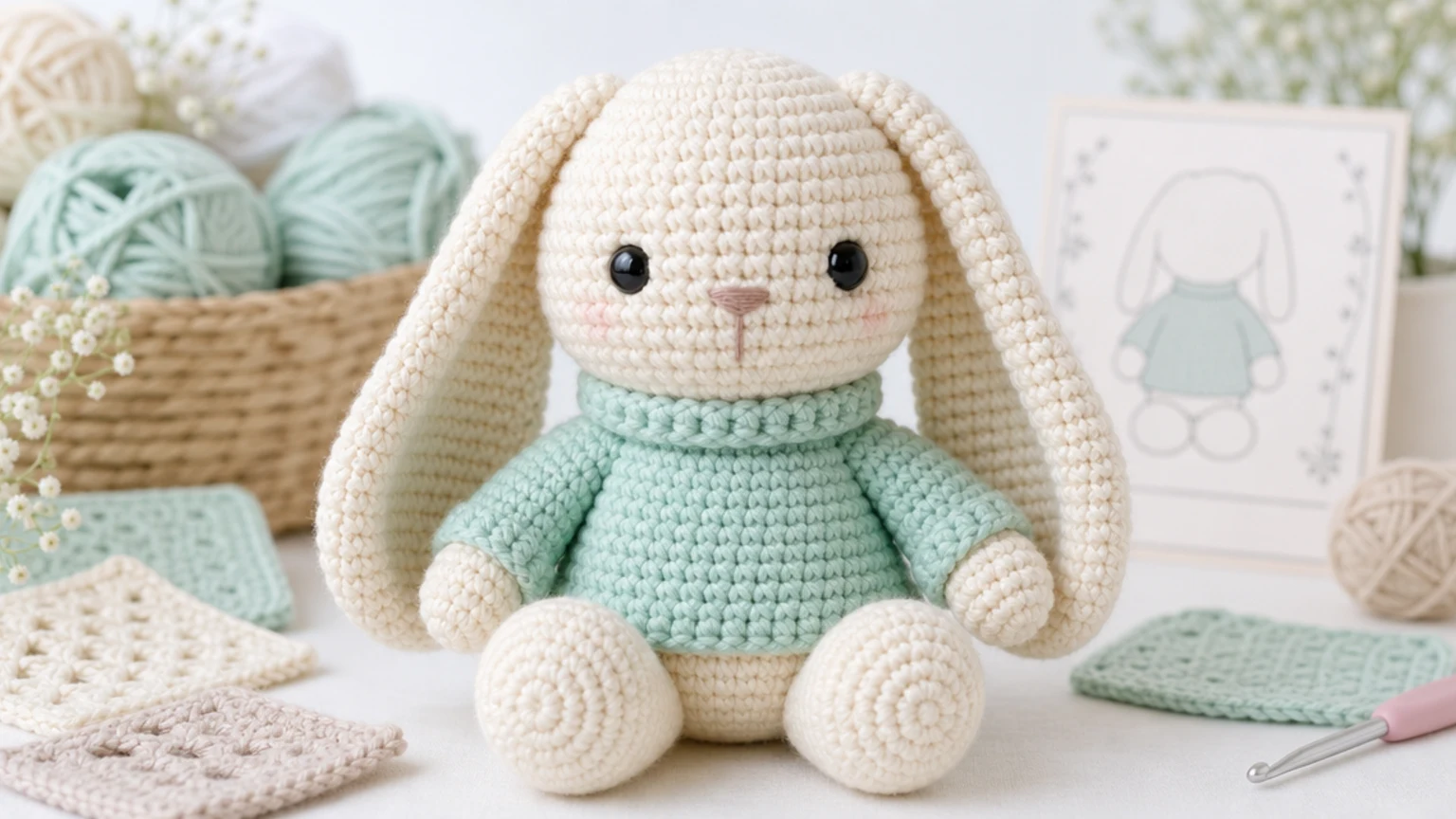
Ask the ai crochet pattern generator for one centered bunny, cream yarn, long ears, mint sweater, round paws, simple embroidered nose, and a blurred pattern card. This keeps the ai crochet pattern cute, clear, and beginner-friendly.

3D crochet pattern generator toy
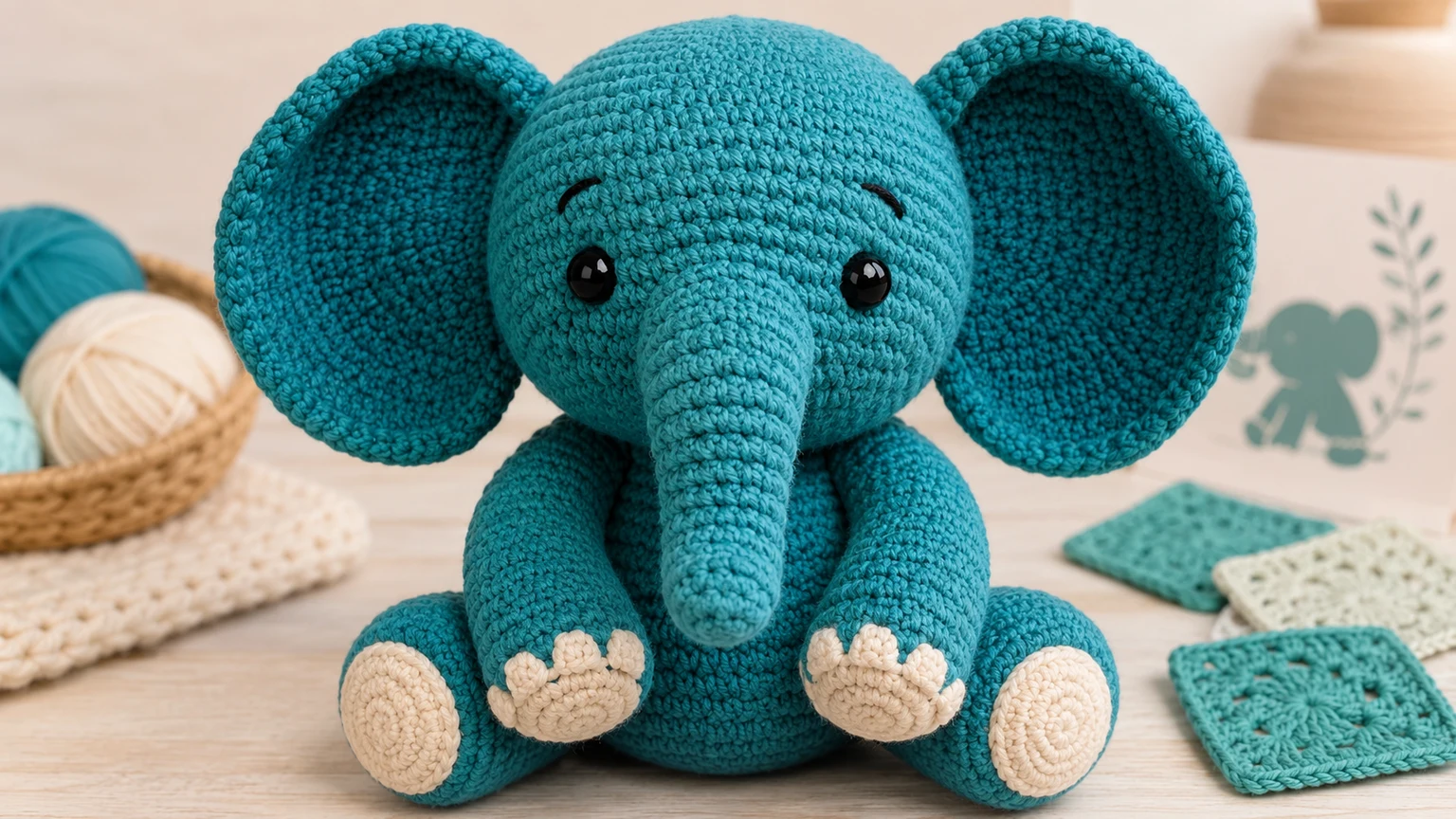
For a 3d crochet pattern generator look, prompt for one plush elephant filling most of the frame, teal yarn, oversized ears, round trunk, visible stitches, and a clean craft background. The ai crochet pattern should read as a finished object, not a collage.

Photo to crochet concept
When using an ai crochet pattern generator from image, ask the model to simplify the reference into soft toy proportions, map colors into yarn swatches, avoid brand marks, and show only one original crochet object. This makes the ai crochet pattern easier to convert into real craft notes.
AI Crochet Pattern FAQ
Common questions about using an ai crochet pattern generator free online, creating ai crochet patterns from text or image references, and turning visual ideas into safe tested crochet instructions.
Create your AI crochet pattern preview
Use the ai crochet pattern generator on nana img to turn a toy idea, photo reference, yarn palette, or amigurumi concept into a clear subject-first crochet preview. Start with the prompt above, then refine the ai crochet pattern until the shape, colors, and handmade texture match your next craft plan.