Color Palette by Image

Upload a product photo, interior shot, artwork, brand reference, or travel image. This color palette by image workflow returns a polished report image with your uploaded visual and five large role-labeled swatches on the right side.

Turn an image into a designer-ready palette report

Color palette by image is useful when a simple eyedropper is not enough. Instead of returning a plain table of technical values, this color palette by image generator creates a visual report that keeps the original image in context and places five large swatches beside it. That makes the output easier to review with a client, save into a mood board, or use as a creative direction reference.

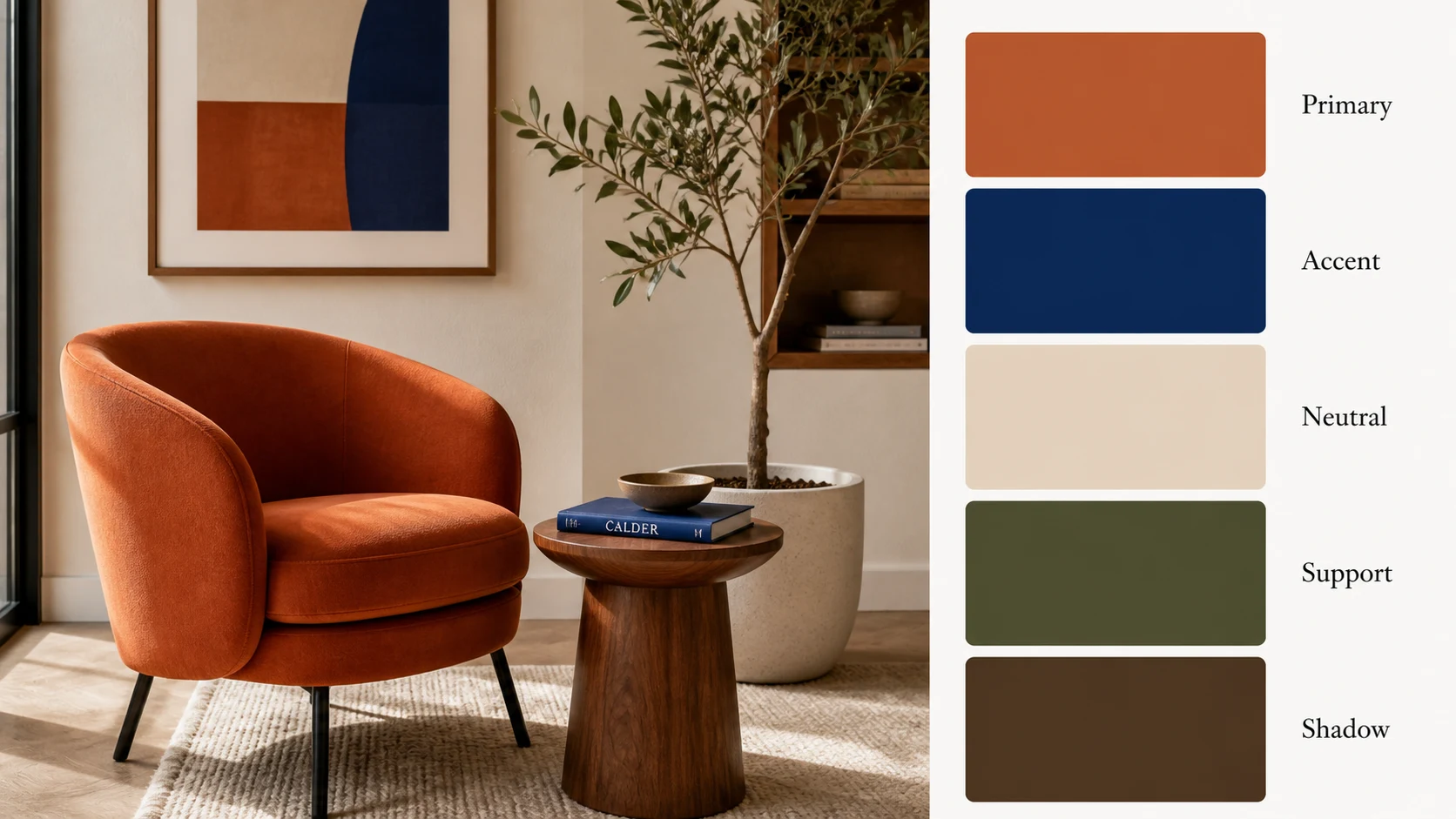
Color palette by image interior report with a terracotta chair and five swatches

Upload First

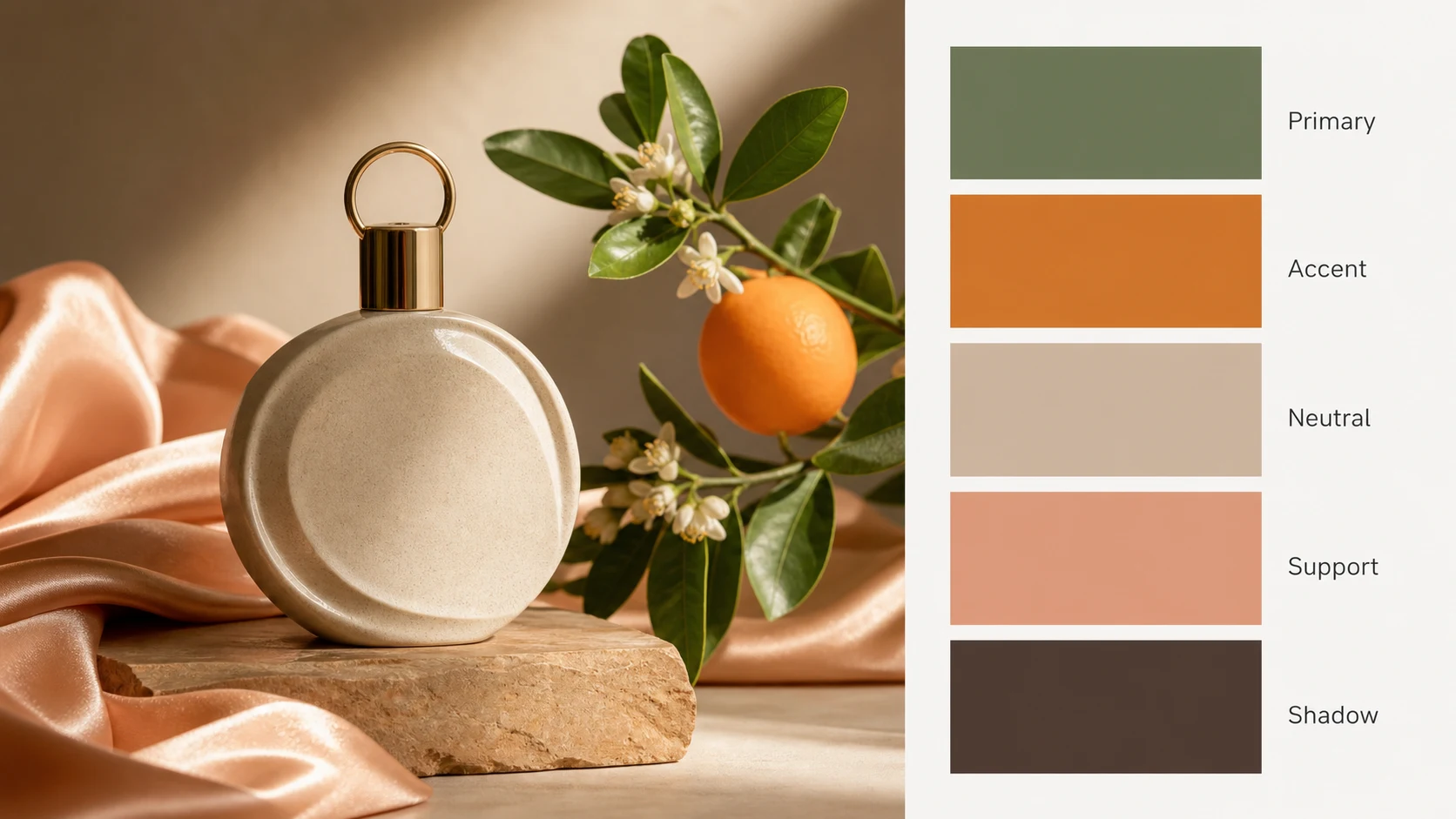
Color palette by image from product photos

Use color palette by image when you have a campaign photo, packaging shot, ecommerce image, or social graphic that already carries the right mood. Upload the image, keep the image-to-image mode selected, and let the generator create a polished palette report. The result is designed for visual planning rather than exact measurement, so it uses five clear role labels instead of fragile technical color values.

Product moodImage uploadFive swatches
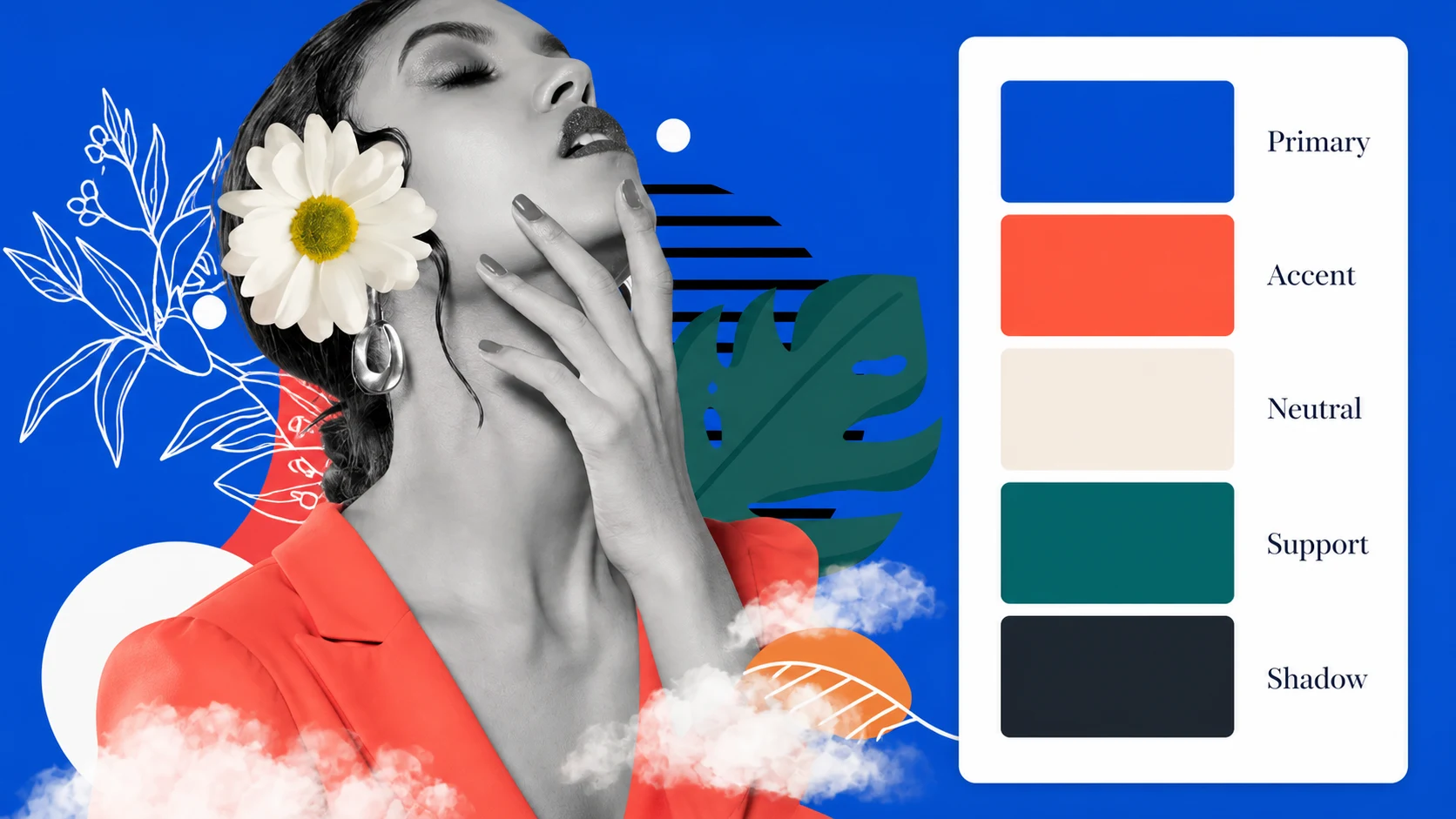
Color palette by image fashion collage with role-labeled swatches

Visual Roles

Five role-labeled swatches instead of unreliable values

GPT image text can make exact values look confident even when the values are not pixel-accurate. This color palette by image page avoids that trap. The output focuses on Primary, Accent, Neutral, Support, and Shadow roles, giving you a clean visual palette you can interpret with your own design tools. It is stronger as a mood-board image than as a numerical color picker.

No HEX textRole labelsVisual palette
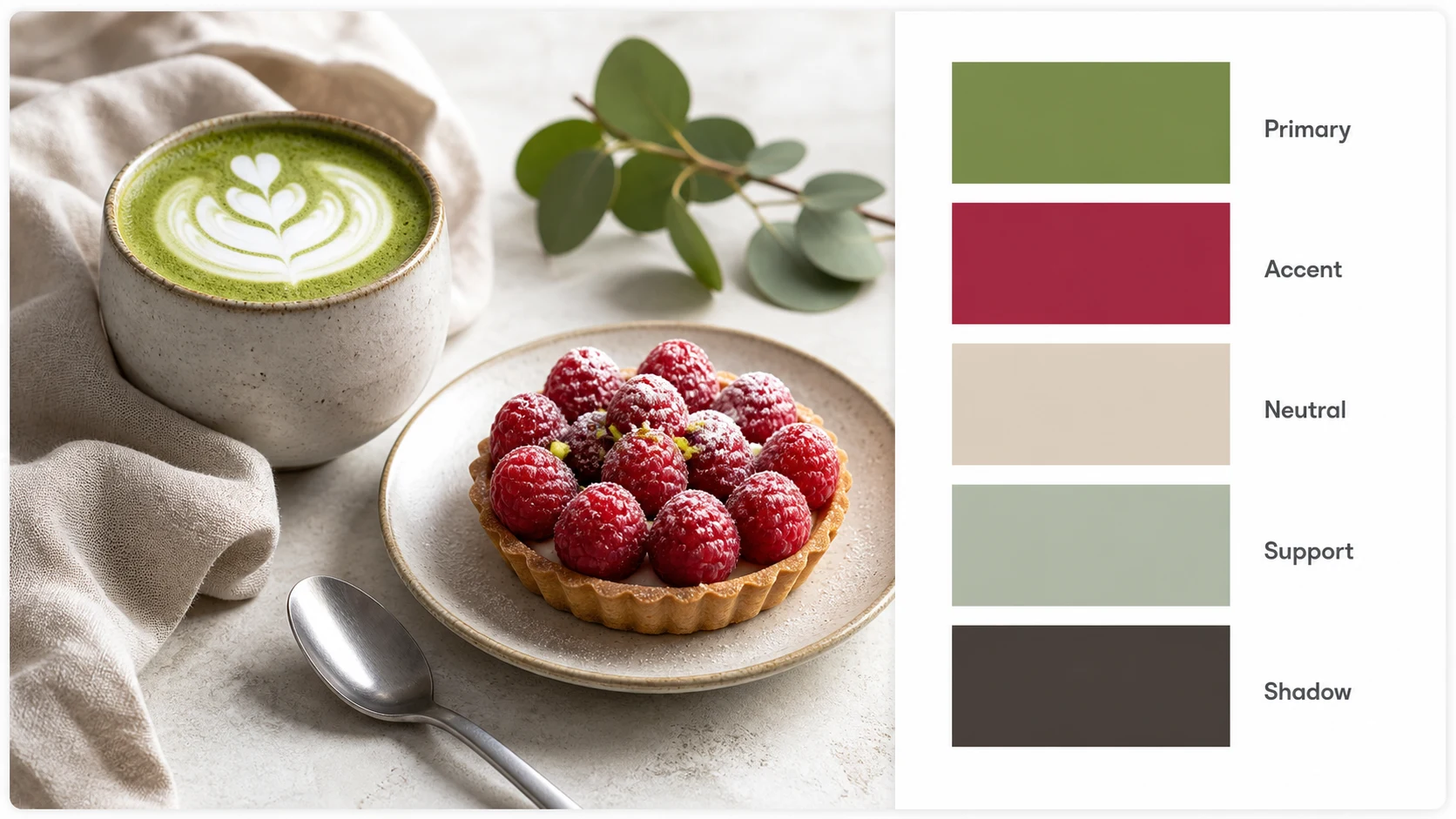
Color palette by image cafe mood board with matcha and five swatches

Designer Report

A downloadable color palette by image card

A color palette by image result should be easy to download, share, and place in a deck. The generated image keeps the uploaded reference large enough to understand the mood, then adds a clean palette card on the right side. Use it for a brand exploration, a UI direction, a cafe concept, a fashion drop, a travel visual system, or a social content kit.

DownloadableBrand directionMood board
Workflow

How to use color palette by image

The color palette by image workflow is intentionally simple. Upload a visual reference, describe the report style, generate one palette image, then download the result for design review.

1

Upload a clear image

Start with a photo, artwork, screenshot, poster, room image, product image, or brand reference. Color palette by image works best when the image has clear lighting and the subject color is not buried under heavy filters.

2

Keep the report focused

Ask for a clean palette report with the uploaded image and exactly five large swatches. Do not ask the model to invent exact color values. This keeps the color palette by image output honest and visually useful.

3

Review the five roles

Read the five swatches as design roles: Primary for the anchor color, Accent for visual energy, Neutral for balance, Support for secondary surfaces, and Shadow for depth. Color palette by image helps you see how those roles work together.

4

Download and refine

Download the palette report, compare it with your brand board, then regenerate if you want a warmer, cleaner, more editorial, more playful, or more minimal color palette by image direction.

Color palette by image prompt ideas

Use these examples when you want the generator to create a clean report image instead of a generic color chart. Each prompt keeps the uploaded image as the source of truth and avoids exact technical values.

Color Palette by Image FAQ

Common questions about using color palette by image for visual mood boards, brand direction, and image-based palette reports.


Create a color palette by image report

Upload a reference image and turn it into a clean five-swatch palette report for your next brand, UI, product, or content direction.