
AI Flyer Generator

Create eye-catching event flyers, party posters, and marketing promos from a short text prompt. This ai flyer generator is beginner-friendly and free to start with no design skills required.

Make a flyer with AI even if you have never designed one before

This ai flyer generator is built for beginners. Start with a simple idea, describe what you need, and the tool builds a polished flyer for you. No templates, no software, no learning curve. The ai flyer maker handles layout, color, typography, and composition so you get a finished design in seconds.

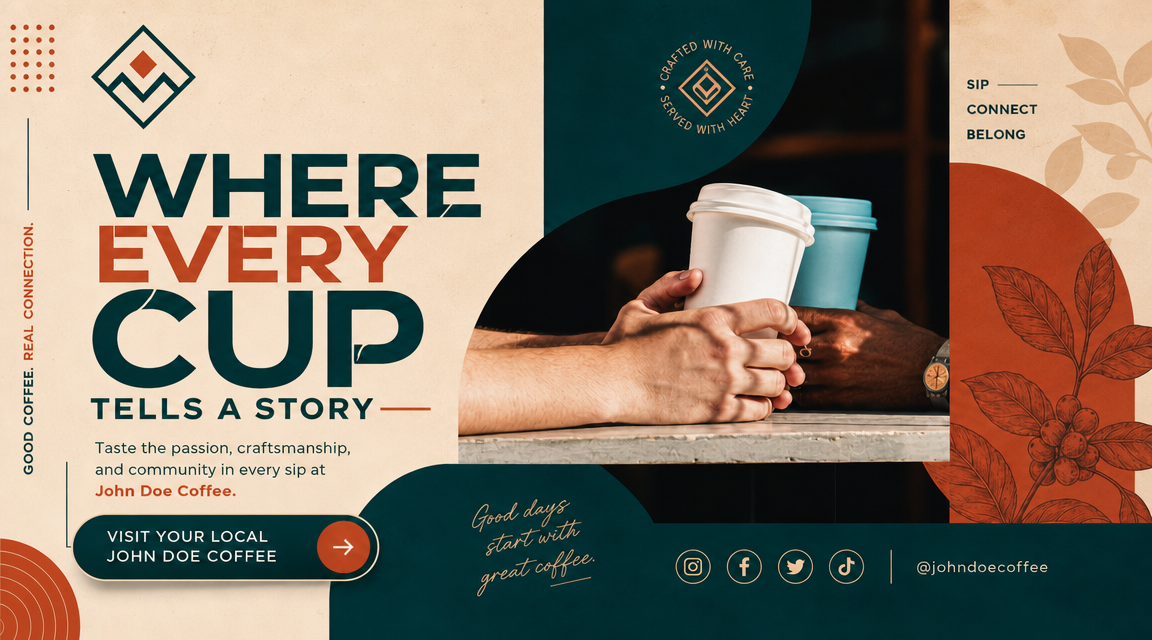
AI flyer generator from text showing how a simple prompt becomes a finished flyer design

Description to Design

Turn any idea into a flyer from text

The ai flyer generator from text is the easiest way to start. Type what you want: a party flyer with neon lights, a business promo with clean blue tones, or an event poster with elegant gold accents. The tool reads your description and creates a complete flyer design. You do not need to know layout rules, color theory, or font pairing. Just describe the vibe and the content. That makes this ai flyer generator perfect for first-time users who want fast results without complicated software.

From textBeginner friendlyInstant design
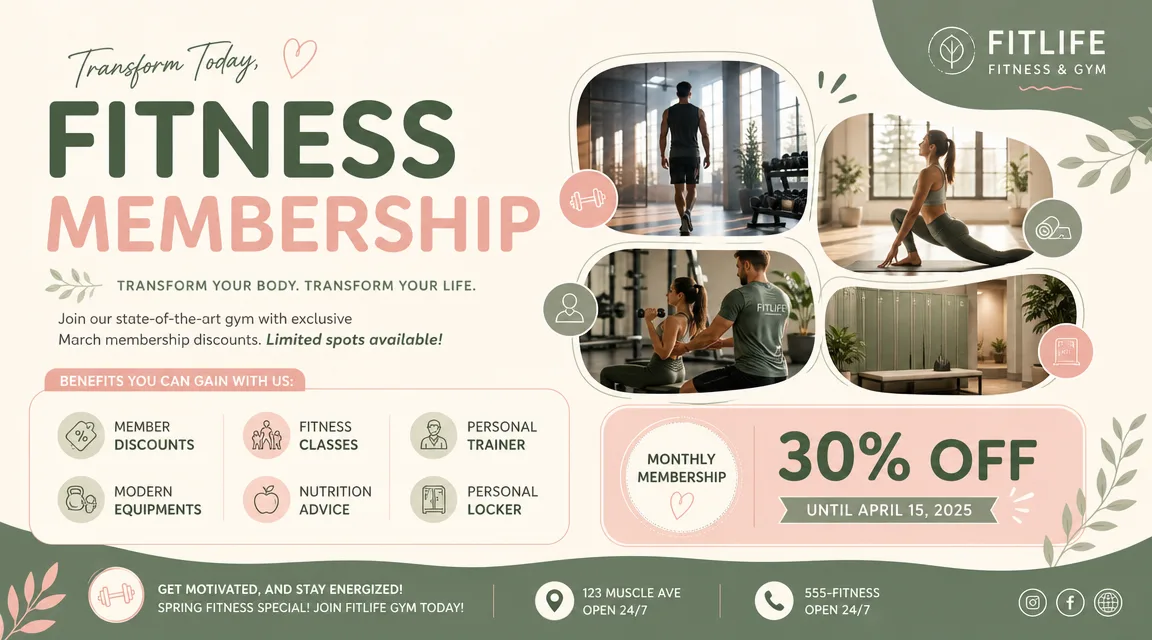
AI flyer maker comparison grid showing multiple flyer styles from the same text prompt

Different Looks

Choose from party, business, event, and sale flyer styles

An ai flyer maker that supports multiple styles helps you explore different looks from the same base idea. Want to see a party flyer versus a corporate flyer from the same prompt? The generator handles both. Beginners can experiment with different style directions without starting from scratch each time. This built-in variety makes the free ai flyer generator a practical tool for testing visual ideas before committing to a final design direction.

Party styleBusiness styleEvent style
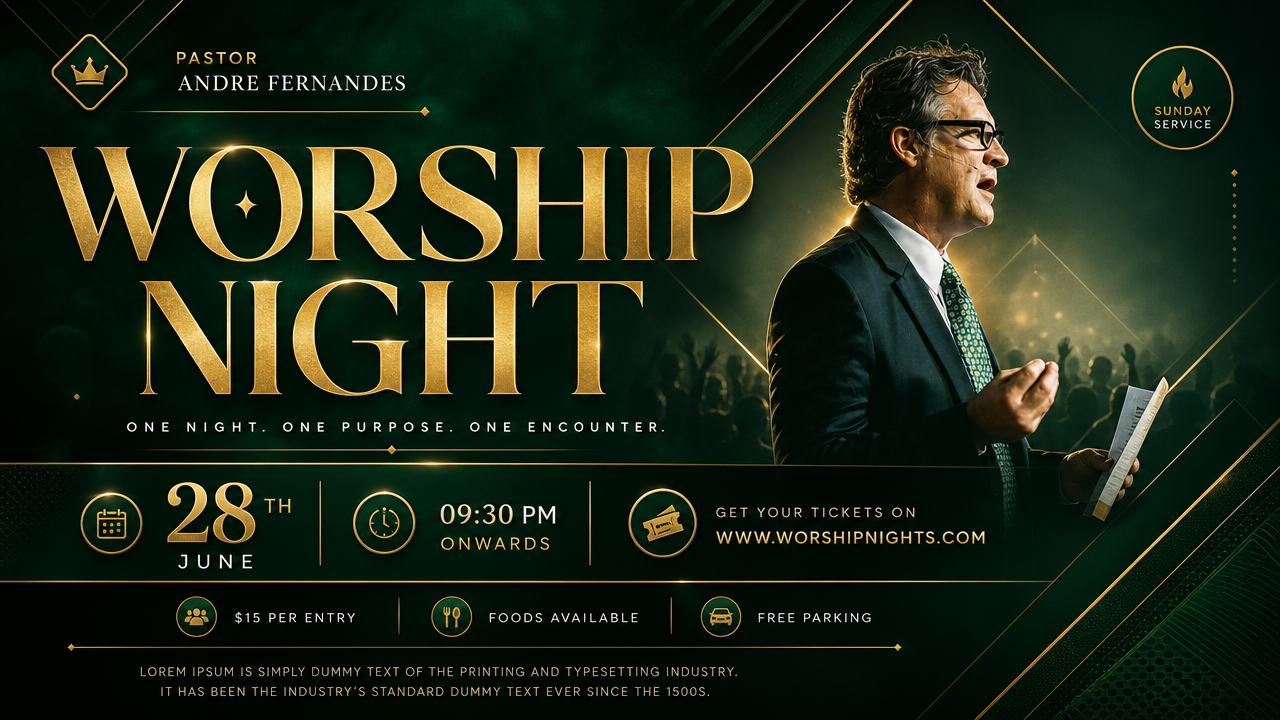
AI flyer generator before and after tutorial showing prompt to finished flyer transformation

Quick Results

Generate a flyer with AI in seconds, no design skills needed

The best ai flyer generator is one that gets out of your way. You do not need to install software, watch tutorials, or learn a design tool. Type a short description, generate a flyer with ai online, and see the result immediately. If you want changes, refine your prompt and generate again. This fast feedback loop is ideal for beginners who want to make a flyer with AI free and learn by experimenting. Every generation teaches you what works.

No skills neededFast resultsLearn by doing
Beginner Guide

How to make a flyer with AI: a simple step-by-step guide

Follow these easy steps to create your first ai flyer generator design. The whole process takes less than a minute from idea to finished flyer. This ai flyer maker is designed for complete beginners who have never used a design tool before.

1

Start with your flyer goal

Think about what you want the flyer to say. Is it a party invitation, a business promotion, an event announcement, or a sale poster? For your first try, pick something simple. Name the occasion, the mood (fun, professional, elegant, bold), and the main message. The ai flyer generator works best when you have a clear goal before you start typing. Do not worry about getting it perfect — you can always generate again with a tweaked prompt.

2

Write a short prompt

Describe your flyer in 2-3 sentences. Include the flyer type, colors you like, the overall mood, and any specific elements you want such as balloons, geometric shapes, gradient backgrounds, or icon-style decorations. For beginners, a simple prompt like 'party flyer with neon colors and disco ball' is enough to get a great result. The ai flyer maker understands plain English descriptions so you do not need technical terms. This is how to make a flyer with ai the easy way.

3

Choose your flyer style

Select 16:9 wide format for standard flyers, banners, and social media covers. The generator supports multiple style directions from the same prompt. If the first result does not match what you imagined, try adjusting your prompt words. Add words like 'elegant', 'bold', 'minimal', or 'colorful' to shift the style. This is how beginners learn to control the ai flyer generator free tool — one small change at a time.

4

Generate and refine

Click generate and wait a few seconds. Look at the result: does the layout work? Are the colors right? Is the composition balanced? If you like it, download your flyer. If not, tweak the prompt and try again. Each attempt teaches you something new about how to make a flyer with AI. The best beginners generate 3-4 versions before picking their favorite. Save all versions to compare later.

AI flyer generator prompt ideas for beginners

Try these simple prompt structures when you want the ai flyer maker to produce a finished flyer on your first attempt. Each direction keeps the focus on clarity, composition, and beginner-friendly results. The ai flyer generator works best when you describe the party theme, business mood, or event style clearly.

AI Flyer Generator FAQ

Common questions about using an ai flyer generator free online, how to make a flyer with AI for the first time, and choosing the right prompt direction for party, business, event, and marketing flyers.


Create your first AI flyer

Open the ai flyer generator, write a short description, choose 16:9 wide format, and turn your idea into a polished flyer design in seconds. No design skills needed. This free ai flyer generator is the simplest way to create a flyer with AI online.