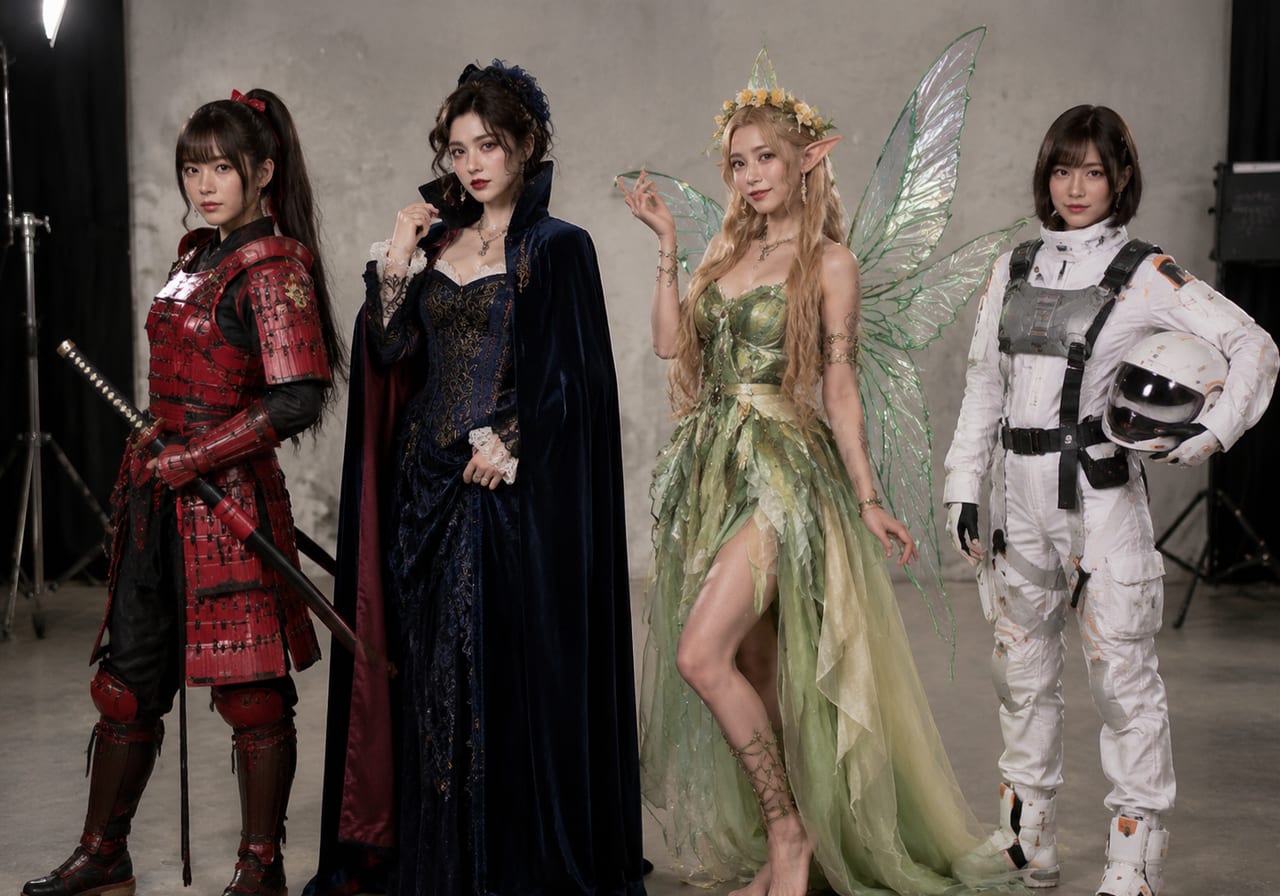
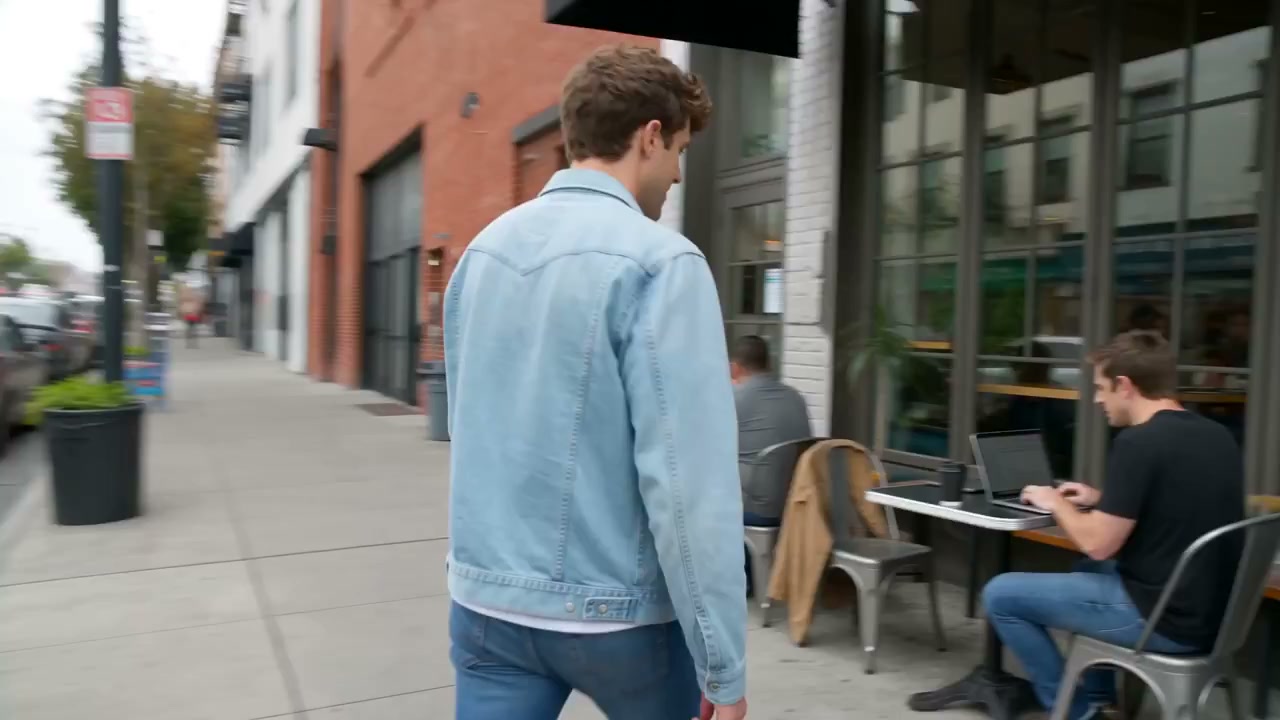
Omni Flash Generator — Free Flash Video Creator
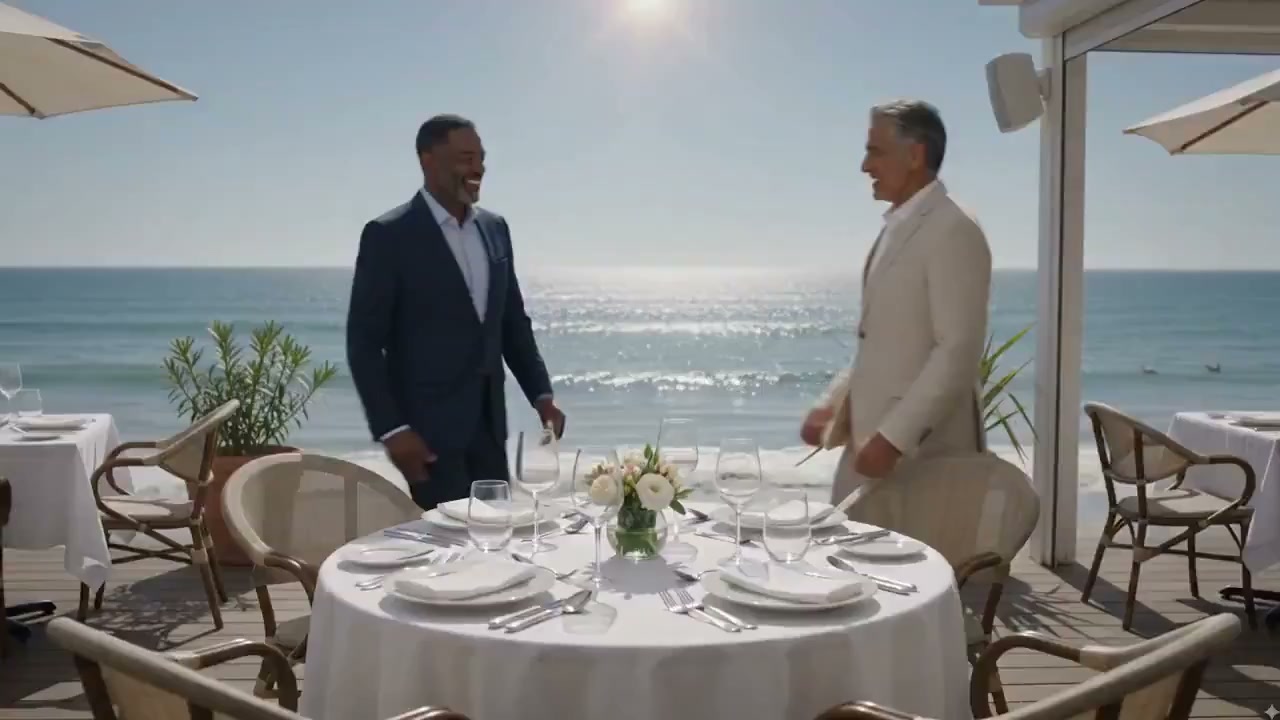
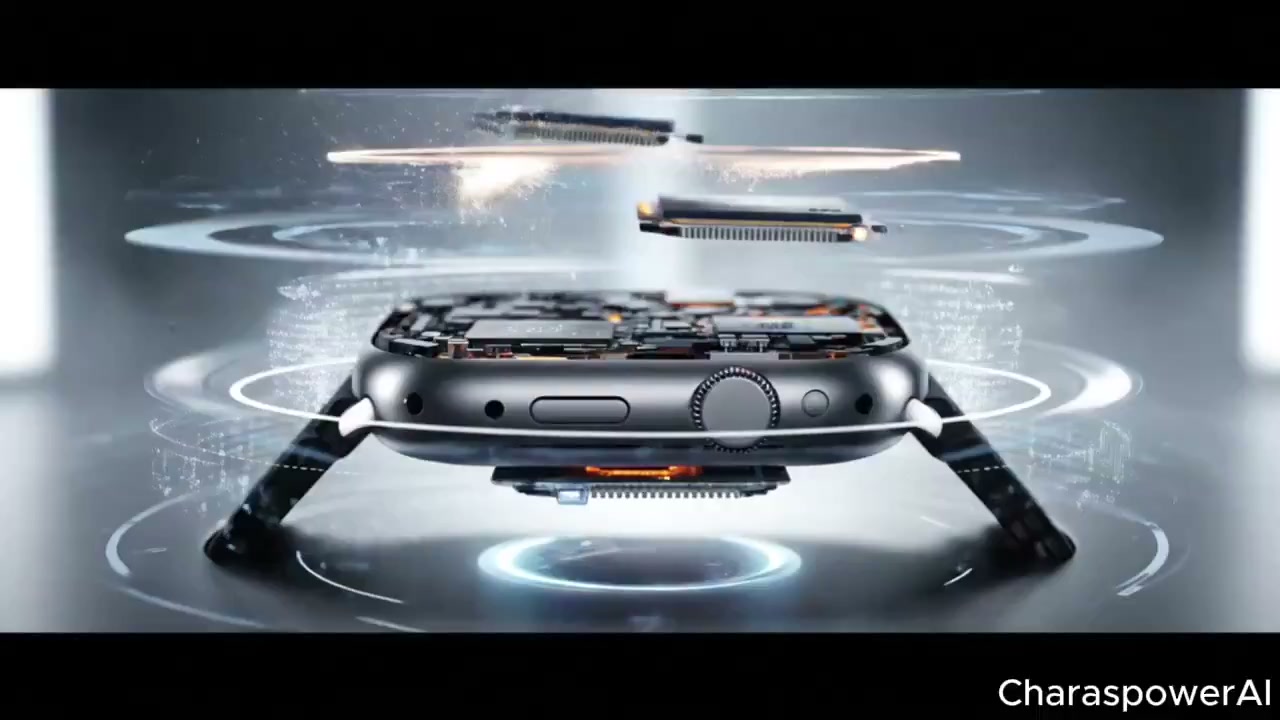
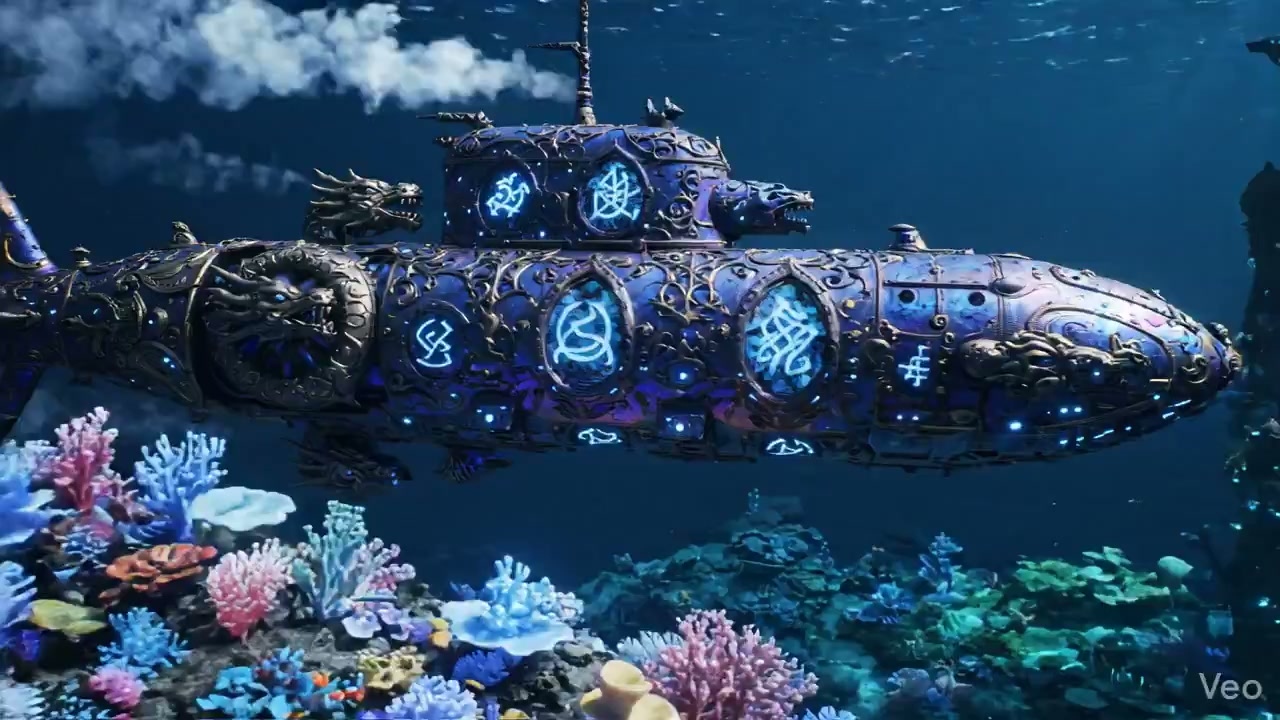
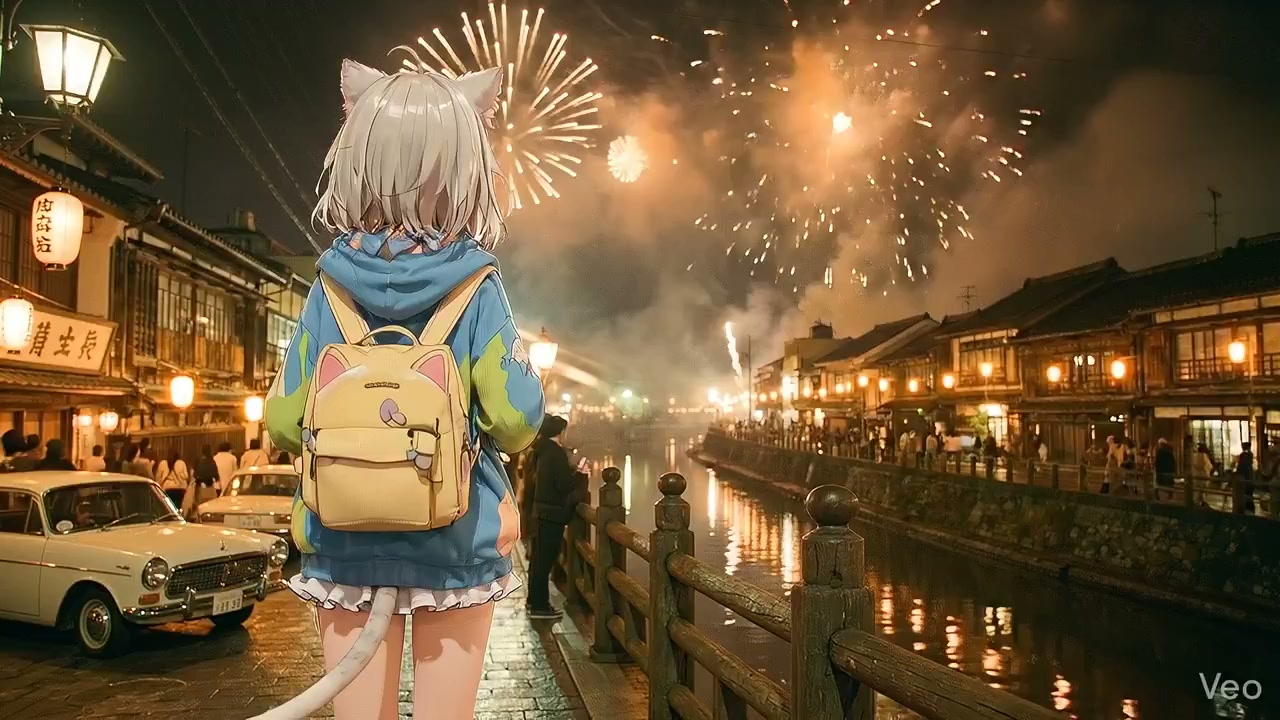
Upload a photo or type a sentence — the tool turns it into a stylized flash video with light flares, rapid transitions, and cinematic energy. No account required, no hidden fees. Just describe the scene and watch the AI build motion from your words. Use the Omni Flash Create workflow to get consistent results every time.
Omni flash generator styles worth trying first
Quick Flash
Quick flash video with Gemini omni flash
Generate a fast-paced Gemini omni flash clip from a single photo. The generator applies rapid light transitions, bright flares, and smooth camera glides while keeping the original subject clear.

Text to Flash
Pure text prompt flash video with omni generator
No image? No problem. Type a scene description and the omni flash generator builds the whole video from text. Great for brainstorming flash concepts before committing to specific visuals.

Mood Flash
Flash video by mood with Gemini omni flash
Set the emotional tone: happy, dramatic, dreamy, intense. The Gemini omni flash generator adjusts the transition style, color palette, and motion energy to match the selected mood.

Before-After
Before-and-after flash comparison with omni generator
Generate two flash clips from the same source but with different prompt directions. Use the omni flash generator to A/B test which flash style performs better before committing to a full campaign.

Series Flash
Series flash pack with Gemini omni flash
Produce a batch of Gemini omni flash clips in one session. Same prompt base, different source images — consistent look, varied subjects. Efficient for content calendars and multi-asset campaigns.

Remix Flash
Remix existing video as flash with omni generator
Feed an existing short clip into the omni flash generator and apply a flash-style overlay. New transitions, fresh light effects, different pacing — same base footage.

How to create better Gemini omni flash videos
Small adjustments to your prompt make a big difference in the output. These tips help you get the most from the omni flash generator on nana img.
- 01
Start With a Clear Photo or Simple Prompt
For image-to-video, use a well-lit photo with a clear subject. For text-to-video, keep the scene description under 20 words. The omni flash generator works best when the starting point is unambiguous.
- 02
Describe the Flash Energy Level
Add one energy descriptor: subtle, moderate, energetic, or explosive. This tells the Gemini omni flash generator how aggressive the transitions and light effects should be.
- 03
Preview Before Batch Generating
Run one preview generation with your prompt template before scaling up. If the flash style matches your expectation, then apply the same prompt across multiple source images.
What makes this flash generator different
Most video tools lock settings behind paywalls or obscure how the output is built. The Gemini omni flash approach at nana img keeps everything visible and adjustable.
Free to start, no surprises
Open this generator and start generating immediately. No credit card wall, no trial timer, no watermark on your first ten videos. Just type and generate. Omni Flash Create makes it easy.
Gemini-inspired flash styling
The Gemini omni flash approach means cinematic light flares, rapid yet fluid transitions, and energetic camera motion — all rendered in a style that feels polished without being overproduced.
Beginner-friendly controls
No timeline, no keyframes, no layers. The generator handles the technical motion work. You just describe the scene and pick the flash intensity.
Omni Flash Generator FAQ
Quick answers about the Gemini omni flash generator — free flash video creation, editing, and sharing.
Try the Gemini omni flash generator free
No credit card. No downloads. No limits. Open the omni flash Google generator in your browser and create your first flash video right now.