Instagram Flash Filter Online

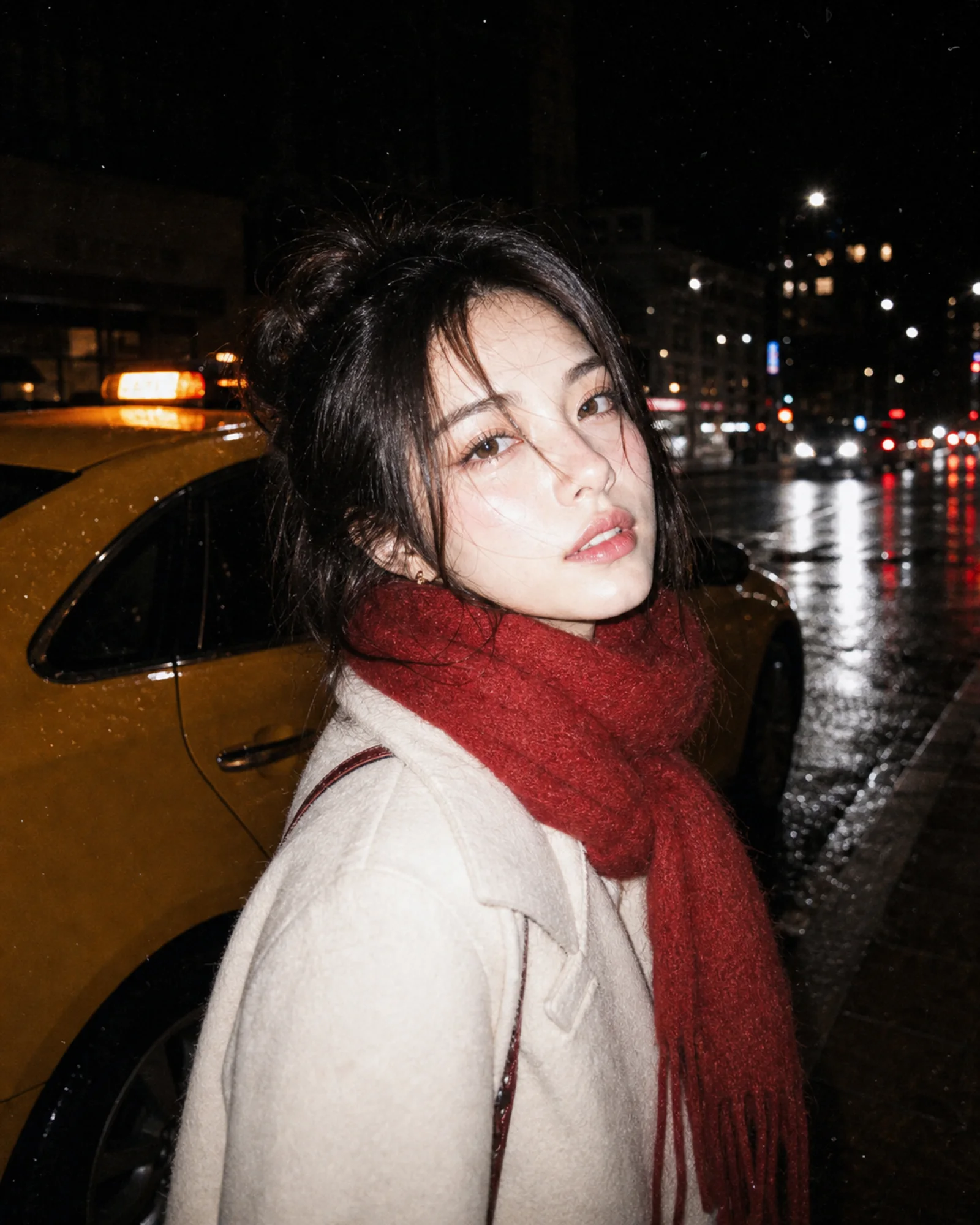
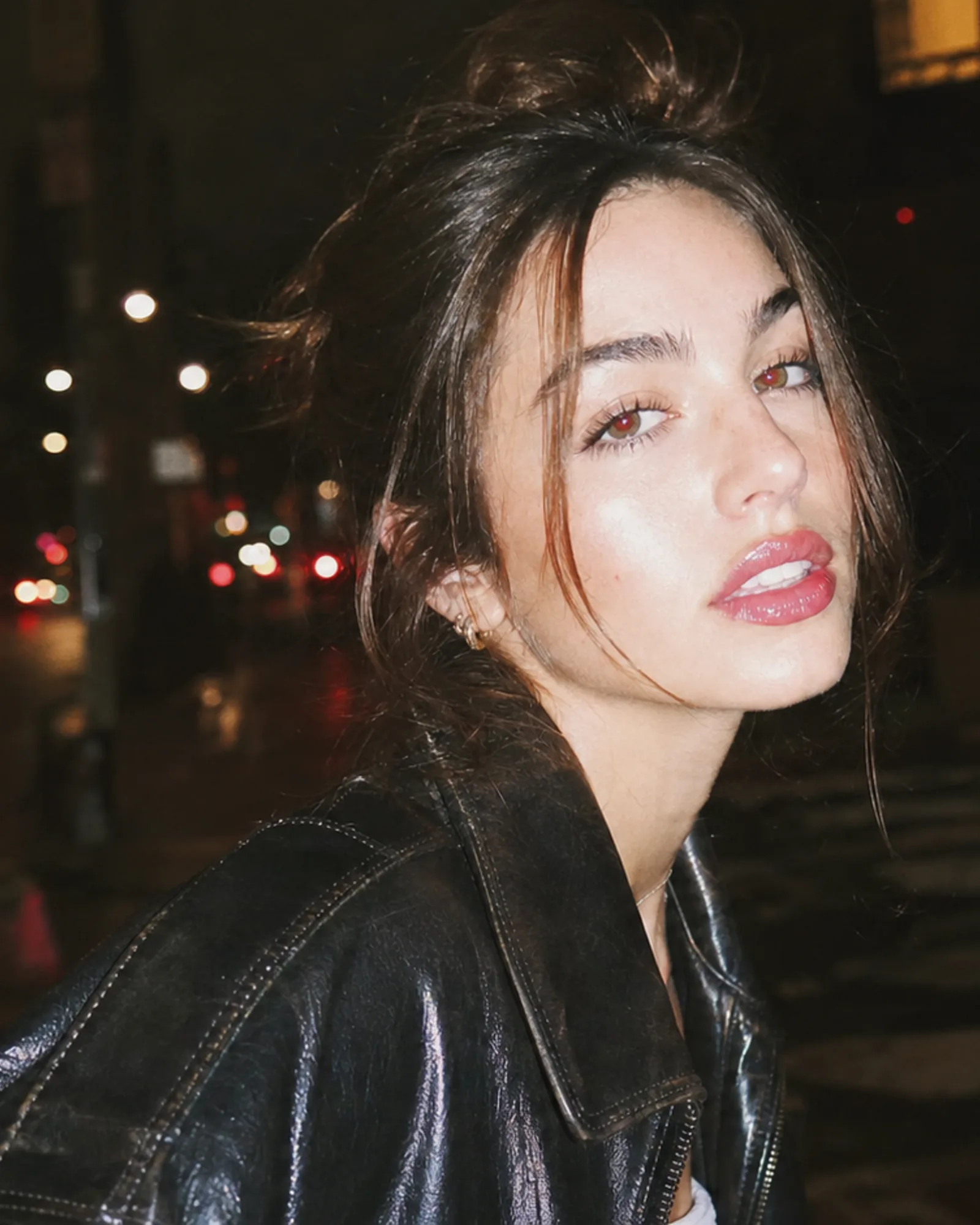
Upload a selfie, portrait, outfit check, night street photo, or party snapshot and add an instagram flash filter online. The tool recreates the hard phone-flash look people associate with IG photo dumps: bright direct flash on skin, dark background falloff, glossy highlights, mild overexposure, and a vintage disposable-camera finish.

Add instagram flash filter to photo uploads

The instagram flash filter is built for photos that should feel like a real phone-flash snapshot instead of a generic preset. It can simulate IG flash filter online for portraits, outfit photos, group shots, mirror selfies, night streets, and casual social posts.

Add instagram flash filter to photo with hard direct flash and vintage grain

Photo Upload

Add instagram flash filter to photo files

Use the instagram flash filter when a photo feels flat, dim, or too clean. Upload the image, keep the original subject, and ask the model to add camera flash like Instagram. A good prompt tells the tool to preserve identity, outfit, pose, background context, and framing while changing only the light and finish. The result should look like a real flash photo: bright foreground, darker background, glossy highlights, and visible snapshot texture. This is different from a beauty filter because the instagram flash filter online workflow is about hard light, contrast, and camera-flash atmosphere.

Upload photoDirect flashIG photo dump
Vintage instagram flash effect with disposable camera texture

Retro Finish

Create a vintage instagram flash effect

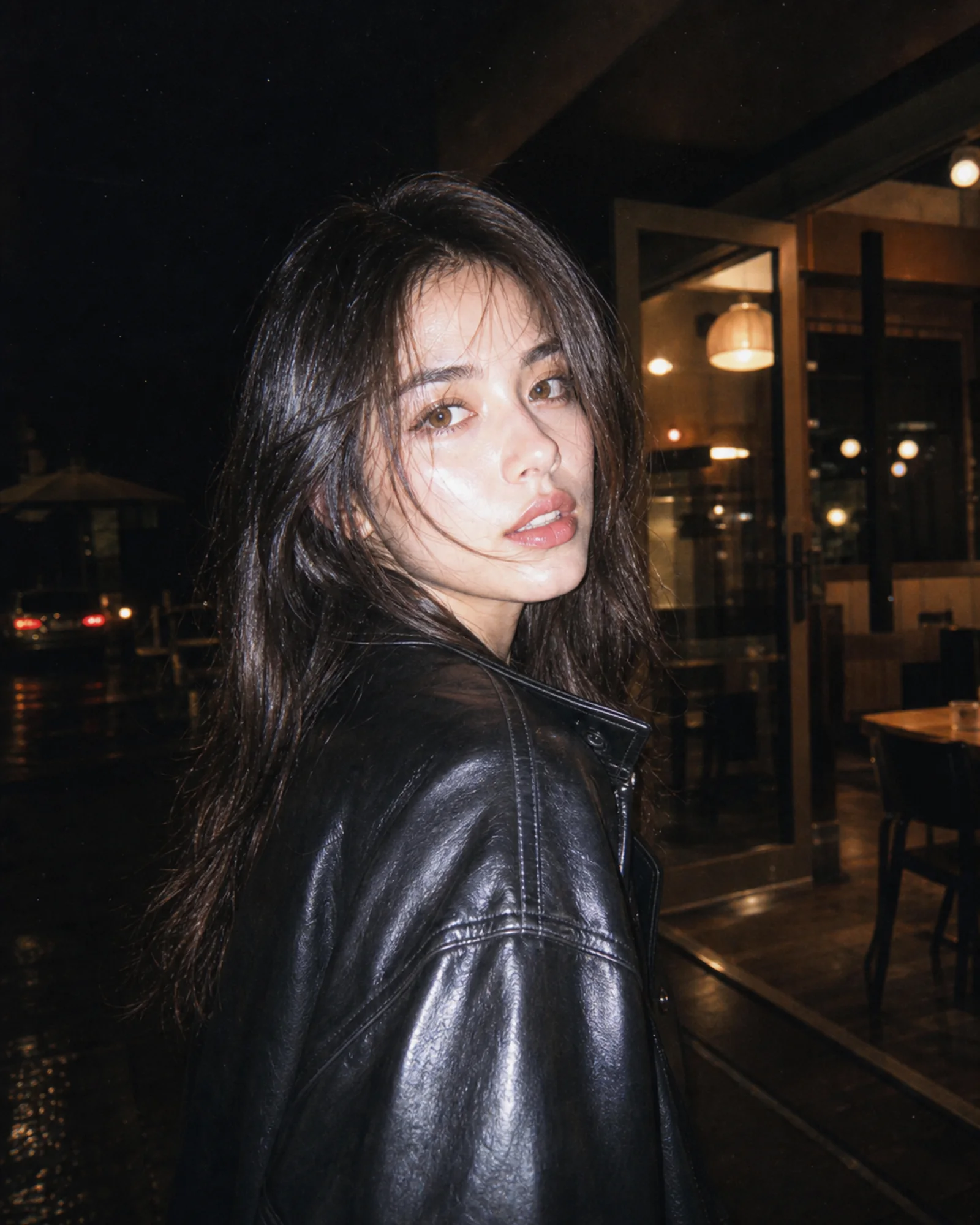
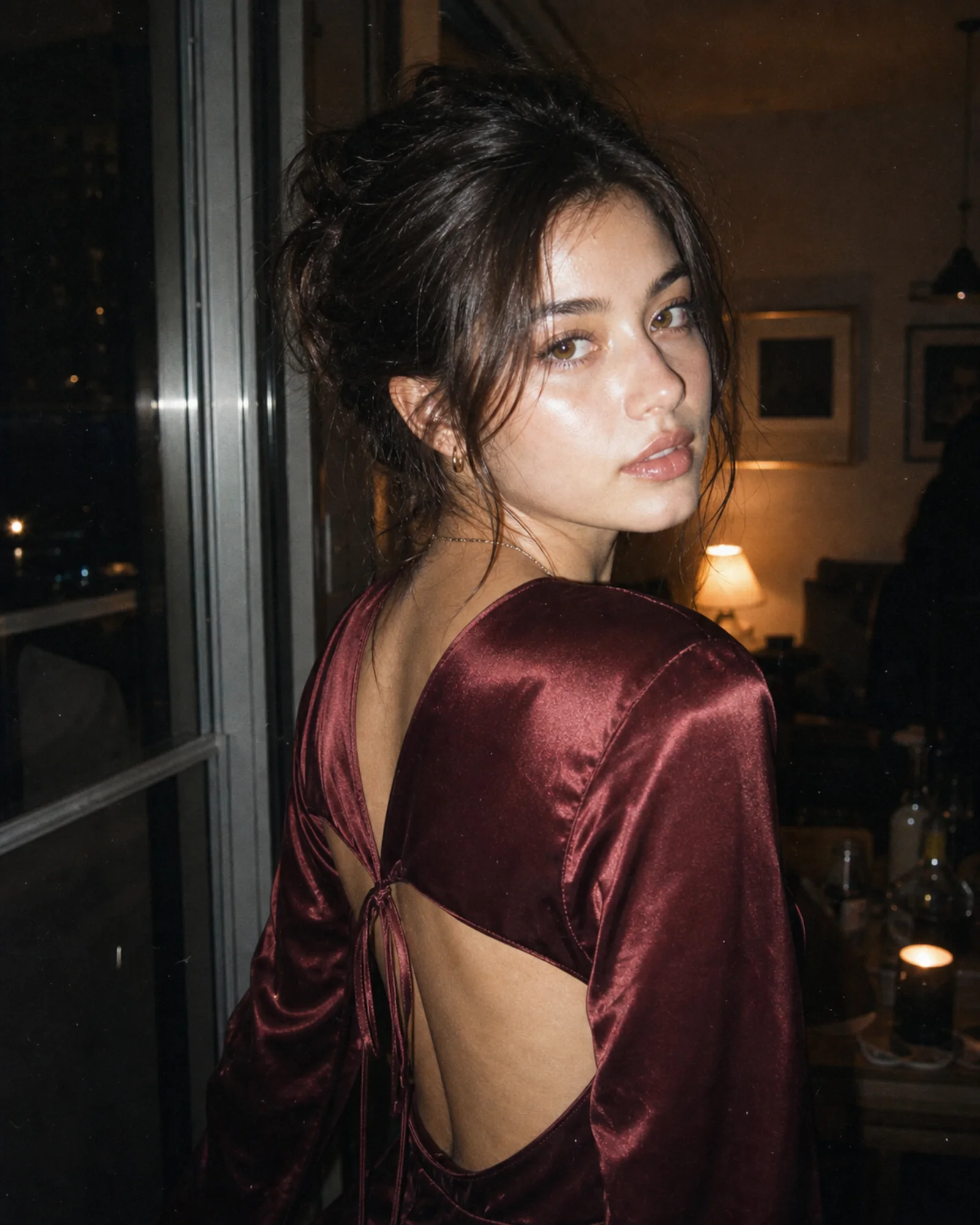
The vintage instagram flash effect usually combines a bright flash subject with small imperfections that make the image feel less edited: fine grain, faint dust, slight color shift, lifted blacks, and occasional harsh highlight edges. Use the instagram flash filter when you want a retro IG flash filter editor result without manually stacking exposure, curves, grain, and vignette controls. It works especially well on night portraits, cafe photos, concert entrances, elevator mirrors, disposable-camera style shots, and casual photo-dump images.

Vintage flashDisposable cameraRetro IG
Recreate instagram flash effect online while preserving the original portrait

Natural Identity

Recreate instagram flash effect online without changing the person

A useful instagram flash filter should not rewrite the face or turn the photo into an unrelated AI portrait. The default prompt asks the model to keep the person, pose, clothing, and scene recognizable while applying the flash look. That makes it practical for creators who want to add instagram flash filter to photo uploads they already like. Use words like preserve identity, keep background recognizable, and only change lighting and finish when you need tighter control.

Identity awareReal photo lookNo UI
Workflow

How to apply instagram flash effect online

Use this instagram flash filter online workflow when you want the result to look like a real direct-flash phone photo, not a flat overlay.

1

Upload the photo

Choose a portrait, mirror selfie, outfit photo, night street image, or party snapshot. The instagram flash filter works best when the subject is clear and the image has room for stronger foreground light.

2

Describe the flash style

Use the default prompt or ask for a camera flash filter like Instagram, a free IG flash filter effect, a disposable-camera flash look, or an aesthetic instagram flash filter with high contrast and grain.

3

Preserve what matters

Tell the tool to keep identity, pose, outfit, framing, and background recognizable. This helps the instagram flash filter add light and texture without changing the actual photo story.

4

Generate and refine

Review the result. If the flash is too soft, ask for harder on-camera flash and deeper falloff. If it is too intense, ask for gentler highlights while keeping the vintage instagram flash effect.

Instagram style flash filter prompt ideas

These prompt directions help you simulate IG flash filter online for different photo types while keeping a believable camera-flash finish.

Instagram flash filter FAQ

Common questions about using an instagram flash filter online, adding IG flash to photos, and getting a believable vintage Instagram flash effect.


Add an instagram flash filter to your photo

Upload a portrait or night snapshot and recreate the Instagram flash effect online with hard camera flash, vintage grain, and a real photo-dump finish.