Portrait Animation
Portrait Animation From One Frame
Upload a single portrait and add subtle motion: gentle hair movement, soft eye blink, and natural breathing that brings a still photo to life without losing identity.
PortraitSubtle motionFree
Drop in one or two images, add a short style note, and let frame to video AI turn still frames into a smooth animated clip. Use one image for light motion or a start frame plus end frame for a guided transition.
Portrait Animation
Upload a single portrait and add subtle motion: gentle hair movement, soft eye blink, and natural breathing that brings a still photo to life without losing identity.
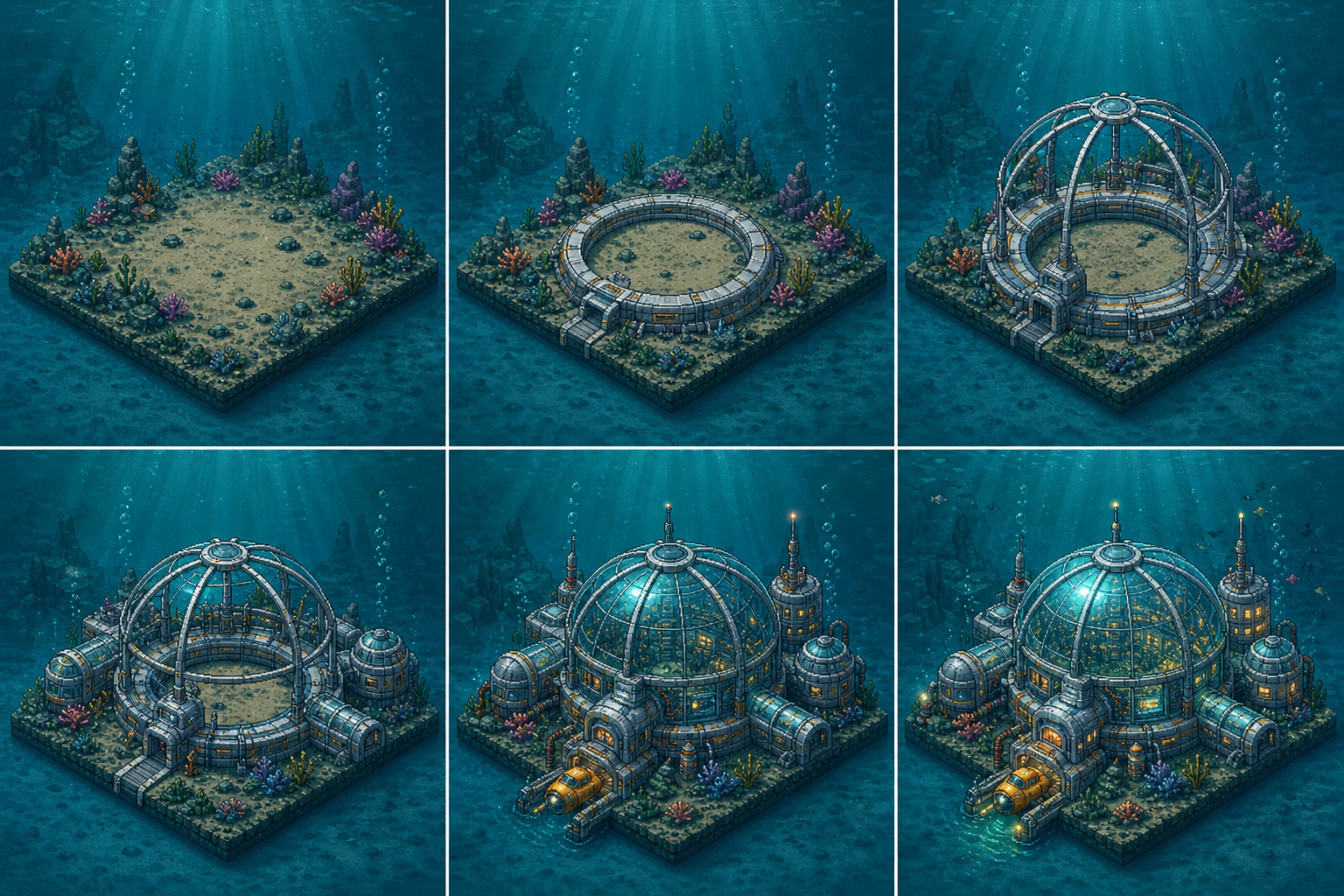
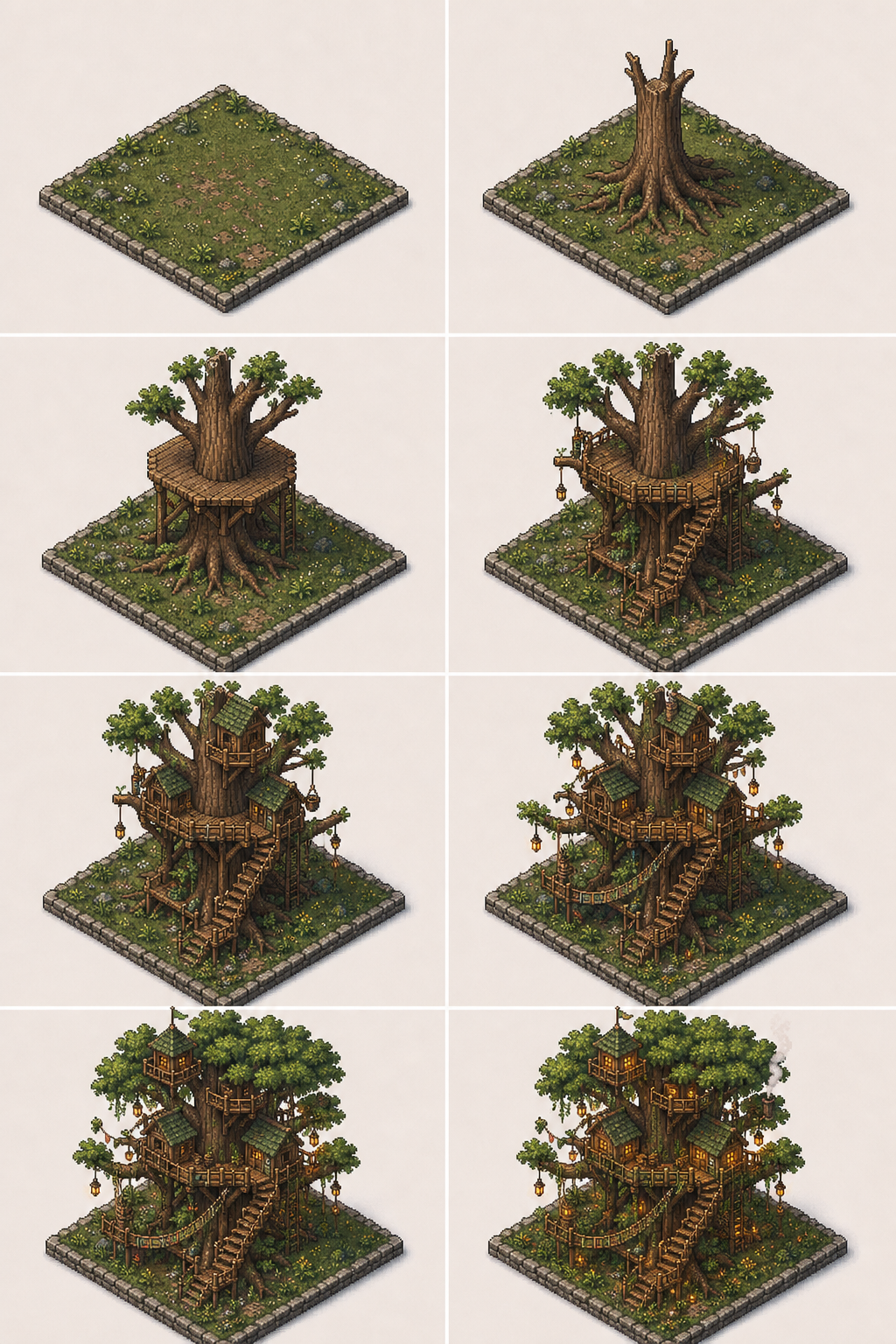
Scene Transition
Turn two photos into a smooth scene transition: day to night, indoor to outdoor, close-up to wide shot. This start frame end frame AI video generator keeps the morph controlled.
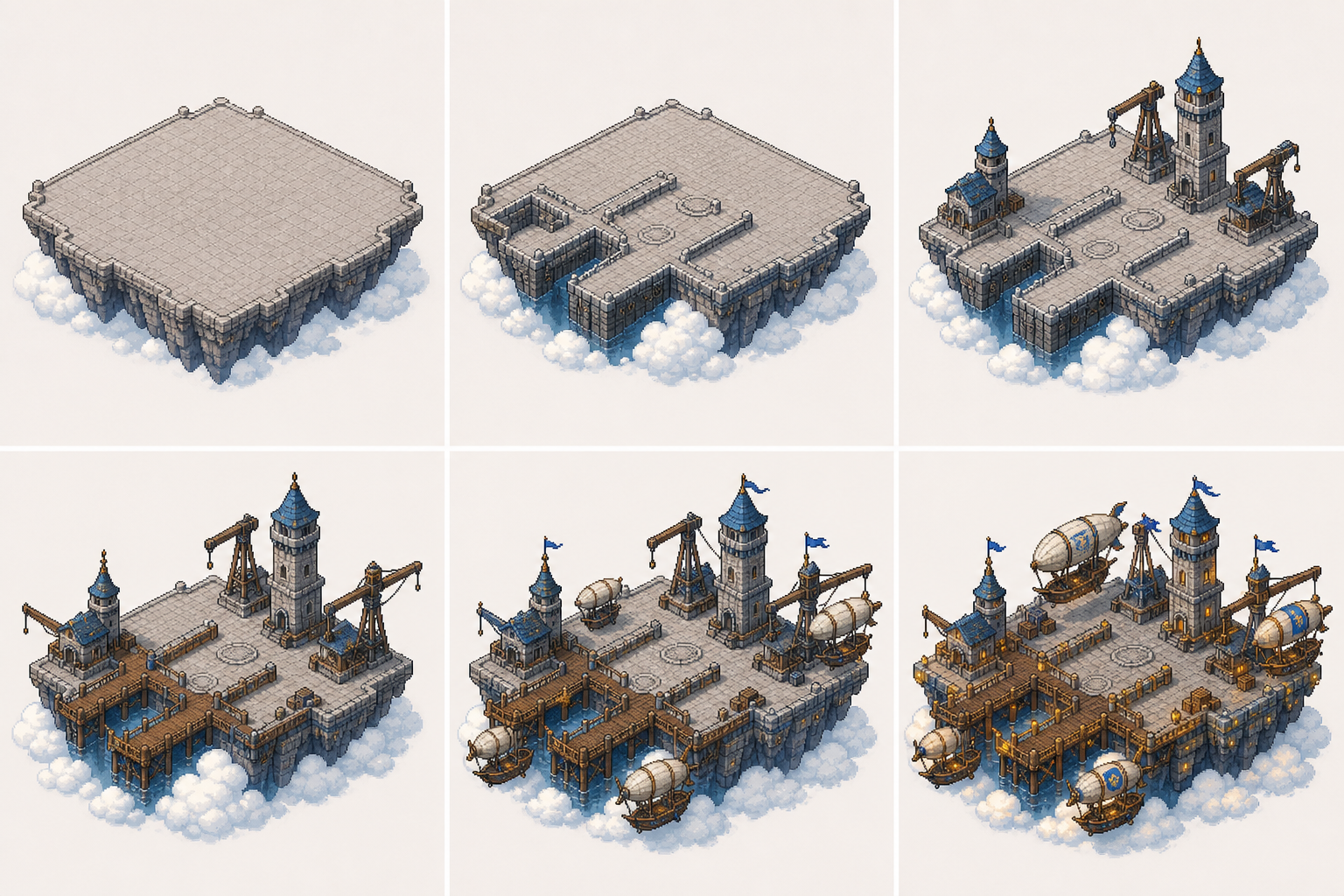
Product Motion
Showcase a product from multiple angles: upload frame one as front view and frame two as side view. The frame to video AI generator creates a smooth orbiting product reveal.
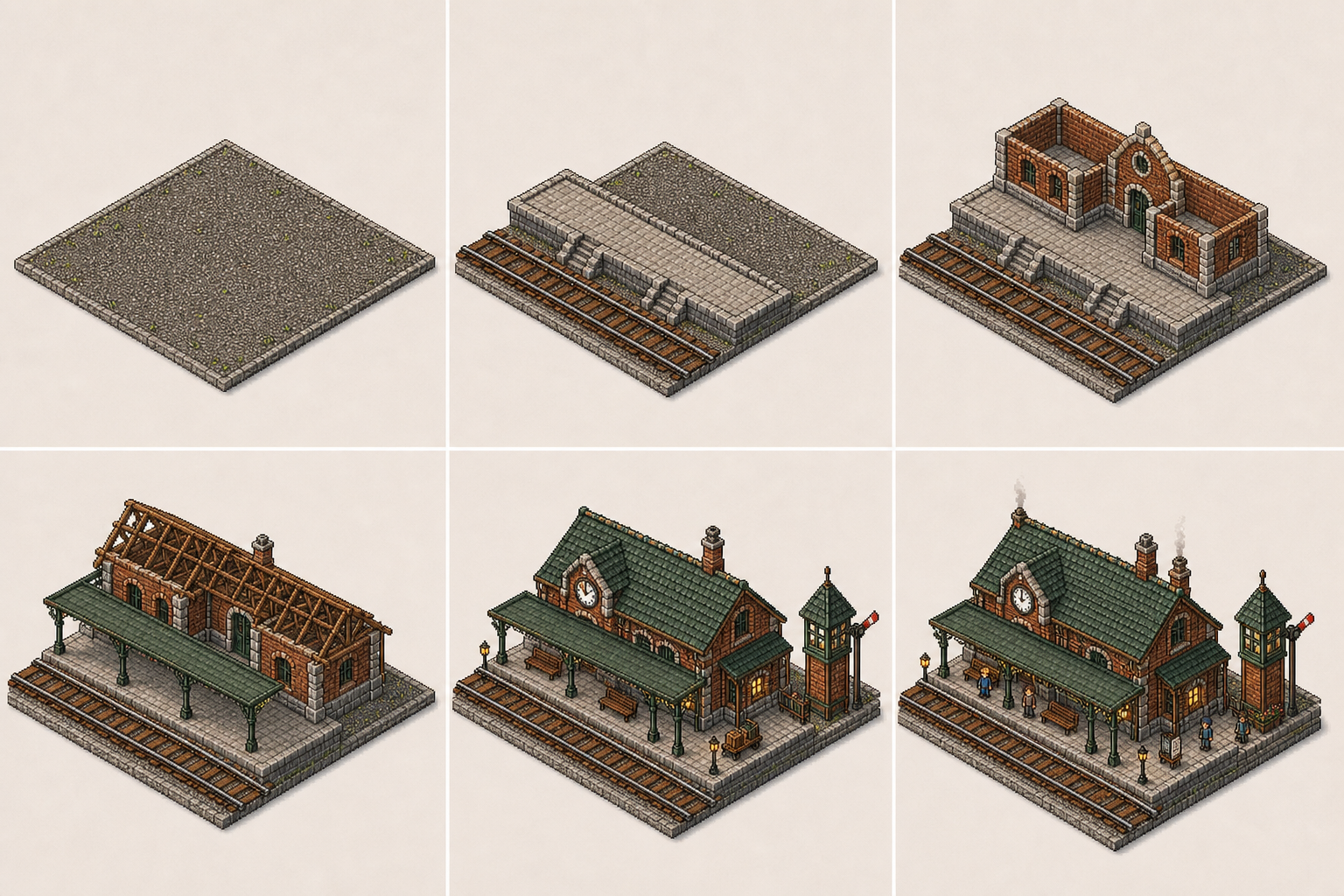
Social Loop
Create a catchy looping video for social media: upload your best frame and add gentle pulsing motion, soft focus shift, and seamless loop points.
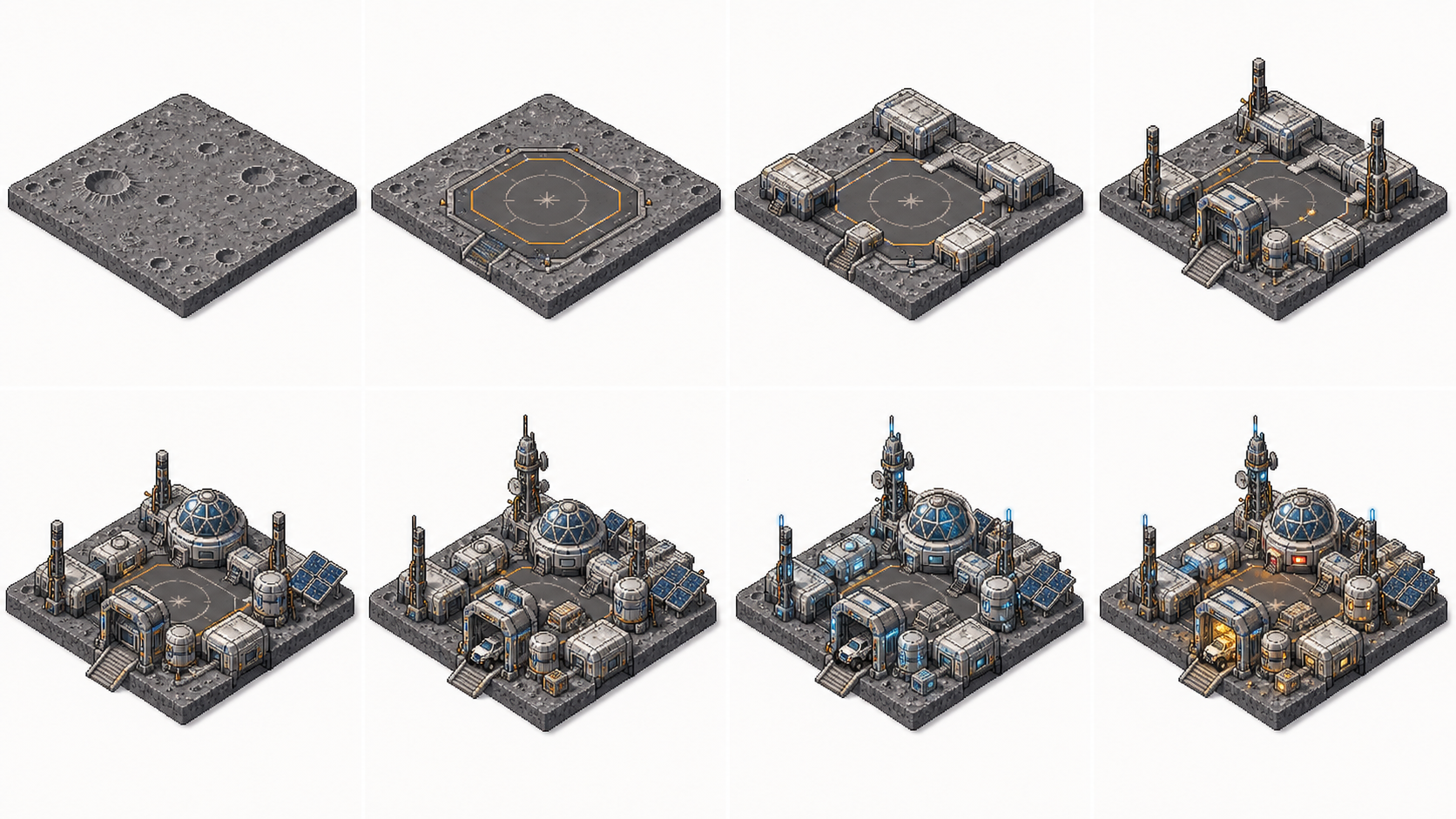
Before-After
Upload a before frame and an after frame of any transformation. The generator creates a smooth morph between the two states.
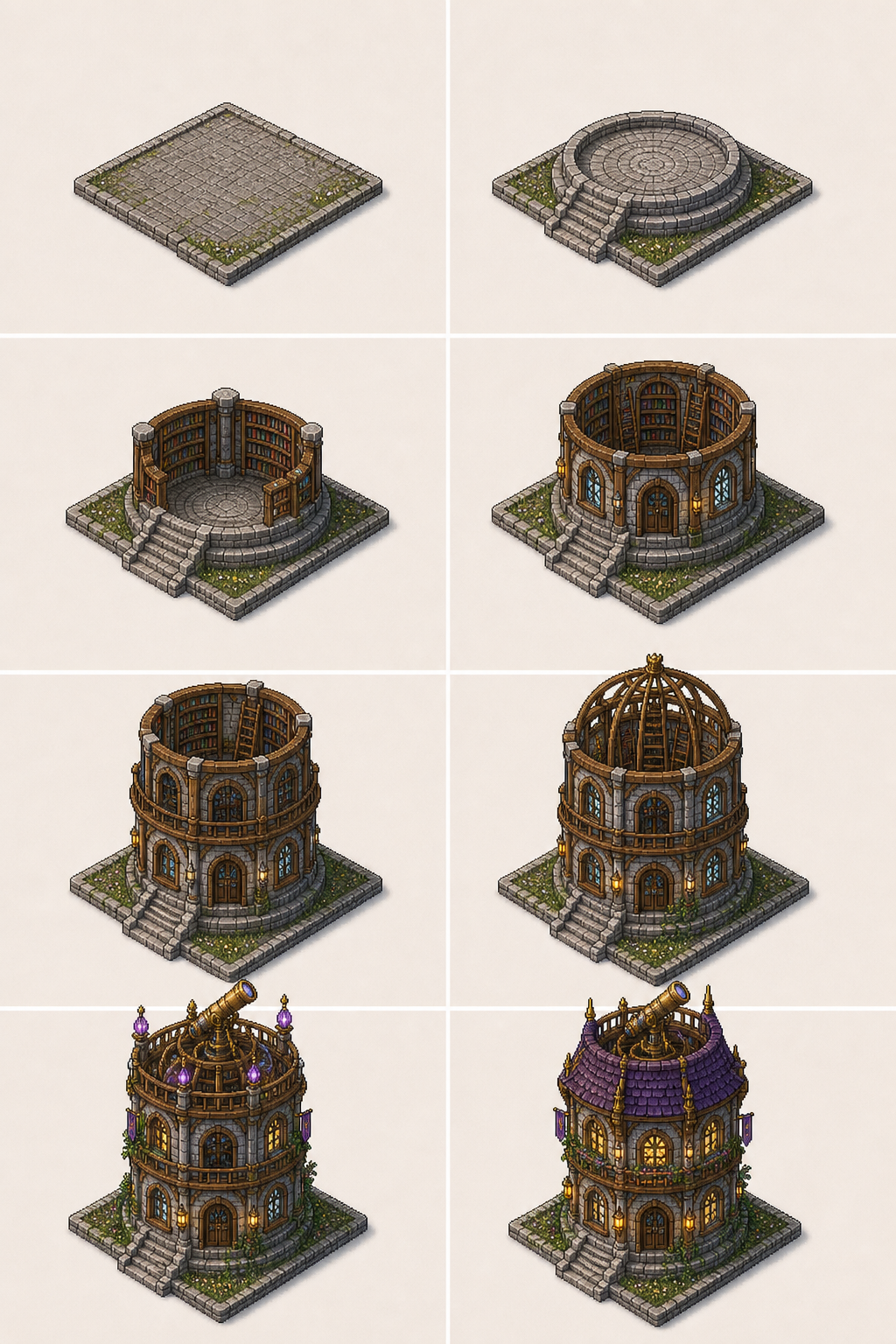
Cinematic Reveal
Start with a black frame, transition to your image with a dramatic fade-in, slow camera push, and soft depth-of-field emergence. Creates a professional opening sequence.
Use this frame to video AI workflow when you want a smooth frame-to-video clip that keeps subject identity across the whole sequence.
Start with one clear image for subtle animation, or two frames for a transition. Use well-lit photos with visible subjects for best results.
Tell the frame to video AI generator what movement you want: smooth pan, gentle zoom, orbit around subject, or flowing scene transition.
Preview the animated sequence, adjust prompt if needed, then download your clip ready for TikTok, Reels, or Shorts.
Built for quick social video creation, not complex editing suites or animation software.
Start generating frame videos immediately. This browser-based frame to video AI tool works without creating an account.
Upload one image for a subtle animation or two frames for a full transition sequence. The free mode handles both scenarios.
Generate 9:16 vertical videos optimized for TikTok, Instagram Reels, and YouTube Shorts with natural motion and smooth transitions.
Describe the motion in one sentence: smooth pan, gentle zoom, or flowing transition. The generator handles the rest.
Generate your first clip without any payment. The free tier lets you test the workflow before committing to more frames.
Free frame-to-video outputs come without watermarks, so you can use them directly in social posts and creative projects.
Common questions about making free frame-to-video clips, usage limits, and what you can do without signing up.
No signup, no cost - just drop in your images, describe the motion, and get a short AI video clip ready for TikTok and Reels.