AI Pet Portrait Generator

Create a polished custom pet portrait from a favorite dog, cat, rabbit, or small pet photo. This ai pet portrait generator keeps the pet recognizable while restyling the image into a refined gallery-card portrait for gifts, avatars, wall art, social posts, and keepsake previews.

Create AI pet portraits that still look like your pet

NanaImg's ai pet portrait generator is built for people who want a pet portrait ai result that feels custom, polished, and personal. The page examples use comparison images so visitors can instantly understand the transformation, but the generator itself produces one finished portrait from your uploaded pet photo. Use the ai pet portrait generator when you want a dog birthday gift, a cat memorial keepsake, a social avatar, a framed art preview, or a fun gallery-style pet portrait without arranging a studio shoot.

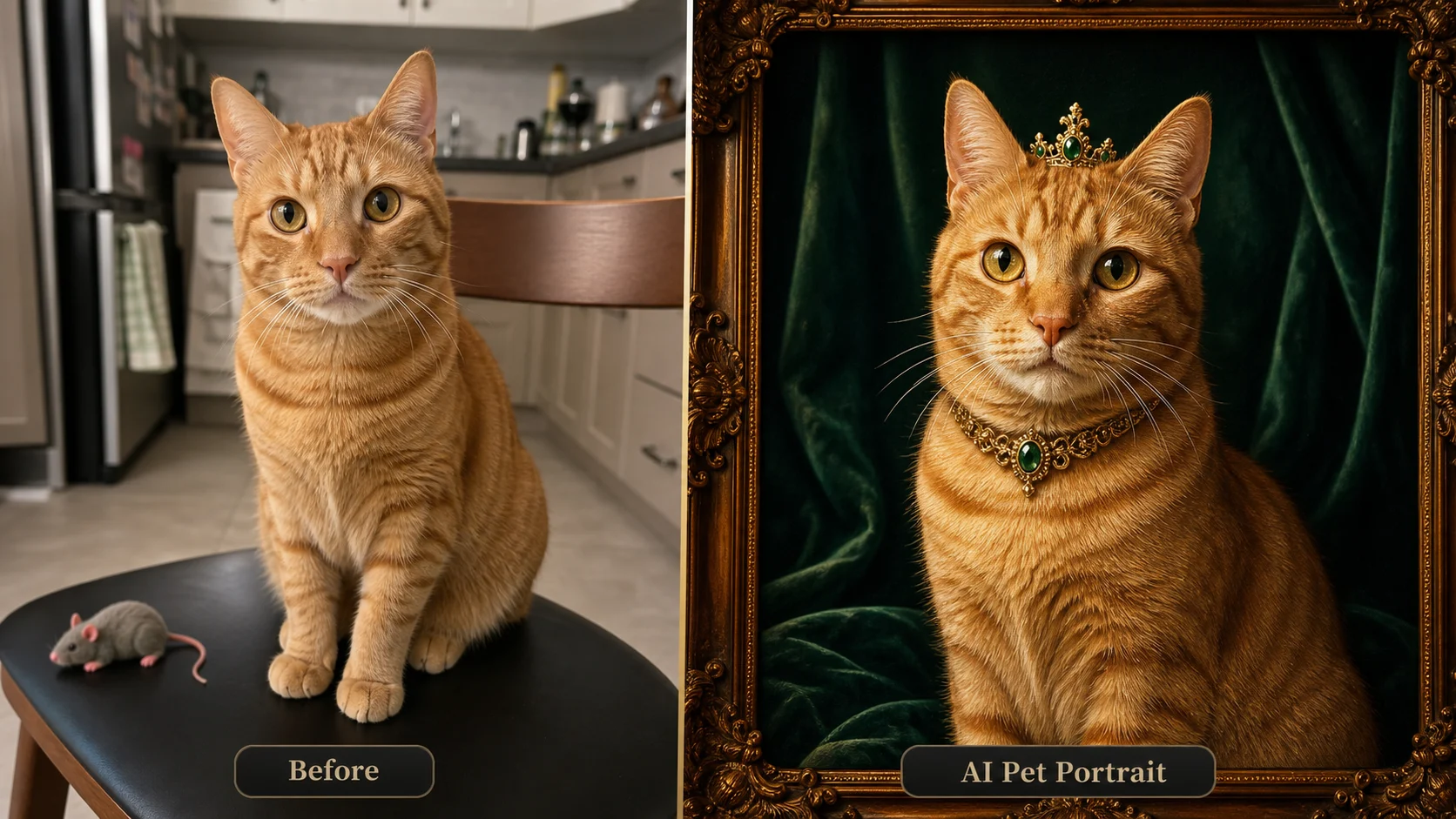
AI pet portrait generator example turning a casual tabby cat photo into an emerald custom AI pet portrait

Photo to Portrait

Turn a casual snapshot into a custom AI pet portrait

A strong ai pet portrait generator workflow starts with a simple photo: your dog on the sofa, your cat on a windowsill, a rabbit on a bedroom rug, or another pet in normal home light. The tool can keep the animal's markings, face shape, eyes, and personality while changing the surrounding style into a refined pet portrait ai image. Instead of producing a generic animal illustration, the ai pet portrait generator should preserve the little details owners recognize first: the uneven ear, the white muzzle stripe, the sleepy expression, the curled tail, or the exact color patches.

Upload pet photoRecognizable petCustom AI portrait
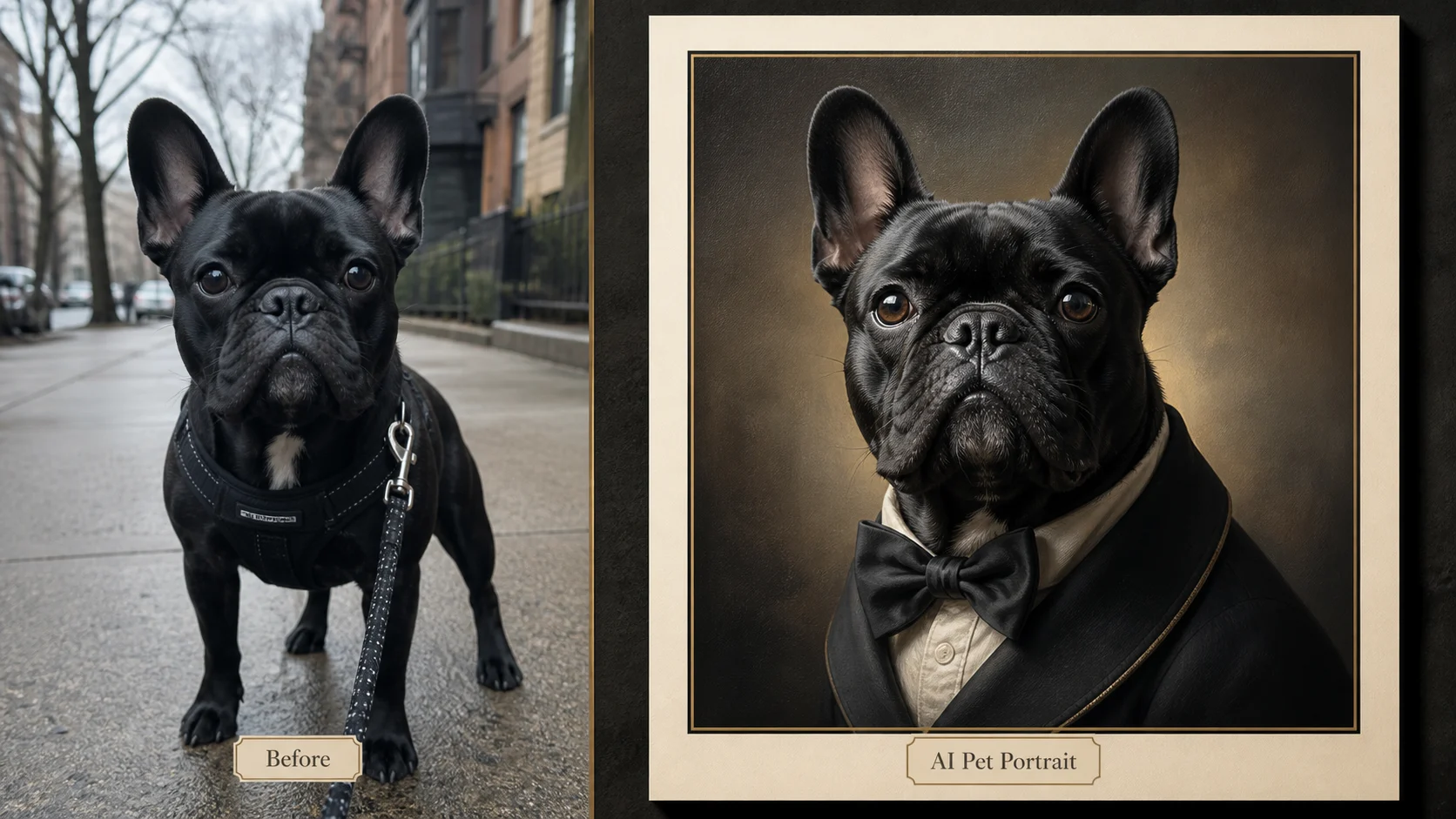
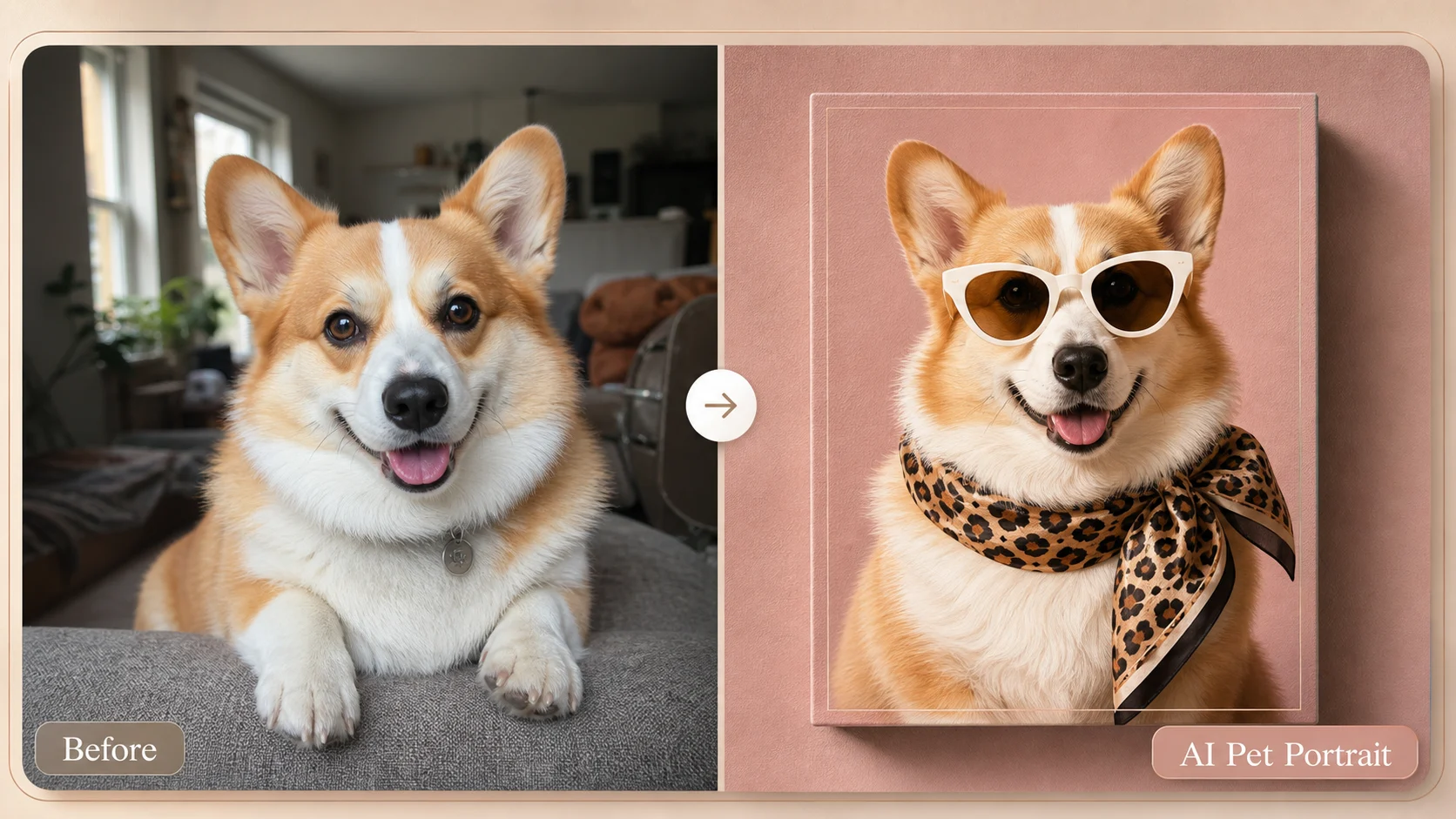
AI dog portrait example showing a border collie restyled as a modern custom pet portrait

Dog Portraits

Make an AI dog portrait with premium studio styling

Use the ai pet portrait generator for an ai dog portrait when you want the pet to look like the same companion, not a random breed poster. Upload a clear front-facing or three-quarter photo, then ask for studio lighting, a clean gallery card, a tasteful scarf or collar, and detailed fur. An ai dog portrait can be playful, editorial, painterly, minimalist, royal, modern, or soft memorial art. The most reliable ai pet portrait generator prompts mention the exact dog features to preserve, then describe the portrait finish you want.

AI dog portraitStudio lightingGift-ready
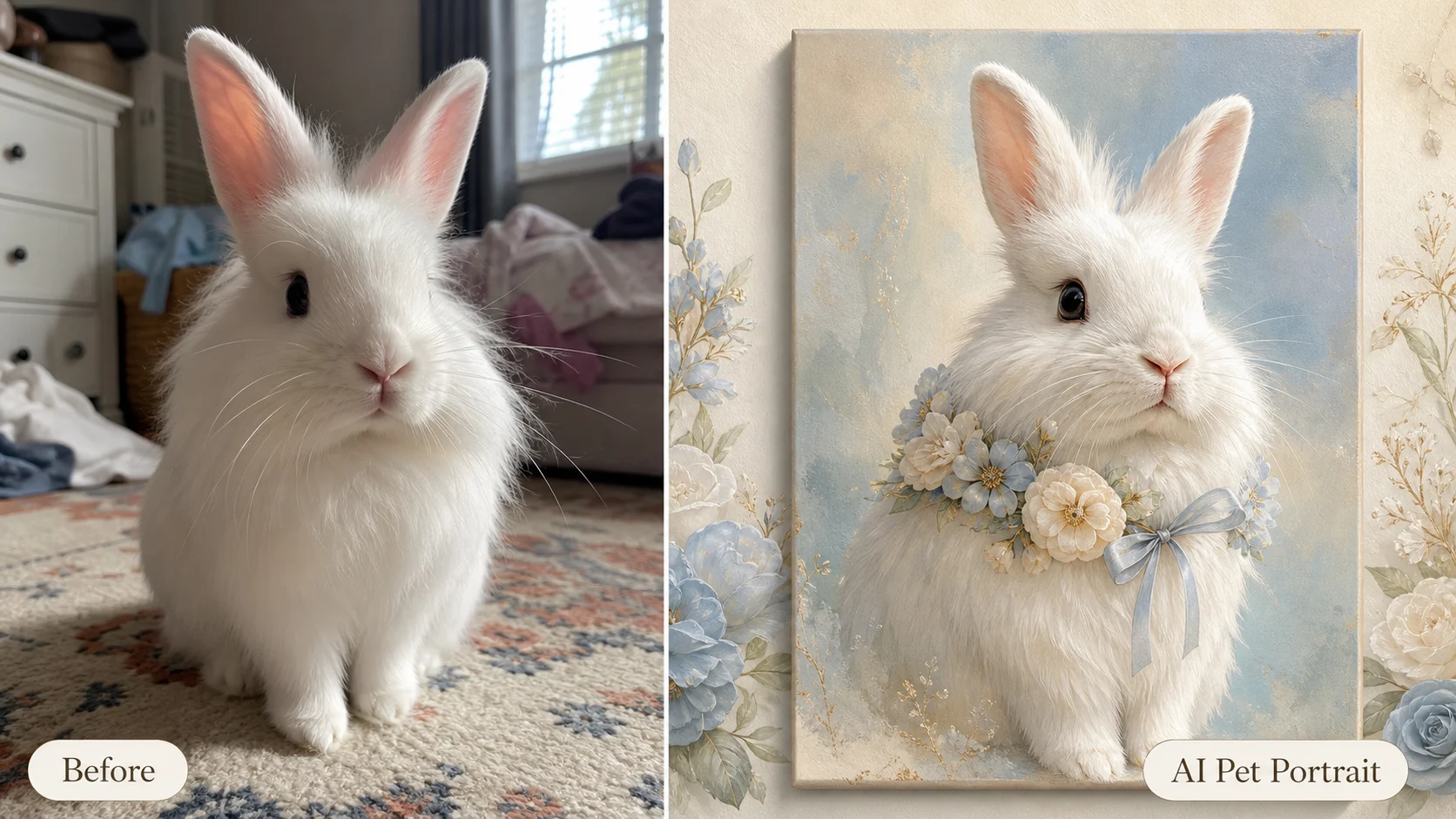
Pet portrait AI example showing a rabbit transformed into a refined watercolor custom pet portrait

More Pets

Create AI pet portraits for cats, rabbits, and small pets

The ai pet portrait generator is not limited to dogs. Cat portraits can use elegant velvet, soft window light, pearl collars, or cozy art-print backgrounds. Rabbit portraits can use watercolor, botanical frames, linen bows, and gentle cream tones. For small pets, tell the ai pet portrait generator to keep the real coat pattern, ear shape, eye color, and body scale. That extra detail helps pet portrait ai outputs feel like a custom keepsake rather than a stock animal picture.

Cat portraitRabbit portraitSmall pets
Workflow

How to use the ai pet portrait generator

The ai pet portrait generator works best when the input photo is clear and the prompt separates identity from style. First protect the pet's real features, then add the portrait finish. This keeps the AI pet portrait polished while still personal.

1

Upload a clear pet photo

Choose a photo where the pet's face, eyes, ears, coat pattern, and body outline are visible. A casual phone image is fine. The ai pet portrait generator can improve style, but it needs enough real detail to preserve identity.

2

Describe what must stay recognizable

Write the pet's breed or animal type, coat color, face markings, eye color, expression, and any signature feature. For an ai dog portrait, mention muzzle shape, ear position, and collar details. For a cat portrait, mention patches, whiskers, and eye color.

3

Choose the portrait style

Ask for luxury gallery card, oil painting, watercolor, editorial poster, minimalist framed art, soft memorial portrait, or modern studio look. The ai pet portrait generator free workflow becomes much stronger when the style is specific.

4

Generate and refine

Review whether the AI pet portrait still feels like your pet. If not, regenerate with stronger identity instructions: preserve exact fur markings, keep the same eye color, keep the same expression, and avoid changing the animal's breed.

AI pet portrait generator prompt ideas

Use these prompt directions when you want ai pet portraits that feel more polished than a simple filter. Each idea keeps the pet identity first, then layers in the portrait styling, lighting, and keepsake purpose.

AI Pet Portrait Generator FAQ

Common questions about using an ai pet portrait generator free online, creating ai dog portrait images, uploading pet photos, no login trials, no sign up workflows, style control, and safe commercial use.


Create your custom AI pet portrait

Use the ai pet portrait generator on NanaImg to turn a favorite pet photo into a polished custom AI pet portrait. Start with the prompt above, then refine the style until the portrait feels like your dog, cat, rabbit, or small pet in a gallery-quality keepsake.